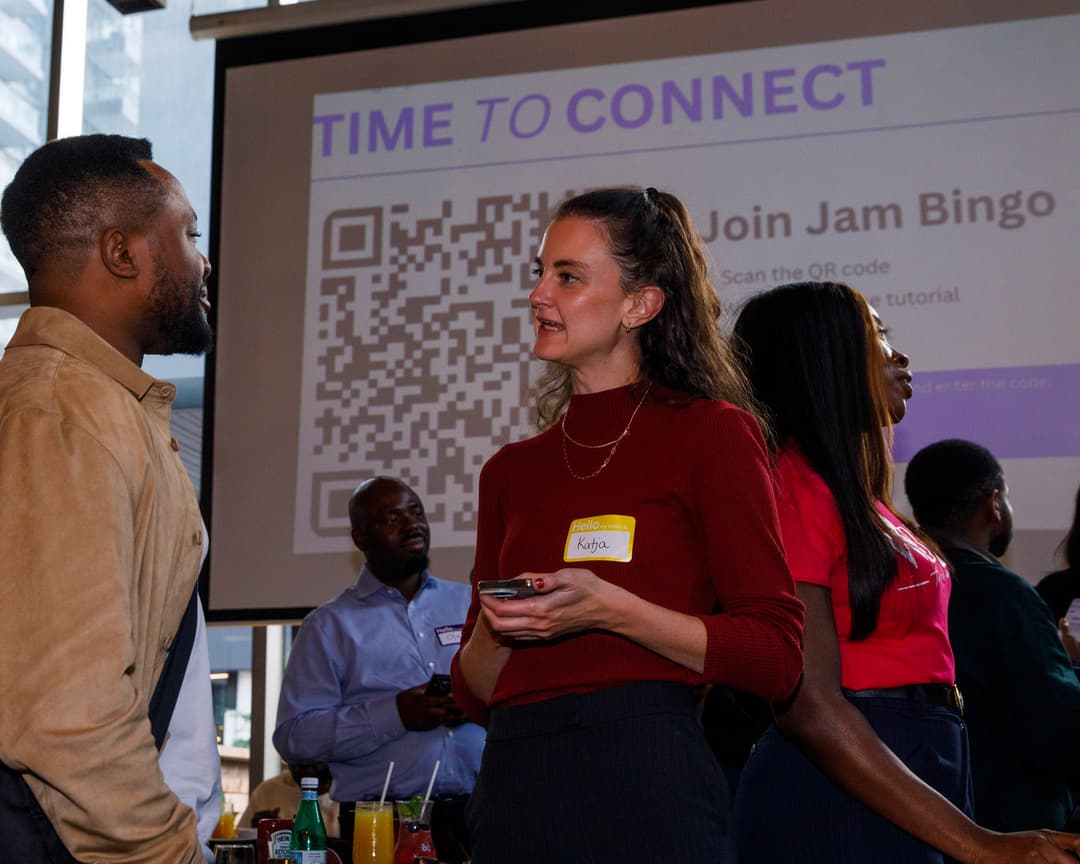
Why Do Traditional Student Orientation Icebreakers Fail?


Forced socializing in large groups rarely produces real connections.
Orientation sets the tone for a student's entire academic experience — yet most icebreakers fail the students they're meant to help. Introverts shut down. Large groups make meaningful one-on-one connection nearly impossible. And activities that feel juvenile or irrelevant cause students to disengage before orientation even ends.
Digital icebreakers work because students already live on their phones.
Meeting students where they are — on their devices — removes the friction of unfamiliar physical activities and gives every student, regardless of personality type, an equal and comfortable way to participate.
What Makes Digital Icebreakers More Effective for Orientation?
They provide structure, scale, and a reason to talk to strangers.
- Three things digital icebreakers do that traditional ones cannot:
- Mobile-friendly — no handouts, no supplies, no logistical setup for large groups.
- Structured interaction — students get clear conversation starters beyond 'What is your major?'
- Trackable engagement — orientation staff can see who is participating and identify students who may need extra support early.
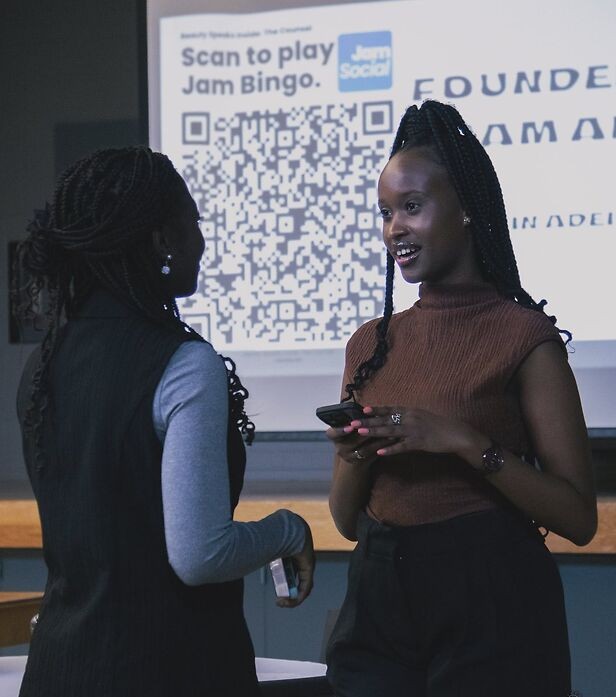
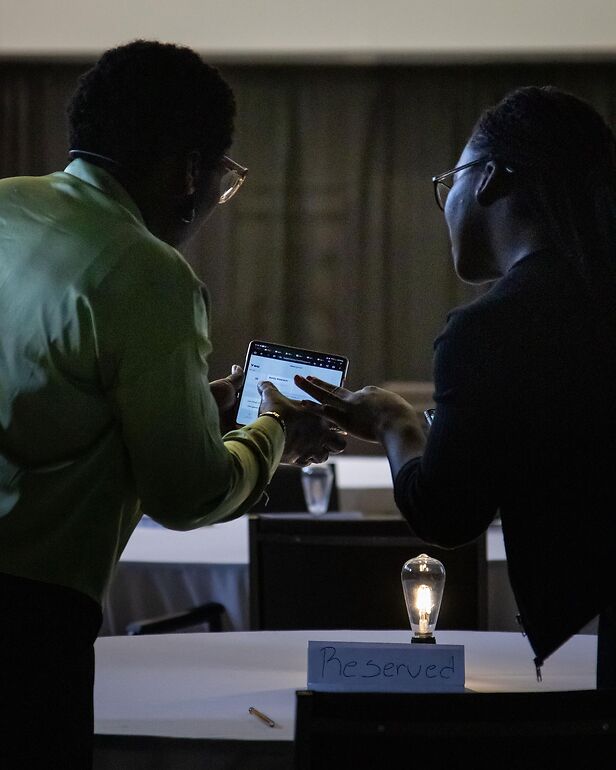
What Are the Best Digital Icebreaker Activities for Student Orientation?
The best activities are short, mobile-first, and give students a shared goal.
Here are the most effective formats, along with practical prompts your orientation team can use immediately:
1. Digital Campus Scavenger Hunt
Students use their phones to complete location-based or social challenges around campus. It familiarizes them with their environment while forcing natural interaction:
- Sample scavenger hunt prompts:
- Take a group selfie with someone you just met at the library entrance.
- Find someone wearing your faculty or school colors.
- Locate a professor's office in your department and take a photo.
- Find someone who commutes from more than 30 minutes away.
- Locate the nearest campus health or counselling center.
2. Two Truths and a Lie via Live Polling
Students submit two truths and one lie through a digital form before or during the session. The group votes in real time on which statement is the lie. Tools like Google Forms paired with Kahoot or Mentimeter make this seamless for groups of any size.
3. Program-Specific Speed Networking
Pair students in the same program or faculty for timed 3-minute conversations using guided prompts. This works especially well in breakout rooms for hybrid or virtual orientations:
- Guided speed networking prompts:
- What drew you to this program?
- Name one thing you are nervous about this semester.
- What is the one class on your schedule you are most excited for?
- What is one thing you wish someone had told you before starting?
How Does Orientation Bingo Help New Students Connect?
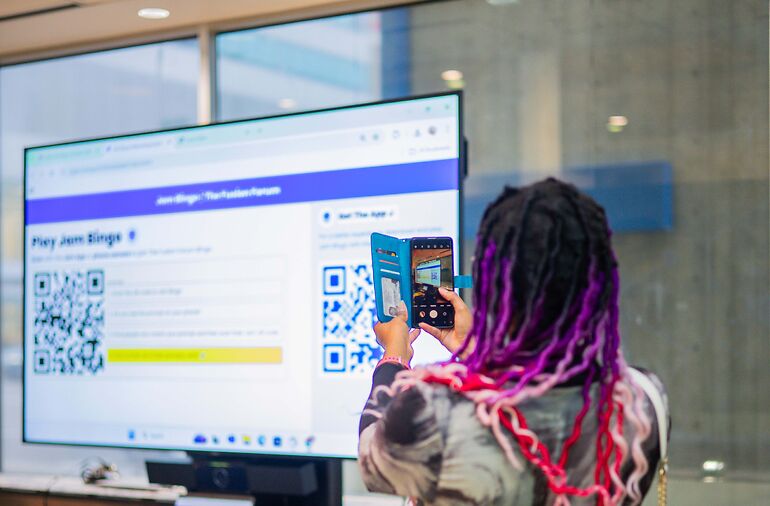

Bingo turns mingling into a mission — every student has a reason to introduce themselves.
Human bingo is one of the highest-engagement orientation formats because it works at any group size, requires no prior social confidence, and keeps energy up across an entire event rather than just the first five minutes. Tools like Jam Bingo let you run it digitally with a single QR code — no paper, no setup overhead.
Sample orientation bingo prompts that actually start conversations:
- First-Year Connection Bingo
- Find someone who grew up in the same province or state as you.
- Discover someone who shares a course on your timetable.
- Meet someone who already knows where the best coffee on campus is.
- Find a peer who lives in your residence building or neighborhood.
- Locate someone who is also the first in their family to attend university.
- Campus Life Bingo
- Find someone who has already visited the career center.
- Discover someone who has joined or is considering a student club.
- Meet someone who walked the full campus before orientation ended.
- Find someone who already knows a professor by name.
- Locate someone who has used the campus gym or rec center.
What Digital Icebreakers Work Best for Virtual or Hybrid Orientations?
Virtual orientations need more structure, not less — keep activities short and interactive.
Online orientations lose students quickly without deliberate engagement. These formats are specifically designed for the virtual environment:
- 1. Emoji Introductions
- Each student posts three emojis in the chat that describe themselves.
- Other students guess the meaning before the student explains.
- Works for any group size and takes under 5 minutes.
- 2. Digital Whiteboard Collaboration
- Use tools like Miro or Jamboard for a shared visual activity.
- Pin your hometown on a collaborative campus map.
- Contribute to a program-specific meme wall or shared advice board.
- Create a 'what I am most nervous about' and 'what I am most excited for' wall together.
- 3. Breakout Room Challenges
- Small groups of 4 to 6 complete a timed task in 5 to 7 minutes.
- Find three things every person in the room has in common.
- Create the best school spirit chant using only words — no sounds.
- Name five things your group would all bring to a study session.
What Do Universities Say Actually Works for Orientation Icebreakers?
Short, timed activities consistently outperform long open-ended sessions.
- Practical lessons from orientation programs at Canadian universities:
- Combining digital icebreakers with in-person meetups works well — students enjoy recognizing people they connected with online once they meet in person.
- Orientation leaders and staff who participate alongside students break down perceived barriers faster than those who facilitate from the sidelines.
- Extending a bingo or challenge activity across the entire first week — rather than just the opening session — produces stronger ongoing connections.
- Activities capped at 5 to 7 minutes consistently outperform longer formats for engagement and completion rates.
How Do You Set Up and Run a Digital Icebreaker at Orientation?
A 60-second announcement and a clear goal are all you need to get everyone participating.
Here is the general playbook regardless of which activity format you choose:
- Step 1 — Brief the room.
- Take 60 seconds to explain the activity, the goal, and how to win or complete it.
- Give students explicit permission to approach strangers — without this, introverts will wait for others to come to them.
- If there is a prize, announce it upfront.
- Step 2 — Remove all barriers to entry.
- For digital activities: display the QR code or link prominently on a screen.
- For paper-based fallbacks: have cards and pens at every seat before students arrive.
- Assign orientation volunteers to help any students who have trouble joining.
- Step 3 — Set a visible time limit.
- 15 to 20 minutes is the sweet spot for most orientation icebreakers.
- Let the activity run naturally in the background while other mingling happens.
- Close the activity with a group debrief — ask two or three students to share the most surprising thing they discovered.
Script: What orientation leaders can say to kick things off
- Welcome everyone — before we get into the schedule, we are going to start with a quick activity to help you meet a few people in the room.
- Scan the QR code on the screen, or grab a card from the table if you prefer.
- Your goal is to find someone in the room who matches each square on your card.
- You have 20 minutes — and there is a prize for the first person to complete a row.
Where Do You Start When Planning Digital Icebreakers for Orientation?
Pick one format, customize the prompts for your campus, and run it.
The most common mistake orientation planners make is overcomplicating the activity. Start with one format — bingo, scavenger hunt, or speed networking — and tailor the prompts to your student population. The right questions make all the difference between an activity students tolerate and one they remember.