
Jam Bingo For Campus Staff & Faculty Expo
Help faculty and students meet campus staff and learn about the student support resources across campus.
How it works
How Does Jam Bingo Work?
1
How is Jam Bingo Played?
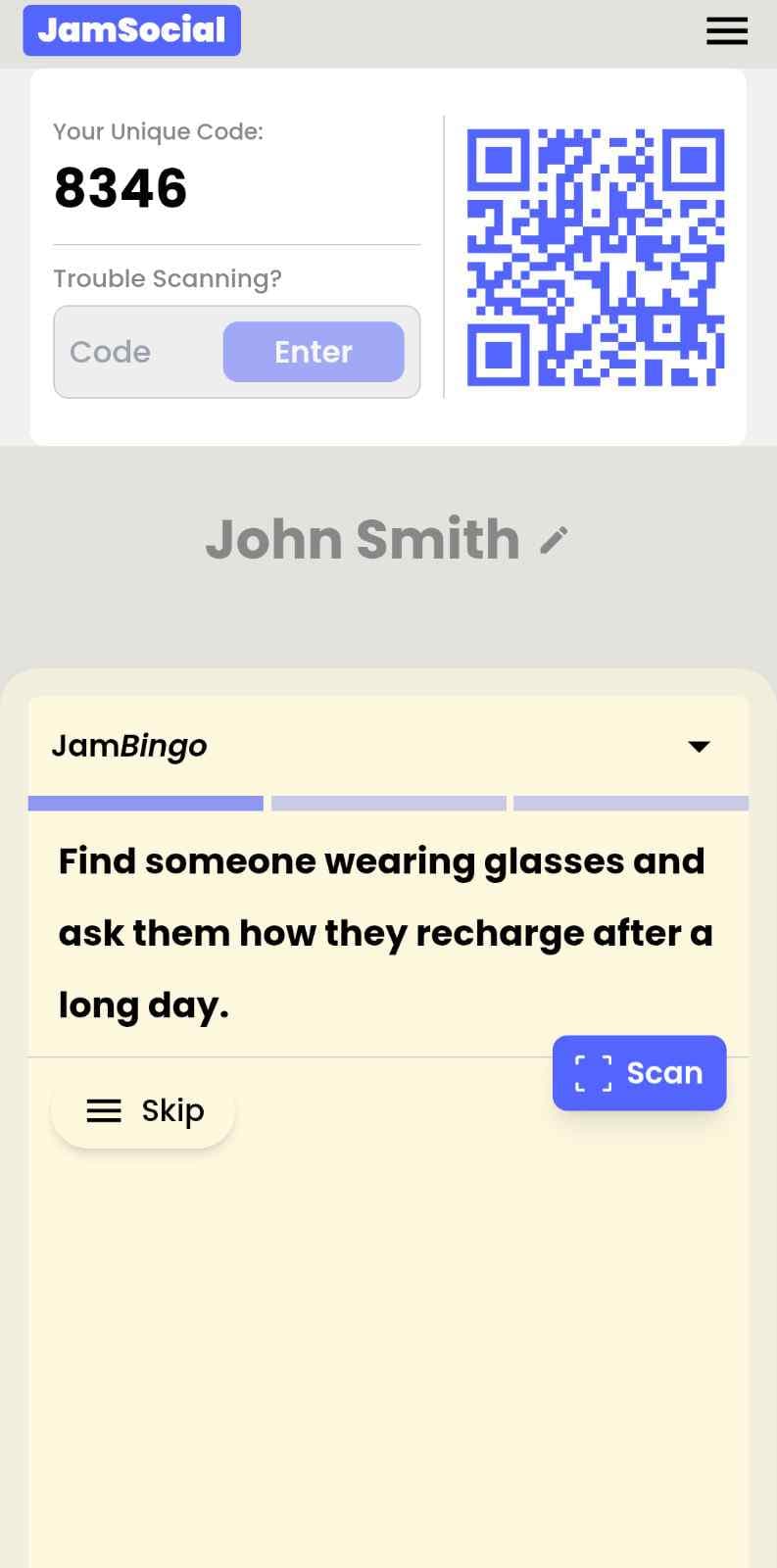
Attendees scan the event’s Jam Bingo QR code (or enter the game code). It runs in the phone’s browser—there is no app to download.



29 Jam Bingo Prompts
Scroll to exploreClick + to add it to your list for your own Jam Bingo.
1Find someone who can share what they enjoy most about working with students
2Find someone who has a favorite student success story
3Find someone who can describe a meaningful moment from their work
4Find someone who has been inspired by a student
5Find someone who can share a highlight from this academic year
6Find someone who has learned an important lesson from working with students
7Find someone who can name one quality they admire in today's students
8Find someone who has worked with students for more than five years
9Find someone who can share what brought them to higher education
10Find someone who can share something that brings them joy at work
11Find someone who has a favorite place to connect with students on campus
12Find someone who can describe one thing they wish more people understood about their work
13Find someone who works with first-generation college students
14Find someone who can explain a Student Affairs process faculty may want to understand
15Find someone who has helped a student connect with an important campus resource
16Find someone who has collaborated with a faculty member on a student concern or initiative
17Find someone who knows a campus resource that more faculty should know about
18Find someone who supports transfer students
19Find someone who works with commuter students
20Find someone who serves graduate or international students
21Find someone who supports students facing basic-needs challenges
22Find someone who can name a Student Affairs process they want to learn more about
23Find someone who works closely with faculty
24Find someone who collaborates with an academic department
25Find someone who has experience referring students to another campus office
26Find someone who supports student mental health or well-being
27Find someone who works with student organizations or leadership programs
28Find someone who helps students prepare for careers or graduate school
29Find someone who works with students involved in research, internships, or experiential learning
Jam Bingo Instructions
- 1Scan the Jam Bingo QR code (or enter code: QW40PM).
- 2Prompts appear directly on your phone.
- 3Walk around and find someone who fits your prompt.
- 4Scan their QR code to unlock the next prompt.
- 5Repeat, mingle, and have fun!
Live Action#JamSocial


Connect people naturally with Jam Bingo, the interactive networking activity!
What is Jam Bingo?
Jam Bingo turns awkward networking sessions into fun, interactive experiences. No printing cards or hunting for pens—attendees simply scan a QR code with their phone and jump straight into a game tailored to your event.
Paper Bingo
Old School- ✕High prep: print cutouts, bring pens & paper waste
- ✕Identical static grids for every single attendee
- ✕Awkward manual signatures & pen-hunting
- ✕Easy to drop, crumble, or leave on tables
It's Free
Jam Bingo
Digital- ✓Easy to setup — Zero printing
- ✓Dynamic personalized conversation prompts
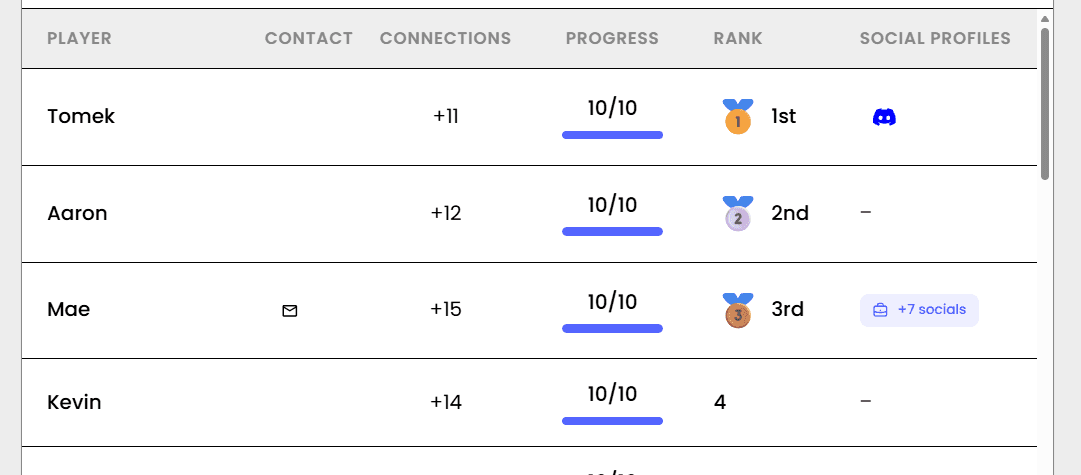
- ✓Leaderboard for awarding prizes
- ✓Simple way to make the networking interactive
Updated: October 21, 2026