Jam Bingo For Google Slides Presentation
I'm leading the networking activity:
Scan To Join
Game Code: QW40PM
5 Jam Bingo Prompts
Scroll to explore1Find someone who's used the exact template being shown, and ask them what their favorite way to relax is
2Find a person who can name 3 slide transition types, and ask them what's one thing on their bucket list
3Find someone who's never used presenter notes, and ask them what their favorite way to spend a Friday night is
4Find a colleague who can recite the hex code for company colors, and ask them how they'd spend a completely free day
5Find someone who's created 50+ slides in one deck, and ask them what song they can't stop listening to right now
Add Your Own Prompts—Create a Jam Bingo—it's Free
Jam Bingo Instructions
- 1Scan the Jam Bingo QR code (or enter code: QW40PM).
- 2Prompts appear directly on your phone.
- 3Walk around and find someone who fits your prompt.
- 4Scan their QR code to unlock the next prompt.
- 5Repeat, mingle, and have fun!
Live Action#JamSocial


Connect people naturally with Jam Bingo, the interactive networking activity!
What is Jam Bingo?
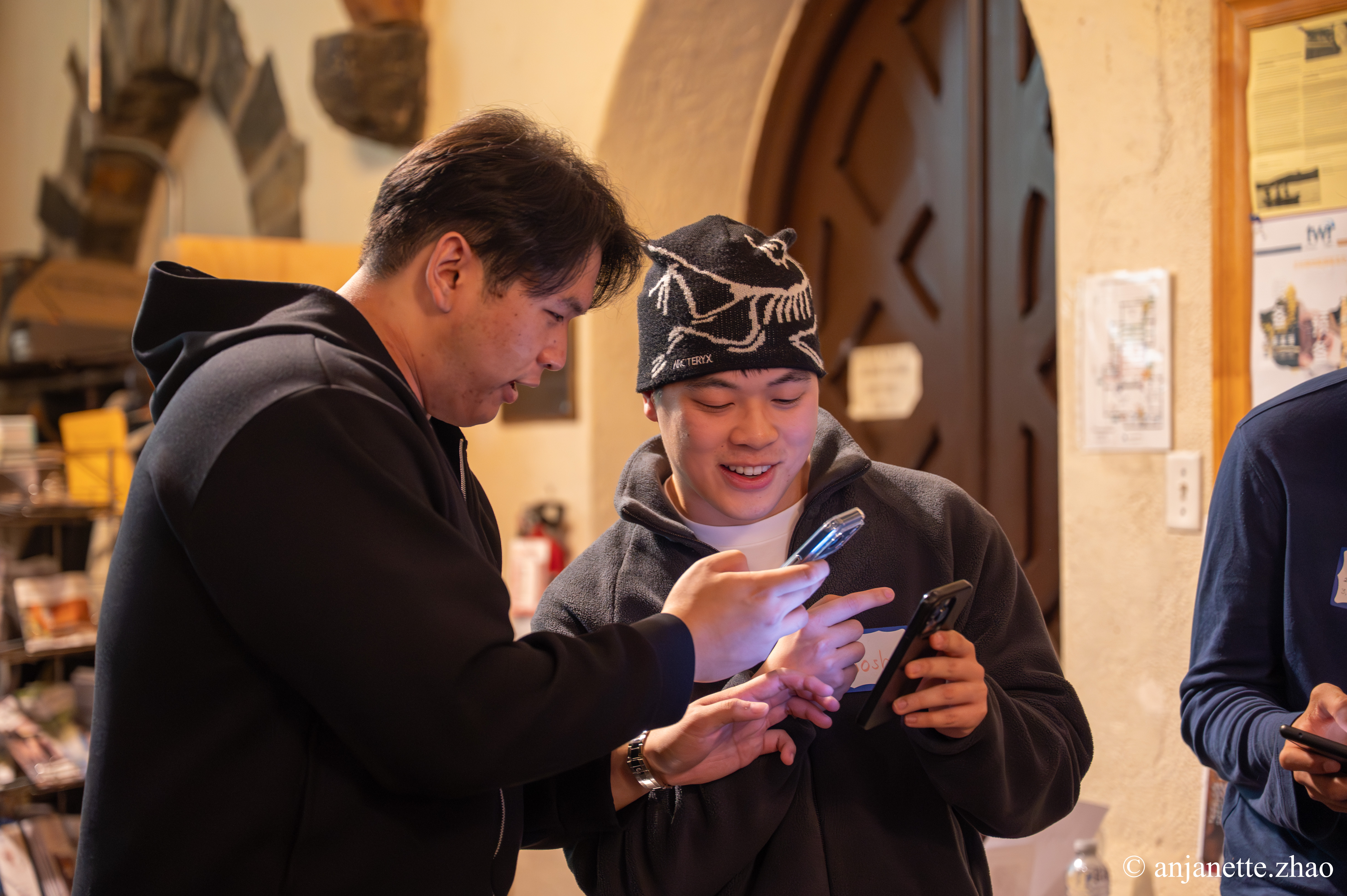
Jam Bingo turns awkward networking sessions into fun, interactive experiences. No printing cards or hunting for pens—attendees simply scan a QR code with their phone and jump straight into a game tailored to your event.
Paper Bingo
Old School- ✕High prep: print cutouts, bring pens & paper waste
- ✕Identical static grids for every single attendee
- ✕Awkward manual signatures & pen-hunting
- ✕Easy to drop, crumble, or leave on tables
It's Free
Jam Bingo
Digital- ✓Easy to setup — Zero printing
- ✓Dynamic personalized conversation prompts
- ✓Leaderboard for awarding prizes
- ✓Simple way to make the networking interactive
Updated: September 15, 2026