How to Run Jam Bingo at Your Church Potluck
Jam Bingo turns the first 20–30 minutes of your church potluck into a get-to-know-you game for the whole congregation.
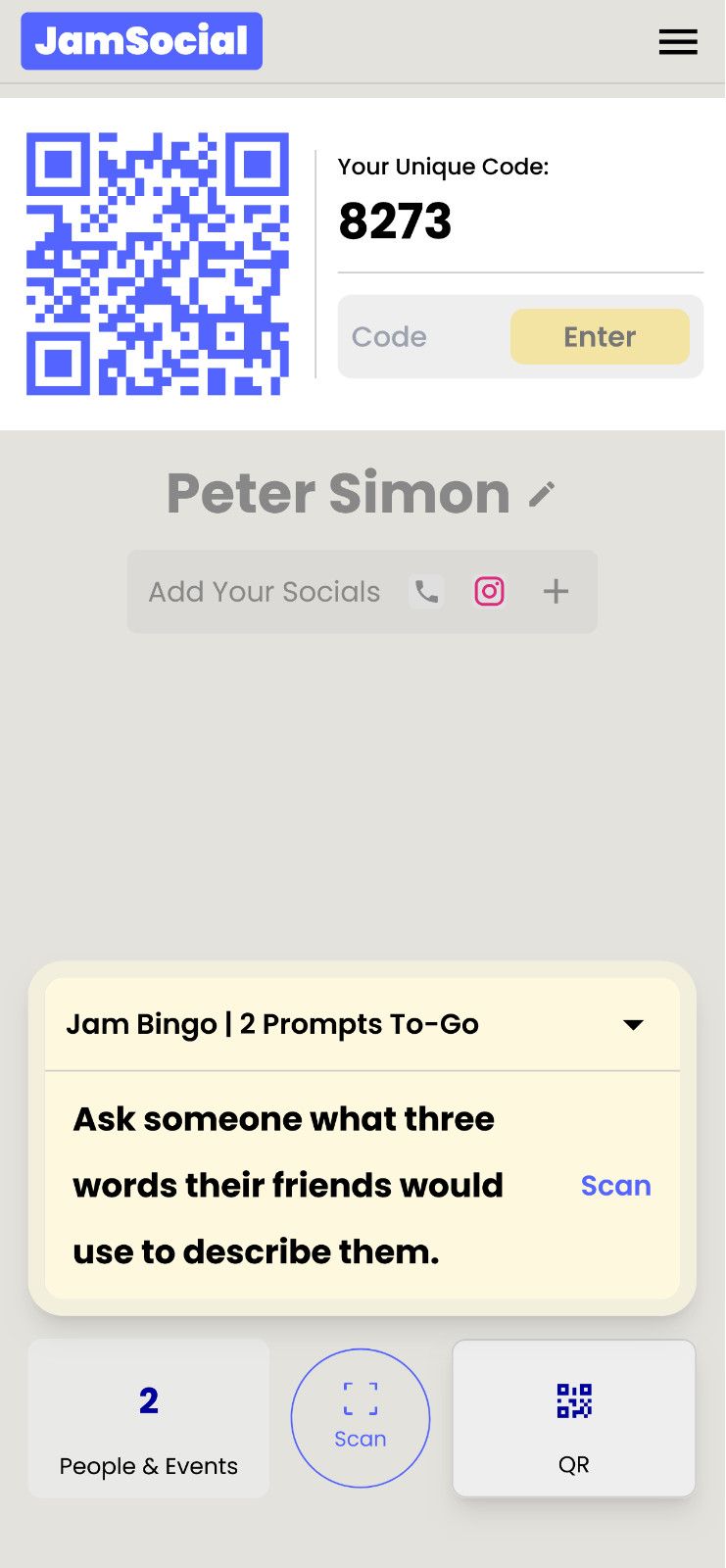
Instead of a paper card, each member gets conversation prompts on their phone — and every prompt sends them to someone new.
This guide walks you through setting it up, the prompts to use, and how to run it on the day.
How Jam Bingo Works (in 30 Seconds)
- Members scan a QR code and type their name — no app to download
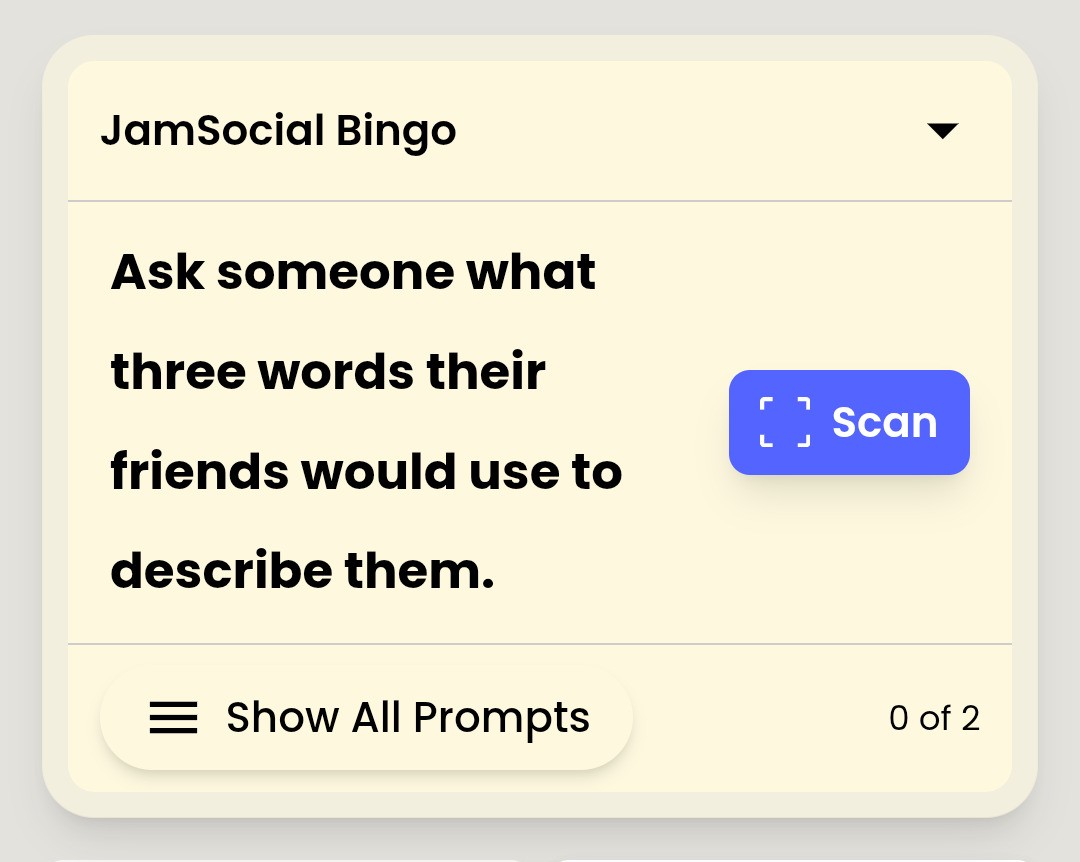
- They get a prompt, like 'Find someone who brought a family recipe and ask the story behind it'
- They find someone who fits it and have the conversation
- They scan that person's QR code to unlock their next prompt
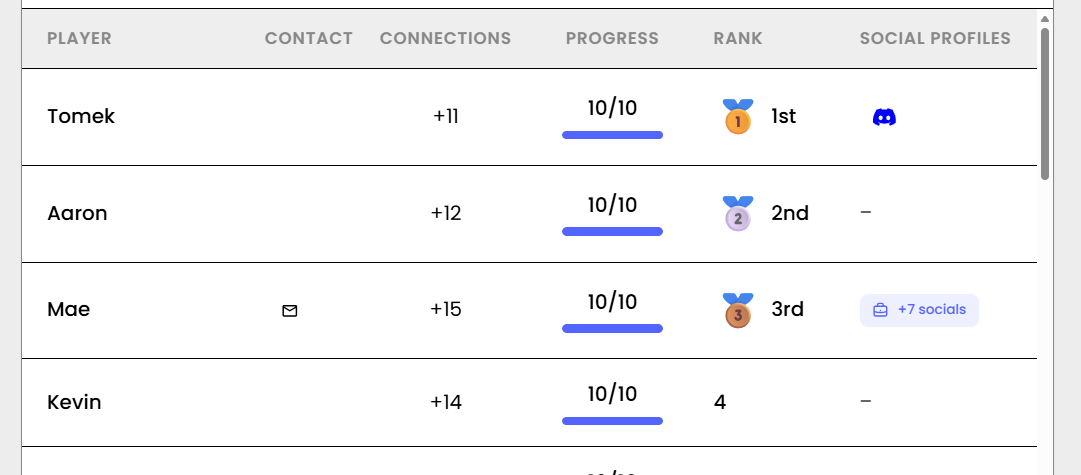
- A leaderboard shows who has met the most people
Step 1: Create Your Jam Bingo
Create a Jam Bingo for your potluck and give it a name, like 'Fall Fellowship Potluck.'
You can add your church's colors and logo so it feels like your event.
Step 2: Add Your Prompts
Start from the Church Potluck template, or write your own. Aim for prompts that every age can answer.
20 Church Potluck Prompts
- Find someone who brought a family recipe today and ask them the story behind it
- Find someone who has attended this church for less than a year and ask them what made them stay
- Find someone who has been a member for more than ten years and ask them their favorite church memory
- Find someone from a different generation than you and ask them what they're grateful for this week
- Find someone who serves on a ministry team and ask them how they got involved
- Find someone who grew up in a different country or province and ask them about a favorite dish from home
- Find someone who brought a dessert and ask them for the secret ingredient
- Find someone who sings in the choir or plays on the worship team and ask them their favorite song to lead
- Find someone you've only ever said hi to at the door and ask them how their week has been
- Find someone who has a favorite Bible verse and ask them why it means so much to them
- Find someone who went on a mission trip or served in the community and ask them what they learned
- Find someone who has a hobby nobody at church knows about and ask them how they got into it
- Find someone who can recommend a great book or podcast and ask them what they liked about it
- Find someone with a birthday in the same month as yours and ask them how they like to celebrate
- Find someone who has kids or grandkids in the children's ministry and ask them what their kids love about it
- Find someone who sits on the other side of the sanctuary and ask them how long they've been coming
- Find someone who helped set up today, thank them, and ask what their favorite part of serving is
- Find someone who has a prayer request they're comfortable sharing and ask how you can pray for them
- Find someone who moved to this city recently and ask them what they've discovered so far
- Find someone who tried a dish they've never had before today and ask them what they thought

Step 3: Share the QR Code
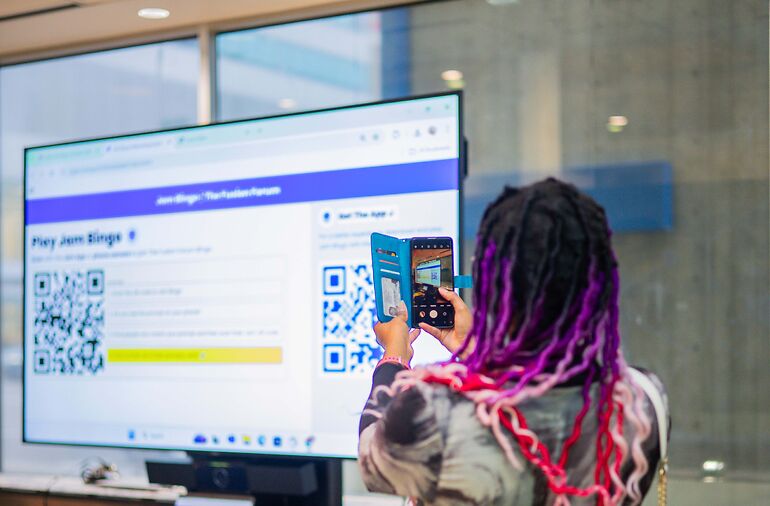
Put the QR code where people will see it before the meal:
- On the screen in the fellowship hall
- On a sign by the food line
- On each table
- In the church bulletin or announcement slides that morning
Step 4: Launch It Before the Meal
The Best Moment
Start the game once most people have arrived, while the food is being set out. That's usually a 20–30 minute window.
What to Say
Keep it to one sentence: 'Scan the QR code, and use your prompt to meet someone you don't know well before we eat.'
Help Those Without Phones
Ask youth volunteers to pair up with seniors or anyone without a phone. It's often the best cross-generation moment of the day.
Step 5: Wrap Up and Say Grace
Share the leaderboard, thank the people who met the most new faces, then invite everyone to sit with someone they just met.
After the Potluck
Everyone keeps a list of the people they connected with, including the prompt they connected on.
Members can also introduce themselves to everyone who attended in the event recap — a great way for newcomers to stay connected after the meal.

Ready to Try It?
See how Jam Bingo works for church fellowship, or try the demo on your phone.
Frequently Asked Questions
Do church members need to download an app to play Jam Bingo?
No. Members scan a QR code with their phone camera and play in the browser. They only type their name — no account or password.
What if some members don't have a smartphone?
Pair them with a buddy — a family member, a friend, or a youth volunteer — and let them play together. Many churches find this becomes one of the best cross-generation moments of the event.
How long should the game run at a potluck?
20–30 minutes before the meal is ideal. That's enough time for each member to meet four to six people.
Can we write our own prompts?
Yes. You can write prompts about your church, ministries, and members, or start from the Church Potluck template and adapt it.
Does Jam Bingo work for a large church?
Yes. Every member plays on their own phone, so it works the same for 40 people or 400 with no extra setup.
What happens after the potluck?
Each member keeps a list of the people they connected with, and can introduce themselves to everyone who attended in the event recap.