How to Do a Networking Human Bingo Game Digitally
Run Networking Human Bingo on Phones Instead of Paper
Jam Bingo is a digital networking human bingo game that puts the prompts on each guest's phone, so they know who to find and what to ask.
How Paper Networking Human Bingo Works
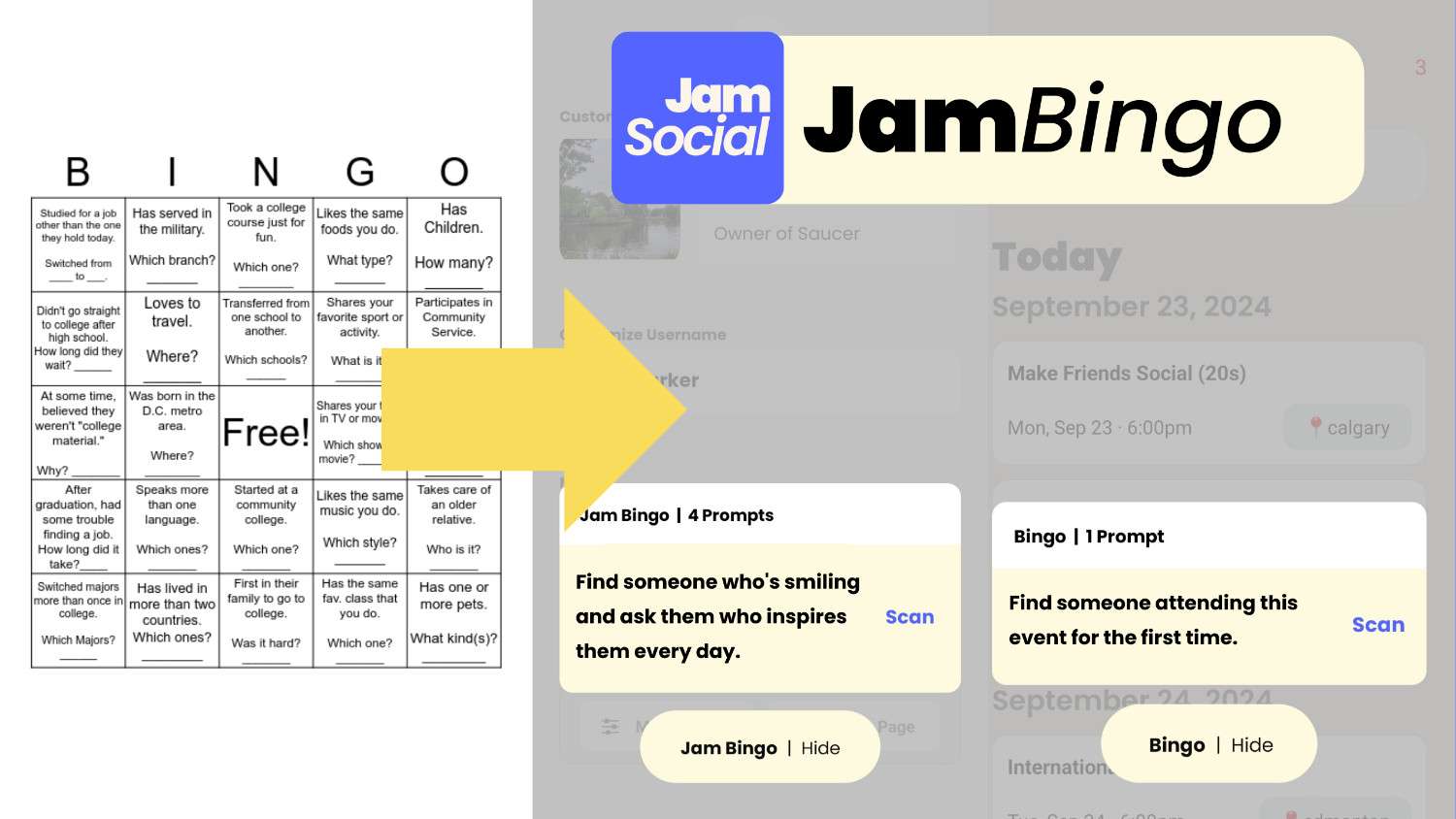
Every guest gets a printed card with a grid of squares.
Each square says something like 'Find someone who has worked in three industries.'
Guests walk around, find a match and ask that person to sign the square.
The first person to fill a row, or the whole card, calls 'Bingo!' and wins.
Networking Human Bingo for Larger Groups
Why Paper Networking Bingo Breaks Past 50 Guests
Paper works well for a room of 20 or 30.
Past 50, everyone holds the same card, so the whole room chases the same rare squares.
Guests start trading signatures without talking, just to fill the grid.
Printing, pens and checking a pile of cards for a winner slow the host down.
And after the event, nobody remembers who they met or how to reach them.
How to Do Networking Human Bingo Digitally
Move the Bingo Prompts From Paper to Phones
A digital version keeps what works about human bingo: a reason to walk up to someone.
It drops the parts that break at scale: the shared card, the signatures and the manual winner check.
For a deeper walkthrough of the setup, see how digital human bingo works for events.
How Digital Networking Human Bingo Works
What Hosts Need From a Digital Networking Bingo Game
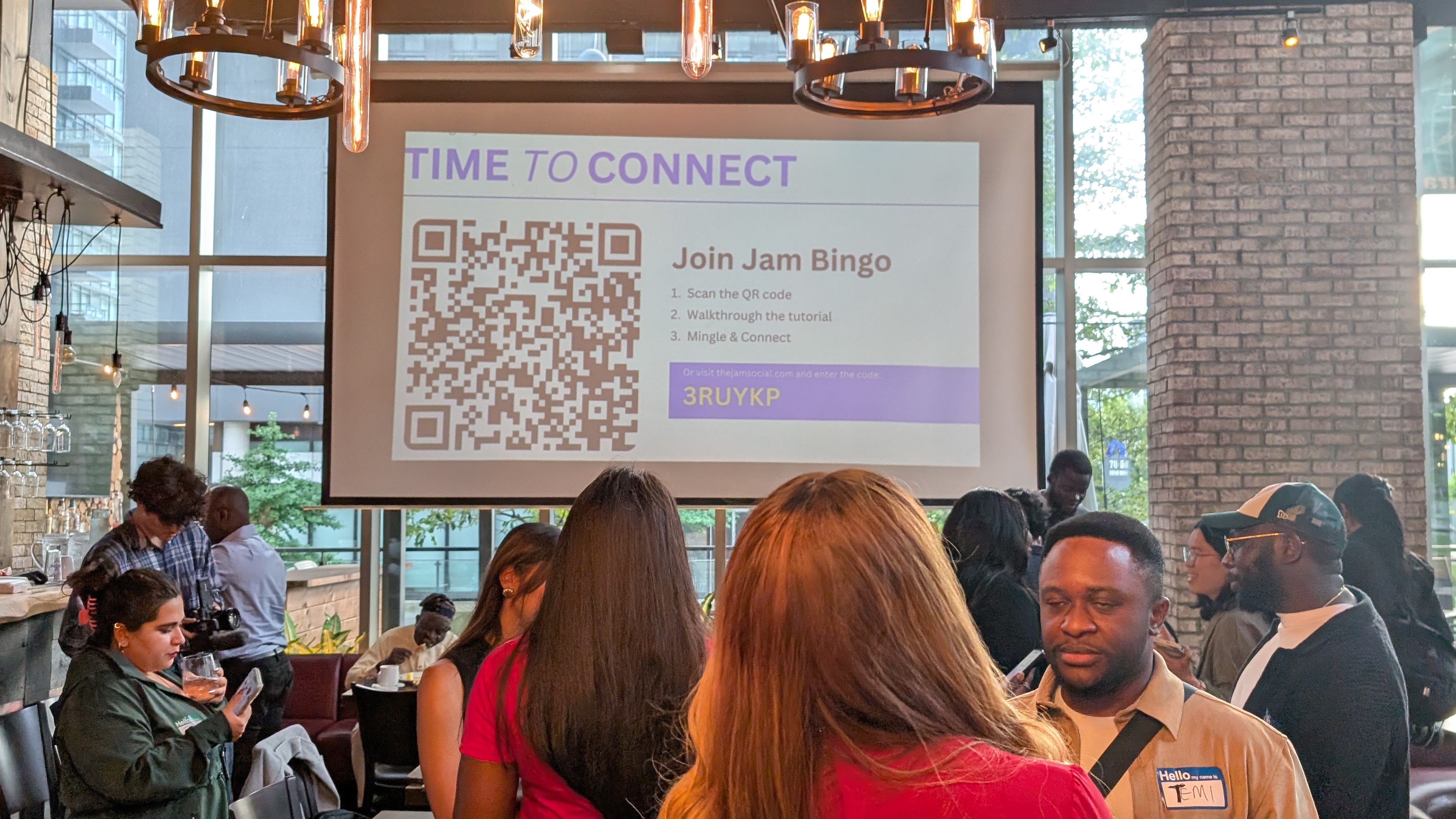
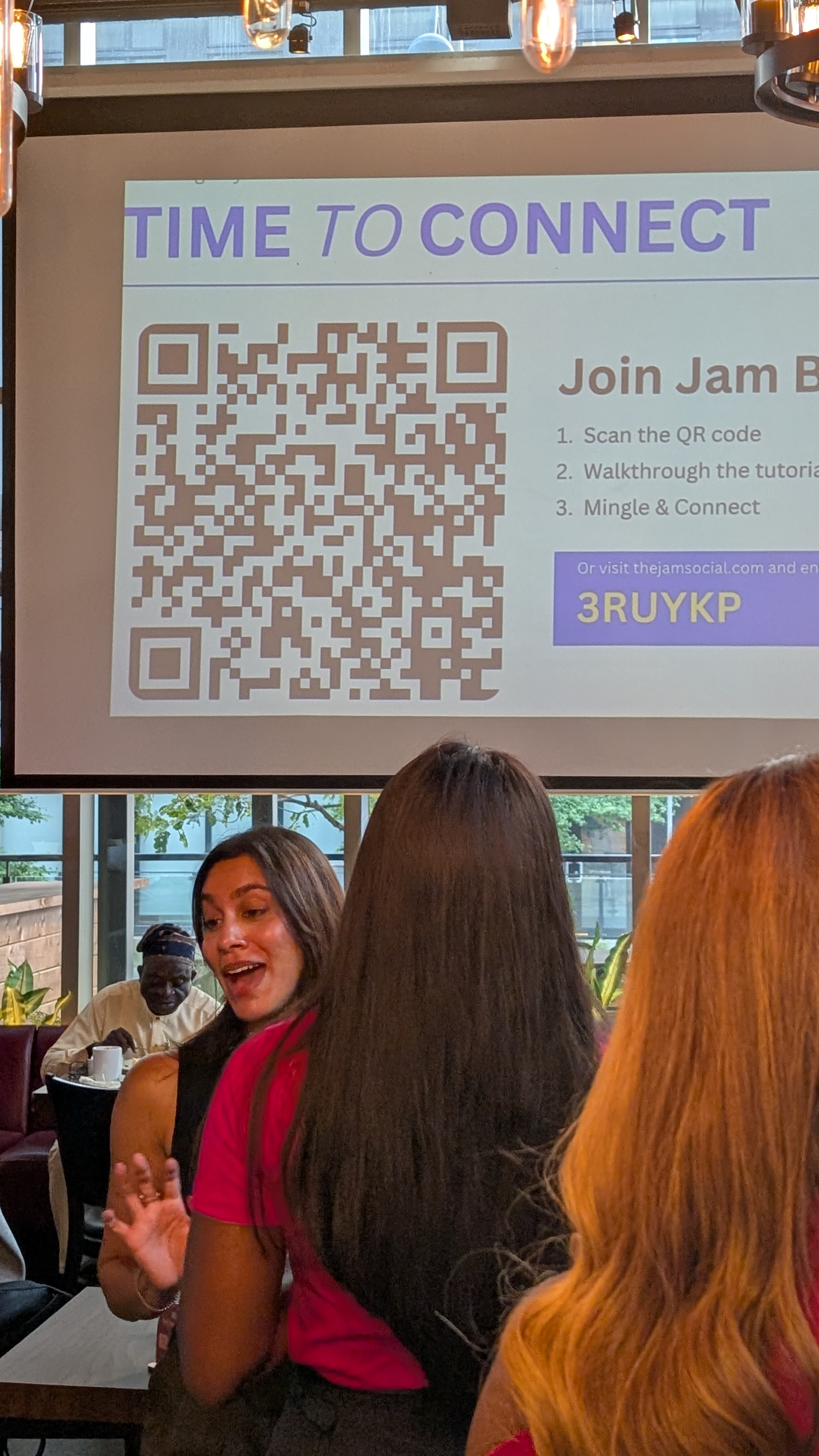
Nothing to print, and one QR code on a screen or table sign.
Prompts that fit the crowd, plus a way to see who is playing and who connected the most.
What Guests Need From a Digital Networking Bingo Game
A quick way to join from their own phone, with no app to download.
A clear person to find and a question to ask, so they never wonder what to say.
Step 1: Each Guest Gets 10 Networking Conversation Starters
The conversation starters are tailored to your event.
They tell guests who to talk to and what to ask, which removes the awkwardness and breaks the ice fast.
Step 2: Guests Talk With 10 Different People
Each conversation is a chance to learn something new about someone in the room.
Guests confirm the conversation by scanning each other. If scanning doesn't work, they can enter the other person's unique code.
Step 3: Guests Remember Conversations and Names
After the game, each guest gets a list of everyone they talked to and what they talked about.
Contact info can be added after the event, and there's an introduction forum to keep the conversation going.
1. 10 conversation starters: to connect
Each guest receives 10 tailored conversation starters.
2. Talk with: 10 different people
Each guest talks with 10 new people to learn something new about them.
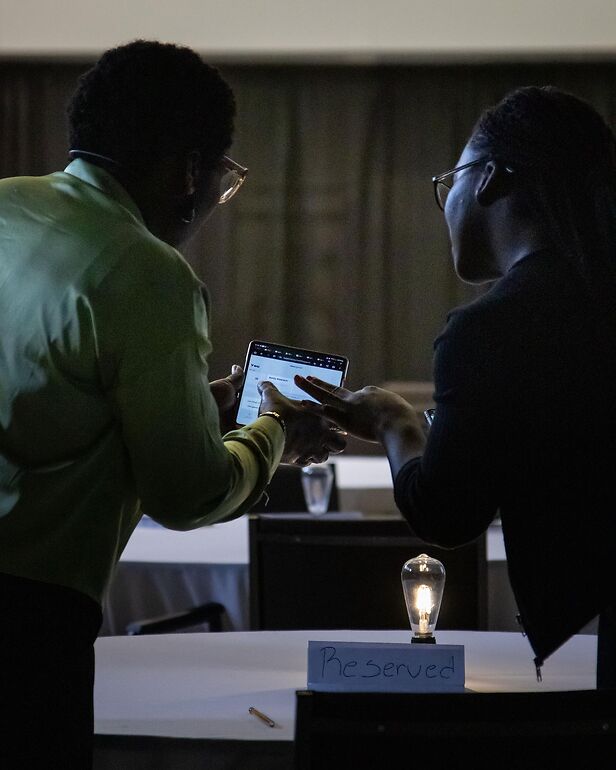
Run Plan for a Digital Networking Human Bingo Game
- Before the event: pick a template and edit the prompts for your crowd
- Doors open: show the QR code on a screen and at check-in
- 2 minutes: explain the game from the front of the room
- 20 to 40 minutes: guests mingle, talk and scan
- Last 3 minutes: show the leaderboard and hand out a small prize
Want words for the kickoff? Use this emcee script to launch a group networking game.
Templates for Digital Networking Human Bingo
Start a Digital Networking Human Bingo Game
Skip the printing. Create a digital networking human bingo game.
Frequently Asked Questions
How do you digitally do a networking human bingo type game?
Put the prompts on guests' phones instead of a paper card. With Jam Bingo, guests join from a QR code, get 10 conversation starters that tell them who to find and what to ask, and confirm each conversation by scanning the other person's code.
Do guests need to download an app for digital networking human bingo?
No. With Jam Bingo, guests scan a QR code and play in their phone's browser.
When should you switch from paper to digital human bingo?
Around 50 guests. Past that, printing, crowding around the same rare squares and checking winners get hard to manage on paper.
What if a guest's phone can't scan?
They can type in the other person's unique code instead.
Can guests keep in touch after a digital networking bingo game?
Yes. Each guest gets a list of everyone they talked to and what they talked about, and contact info can be added after the event.