
How Digital Human Bingo Works
Jam Bingo, step by step
Digital human bingo takes the classic mingling game and puts it on everyone's phone.
Here's exactly how it works with Jam Bingo, from creating your game to seeing who met who.
Want a video walkthrough of creating your game? Watch our YouTube tutorial.
Step 1: Create Your Digital Human Bingo
Add your event and your prompts
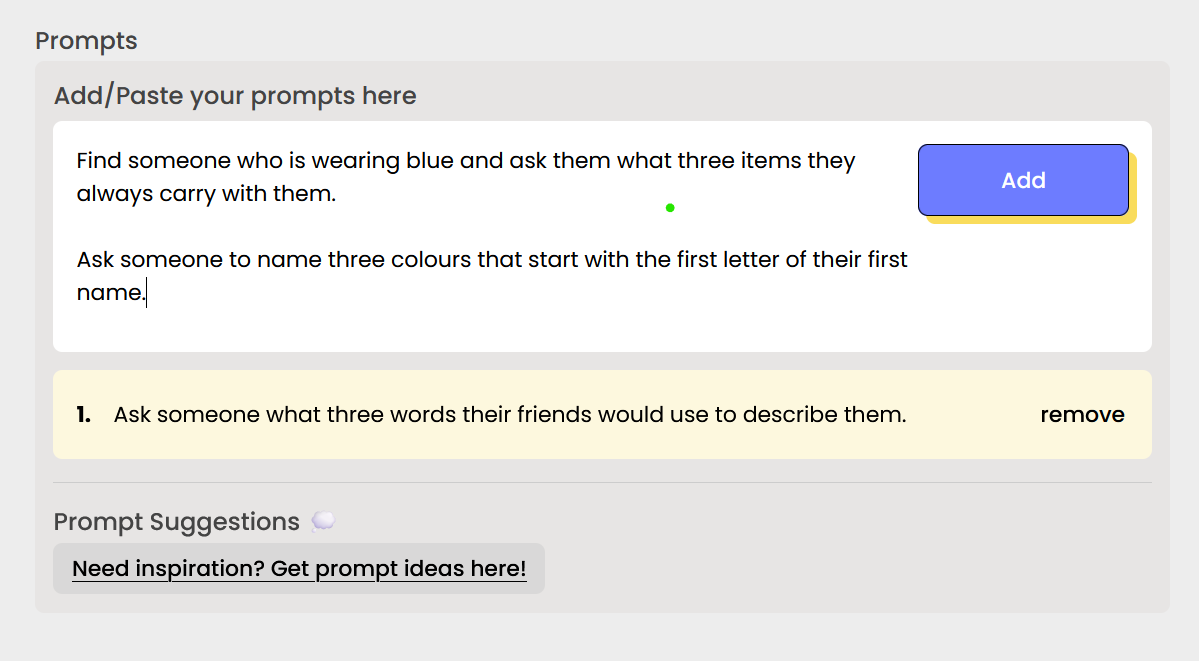
Add your event name, date, and location, then write the prompts your attendees will see.
Stuck on prompts? Our human bingo question generator writes them for you.
You also choose your prompt settings:
- Allow skips: people who get stuck can skip to a new prompt (the Skip button shows up after 60 seconds).
- Allow show all: people can see every prompt and pick which one to do next. Great for tradeshows.
Step 2: Put Up Your QR Code
Screens, signs, and table cards
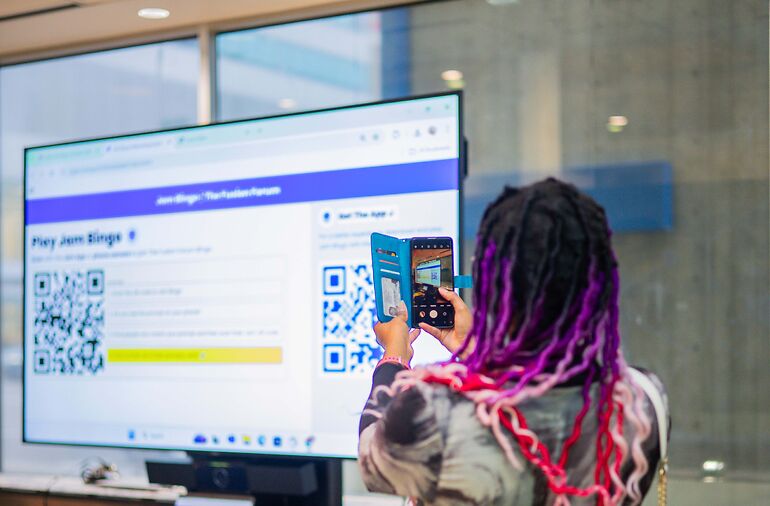
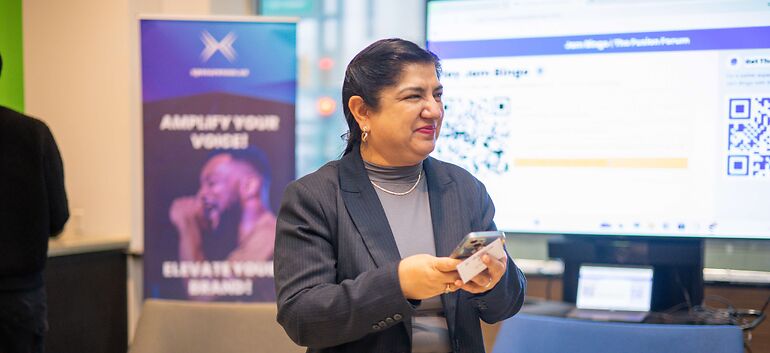
On event day, display your Jam Bingo QR code on a screen, or print it and place it around the venue.
More codes in more places means more people playing. Every game also has a short code people can type in if their camera won't scan.
For tips on explaining the game in one sentence, see How to Run Human Bingo: The Icebreaker That Actually Works.
Step 3: Attendees Join in Seconds
Scan, type a name, play
Attendees scan your QR code with their phone camera. There's no app to download.
They add their name and see their first prompt right away.
Step 4: How Digital Human Bingo Is Played
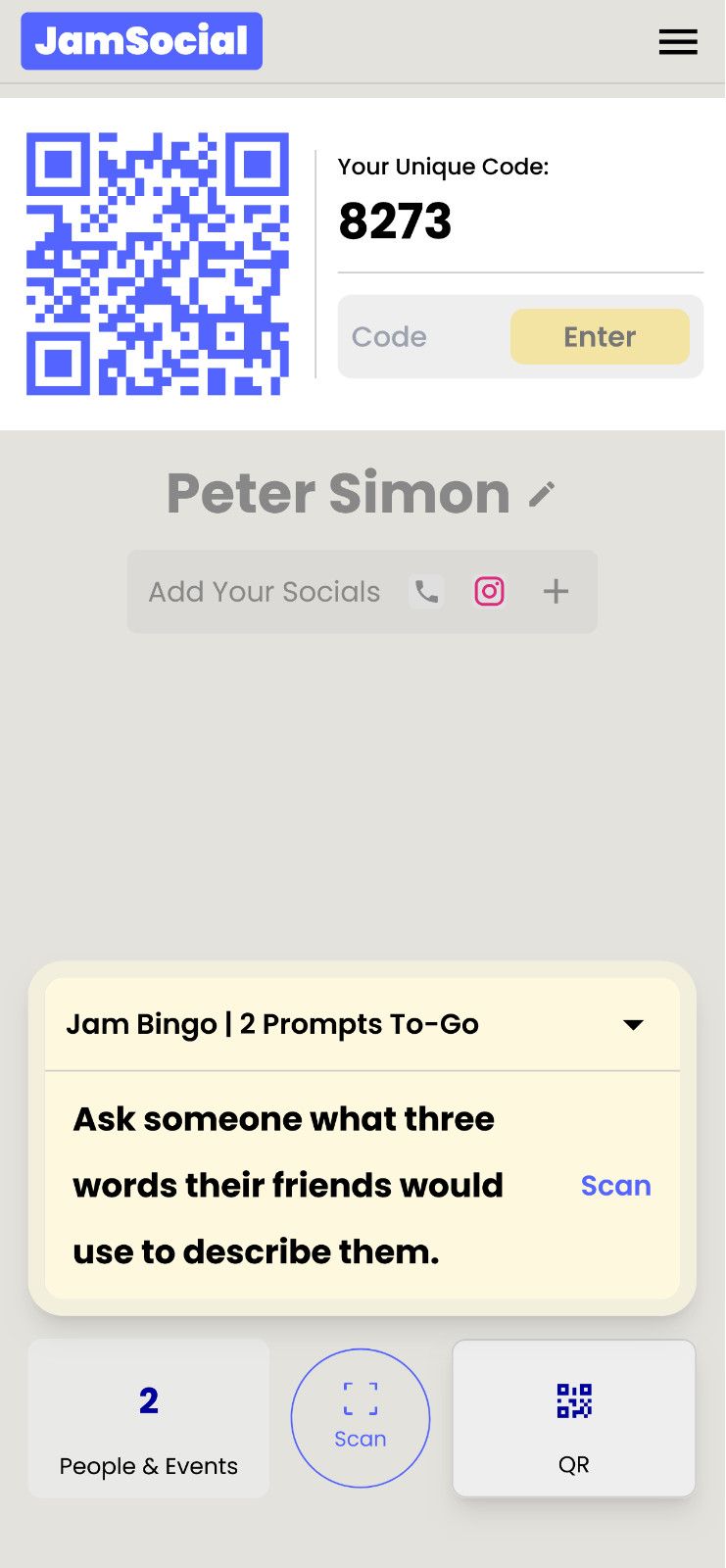
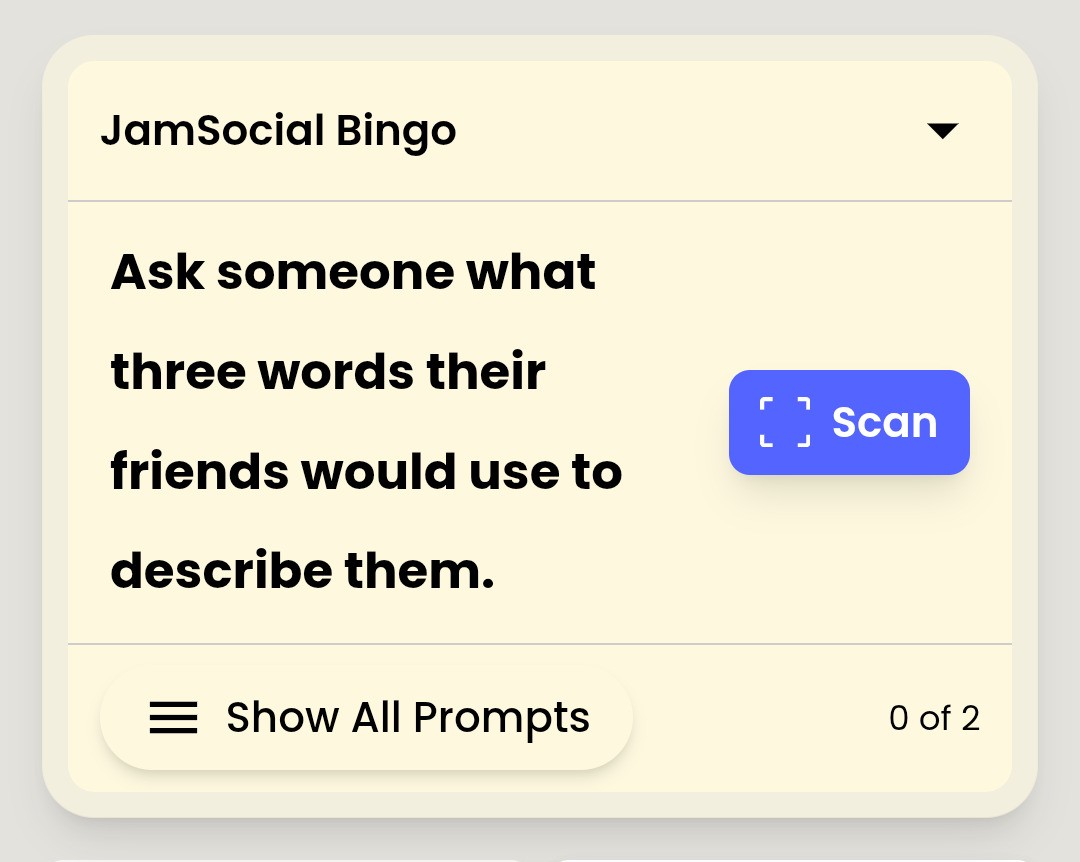
One prompt at a time, scan to connect
- Read the prompt, like "Find someone who has lived in another country."
- Walk around and find someone who matches.
- Talk, then scan that person's QR code.
- The connection is saved, and the next prompt unlocks.
There's no card and no squares. One prompt at a time keeps people focused on the person in front of them.

Step 5: After the Event
Leaderboard, connections, and recaps
You see everyone who played, how many people each person met, and a leaderboard for prizes.
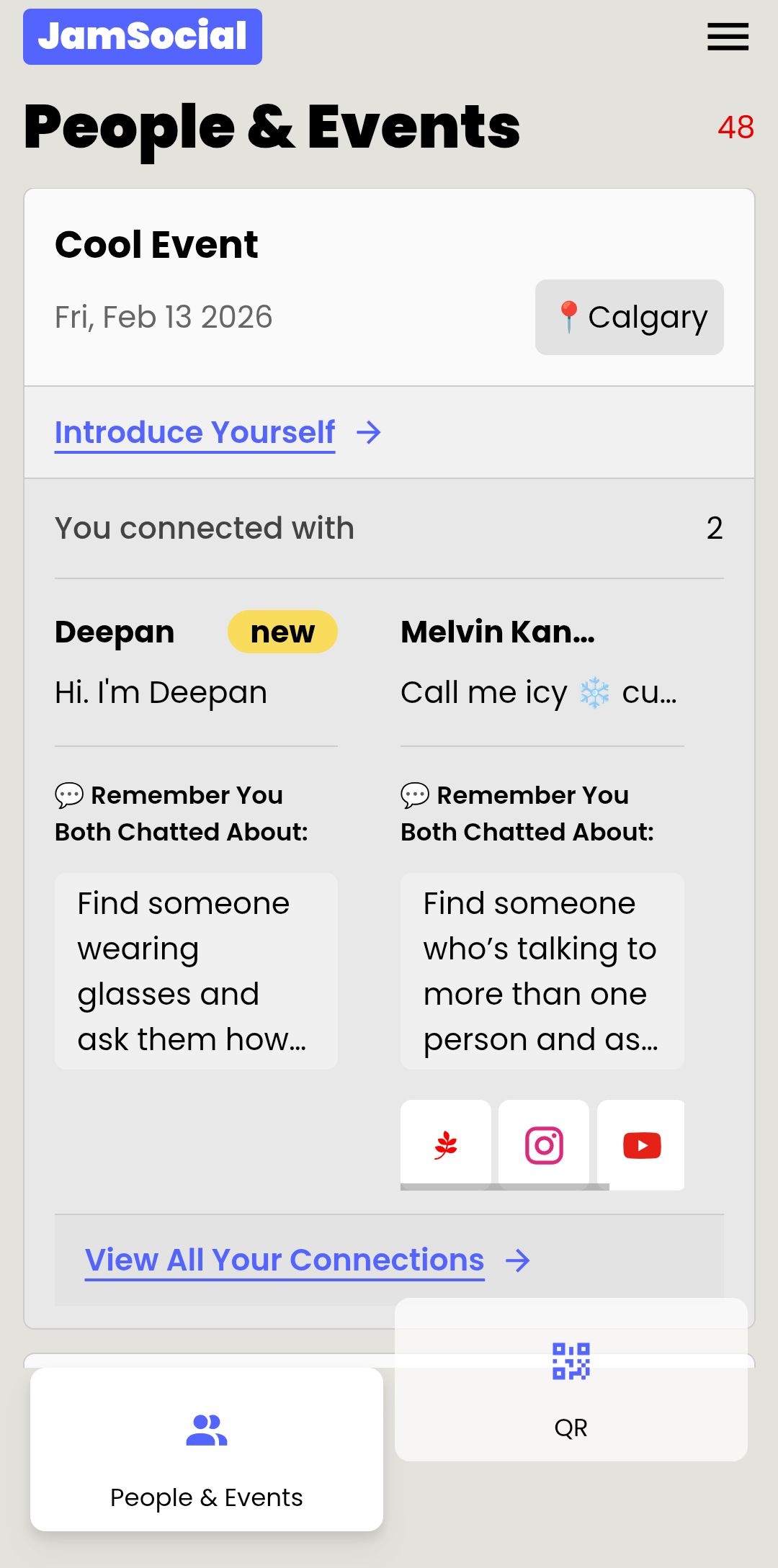
Attendees keep everyone they met, saved on their phone with their contact details.
They can also post a short introduction to everyone from the event and see who else was there, so the conversations keep going after you pack up.
Ready to Try Digital Human Bingo?
It takes about 10 minutes to set up
Create your game, add your prompts, and put up your QR code. See how Jam Bingo works.
Frequently Asked Questions
How does digital human bingo work?
Attendees scan a QR code with their phone and get one conversation prompt at a time. They find someone who matches the prompt, talk, then scan that person's QR code to unlock the next prompt. Each match also saves the other person's contact details.
Is Jam Bingo a bingo card?
No. There's no grid of squares to fill in. Each person gets one prompt at a time, which keeps them focused on a real conversation instead of hunting for the easiest square.
Do attendees need to download an app?
No. It runs in the phone's browser. Attendees scan the QR code with their camera, or type in a short game code if the camera won't cooperate.
Can attendees skip a prompt?
Yes, if you allow it. When skips are on, a Skip button appears after 60 seconds so people don't get stuck. You can also let players see every prompt and choose the next one.
What do organizers see after the event?
A list of everyone who played, how many people each person connected with, and a leaderboard, so you can give prizes to the people who met the most new people.