

Find the Guest Bingo Card with a QR Code
The classic mingling game, minus the paper.
You probably know the game already.
Every guest gets a bingo card full of squares like "Has been to Europe" or "Knows the host from school," and they walk around the room looking for people who match.
Some people call it Human Bingo or People Bingo, but the idea is the same: give guests a reason to talk to someone new.
The paper version works, but it comes with baggage.
You have to design the card, print one for every guest, find enough pens, and then check whether that full card is real or whether someone just signed their friend's name twelve times.
Putting it behind a QR code fixes most of that. Here's how it works and how to set it up.
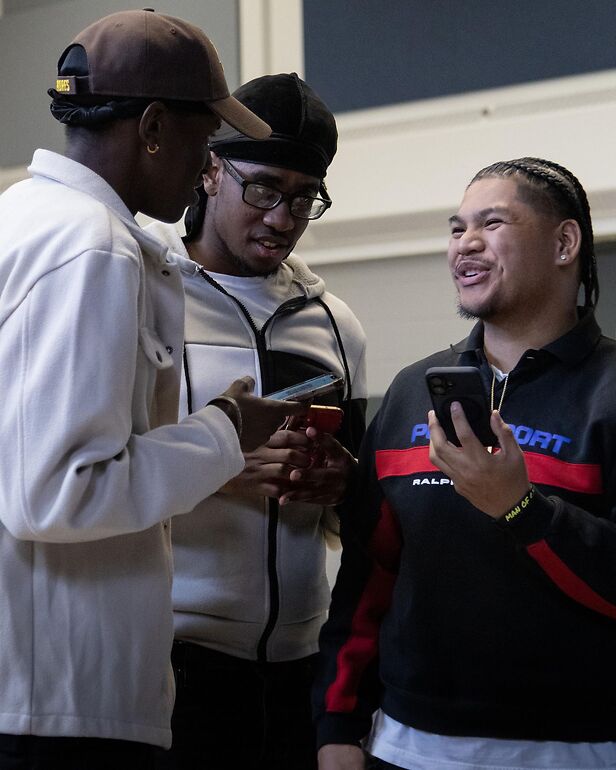

What does a QR code actually add to a Find the Guest bingo card?
One scan replaces the printing, the handing out, and the checking.
- No printing. You put up one QR code (on a screen, a sign, or the table cards) instead of printing a card for every guest.
- Everyone starts instantly. Guests scan with their phone camera and they're in. There's nothing to hand out at the door.
- Matches are real. Instead of collecting signatures, guests scan each other's QR code when they find a match, so there's no faking a full card.
- Contacts are saved. Each match doubles as a contact swap, so guests leave with the people they met instead of a crumpled card.
That last point is the one people underestimate. With paper, the conversation ends when the game ends.
With a QR code, the person you matched with is saved on your phone, so following up later is easy.
Paper card vs. QR code: which one should you use?
It mostly comes down to group size and how much prep time you have.
A printed card is fine for a small group of 10 to 20 people where everyone will eventually talk to everyone anyway.
Once you're past 30 or so, the prep and the checking start to add up, and a QR version saves you real time.
- Printed card: great for small, low-tech groups. You'll need to design, print, and supply pens. Winners are checked by hand.
- QR code: better for 30+ guests, mixers, and conferences. Nothing to print, matches are verified by the scan, and contacts are saved automatically.
If you want to go deeper on the trade-offs, we broke it down in digital human bingo vs. human bingo.
How Jam Bingo turns the bingo card into a QR code
One prompt at a time, instead of a card full of squares.
Jam Bingo is our take on the QR code version.
Instead of handing guests a whole card at once, it gives them one prompt at a time on their phone.
That keeps everyone focused on the person in front of them instead of scanning a grid for the easiest square.
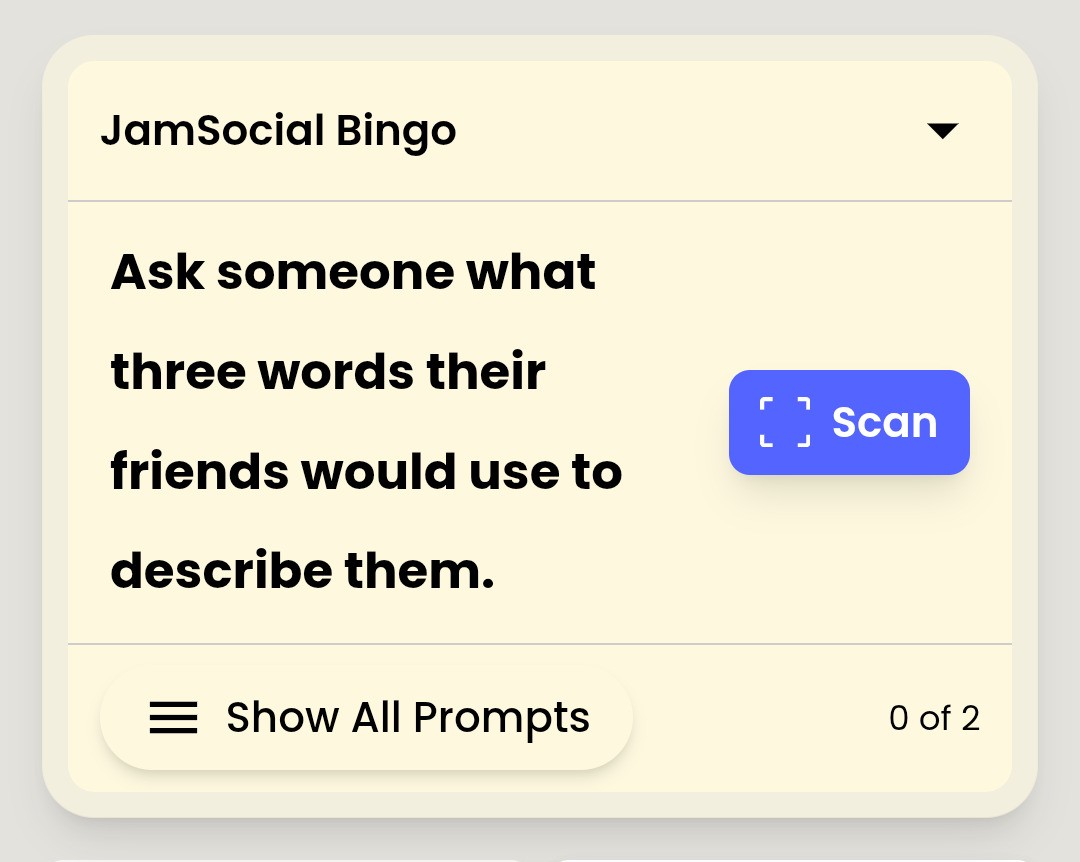
- Guests scan your event QR code. No app to download and no account to set up before they play.
- They get a prompt, like "Find someone who has lived in another country."
- They find someone who matches and scan that person's QR code.
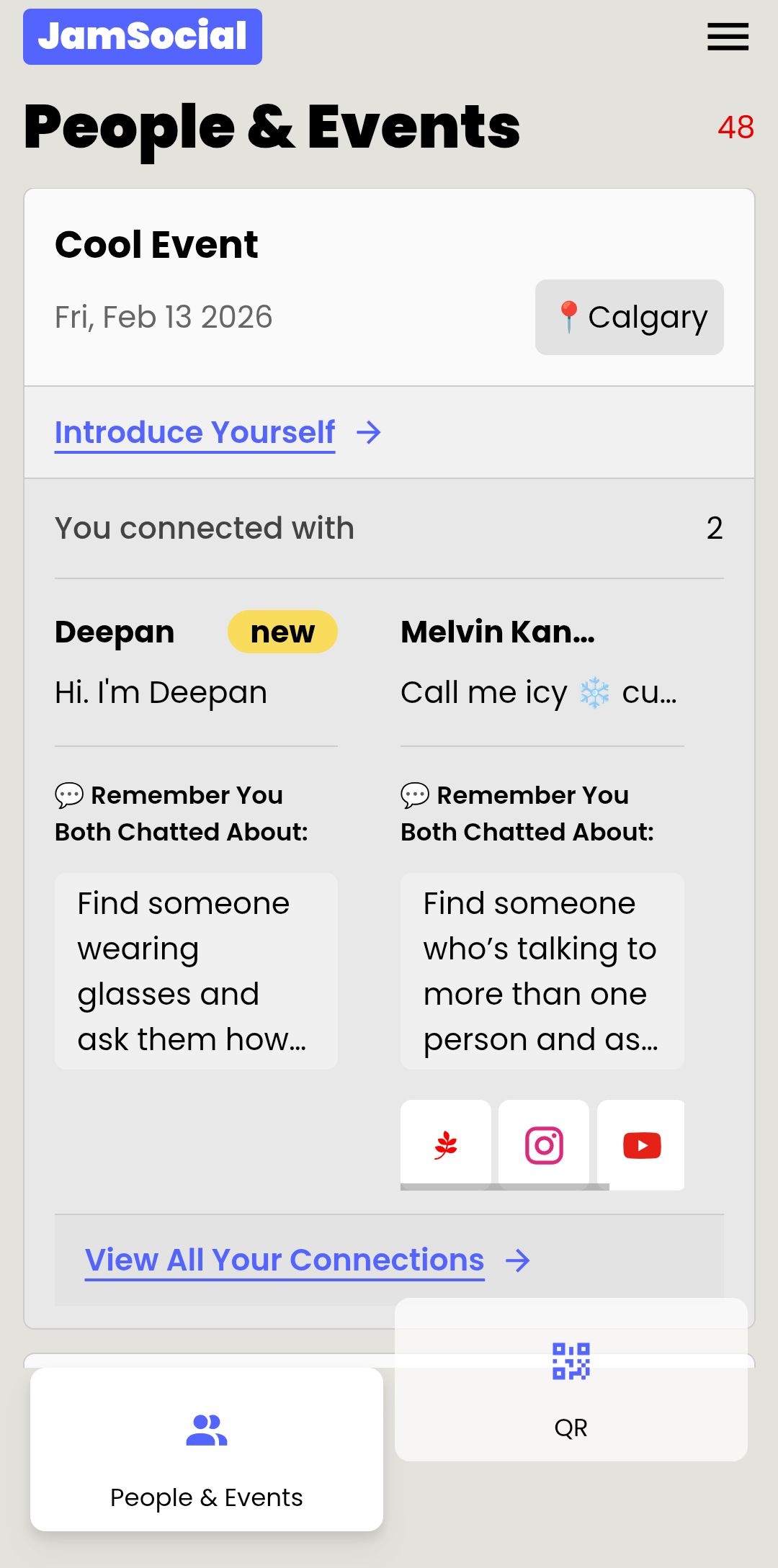
- The match is saved (along with the person's contact info), and the next prompt unlocks.
Because every guest moves at their own pace, it works the same whether you have 25 people in a living room or 500 in a conference hall.
If a phone camera won't cooperate, guests can type in a short code instead of scanning.
Find the Guest prompts you can use tonight
Good prompts are easy to ask about and hard to answer with just yes or no.
- Find someone who has lived in another country.
- Find someone who knows the host from a different part of their life than you do.
- Find someone who traveled the farthest to get here.
- Find someone who has a hidden talent they'll show you.
- Find someone who has a pet with a funny name.
- Find someone who has read a book this month they'd recommend.
- Find someone who has the same favorite comfort food as you.
- Find someone who doesn't know anyone else here yet.
That last one is our favorite. It quietly gives everyone a reason to go find the guest standing alone.
If you want more, grab a list from our Jam Bingo templates or our human bingo questions.
How to run it at your event
About 10 minutes of setup, then the game runs itself.
- Pick your prompts. Match them to your crowd: family and friends at a wedding, departments at a work event, hometowns and majors at a school event.
- Create your game on Jam Bingo and add your prompts.
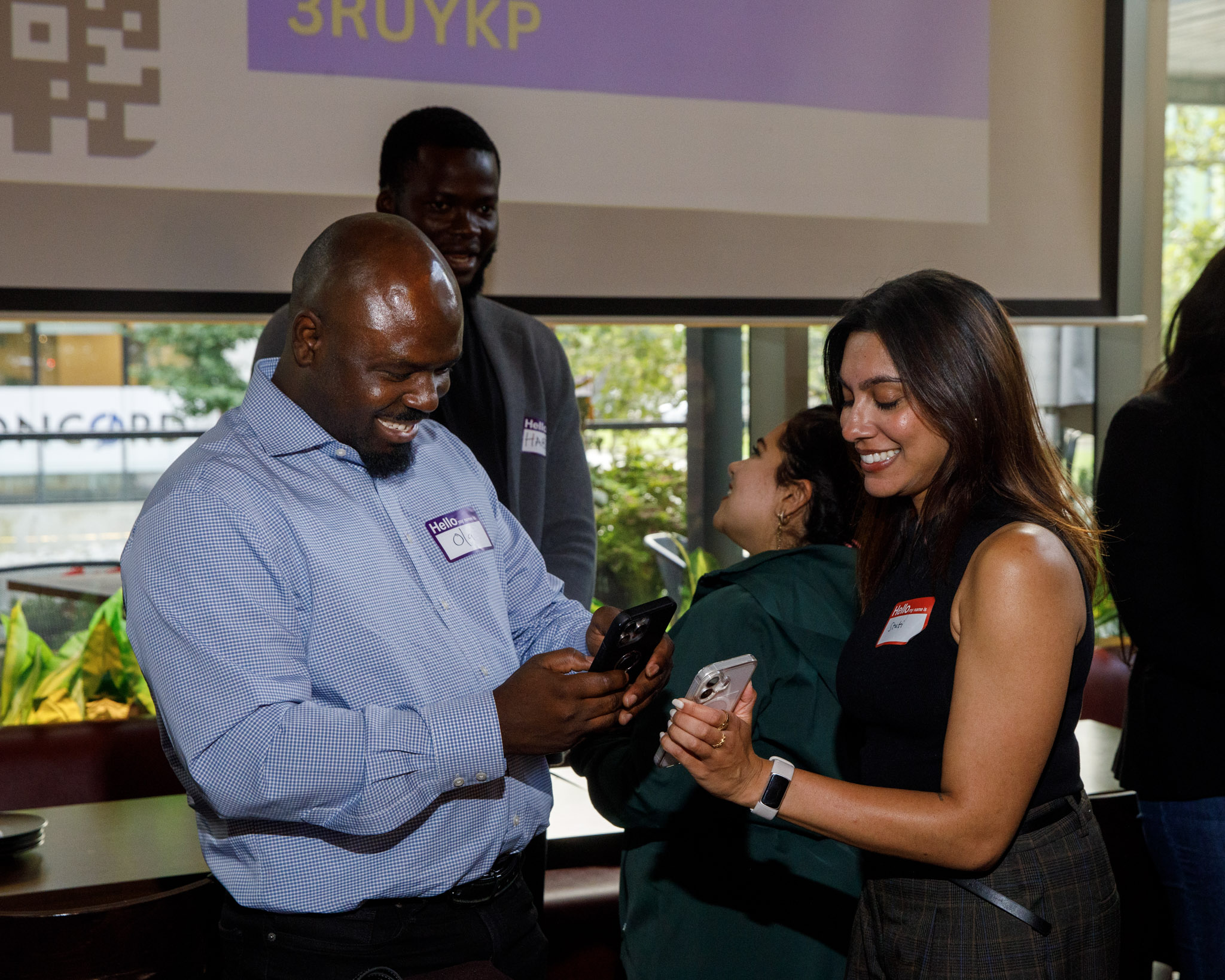
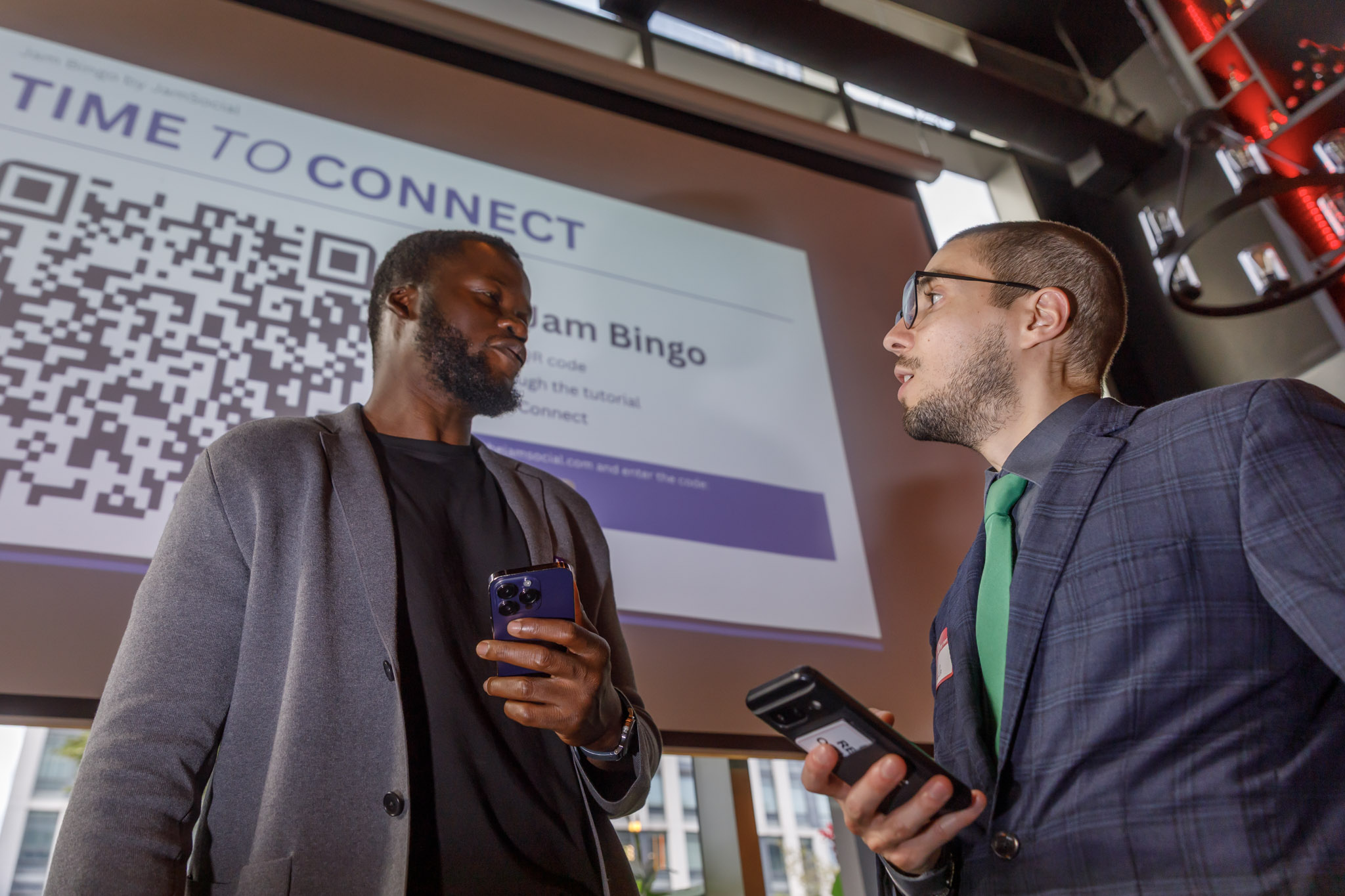
- Put the QR code where people can see it: the main screen, a sign by the entrance, or table cards.
- Explain it in one sentence: "Scan the code, find someone who matches your prompt, and scan their code."
- Give it 20 to 30 minutes, then celebrate whoever made the most connections.
Try it yourself first so you know what your guests will see. You can play the demo in under a minute.
A few tips so it actually gets people mingling
Small details make a big difference.
- Put the QR code in more than one place. At bigger events, a second or third code around the room gets far more people playing than one code on the stage.
- Keep prompts inclusive. Skip anything that depends on money, travel budget, or relationship status so nobody feels left out.
- Start it early. Launch the game while people are still arriving, before the room splits into the groups they came with.
- Keep prizes small. A gift card or some event swag is plenty. The goal is conversations, not a cutthroat competition.
For the things that trip hosts up most often, see our list of mistakes to avoid when hosting Jam Bingo.
Frequently Asked Questions
What is Find the Guest bingo?
Find the Guest bingo (also called Human Bingo or People Bingo) is a mingling game where guests look for people who match prompts like "Has lived in another country" or "Knows the host from school." It gives everyone an easy reason to start a conversation with someone new.
How do you make a Find the Guest bingo card with a QR code?
Instead of printing cards, put your prompts into a digital game like Jam Bingo and display one QR code at your event. Guests scan it with their phone camera, get a prompt, find someone who matches, and scan that person's QR code to count the match.
Is Jam Bingo a bingo card?
No. There's no grid of squares to fill out. Each guest gets one prompt at a time on their phone. When they find someone who matches, they scan that person's QR code (or enter their code) and the next prompt unlocks.
Do guests need to download an app?
No. It runs in the phone's browser. Guests scan the QR code with their camera and they're playing in seconds. If the camera won't cooperate, they can type in a short code instead.
How many people can play QR code Find the Guest bingo?
Any size. Because everyone plays on their own phone at their own pace, it works the same for 20 guests at a party as it does for 500 people at a conference.
How long should the game run?
Around 20 to 30 minutes is a good length. That's enough time for each guest to meet several new people without the game taking over your whole event.