
Bingo Networking Game
How a Bingo Networking Game Gets Guests Talking
A bingo networking game is one of the simplest ways to get a room of strangers talking.
Here's how it works, the paper and digital versions, prompts to use, and how to run one at your event.
What Is a Bingo Networking Game?
Instead of numbers, a bingo networking game uses prompts about people.
'Find someone who has lived in another country.' 'Find someone who started a new job this year.'
Guests walk around looking for people who match. Each match is a reason to start a conversation.
You might also hear it called human bingo, people bingo or find someone who bingo.
Why a Bingo Networking Game Works
It Gives Guests a Reason to Approach Strangers
Walking up to someone new feels awkward. A prompt makes it easy: 'I'm looking for someone who speaks three languages. Is that you?'
It Breaks Up Cliques
Guests can't finish the game with the people they came with, so they have to move around.
Everyone Plays at Once
There are no turns, so it works for 20 people or 500.
Paper Bingo Networking Game vs. Digital Bingo Networking Game
The Paper Bingo Networking Game
Guests get a printed card with a grid of prompts and collect signatures.
It's familiar, but guests often rush to fill squares, sign for their friends, and move on without a real conversation.
You also have to design, print and hand out cards, and nobody keeps them after.
The Digital Bingo Networking Game
Guests play on their phones. A digital version can show one prompt at a time, confirm each match, and save every connection.
Want the full comparison? See these alternatives to paper networking bingo.
How to Play a Bingo Networking Game with Jam Bingo
Jam Bingo is the digital bingo networking game that turns each match into a real conversation and a saved connection.
Step 1: Guests Scan One QR Code to Join
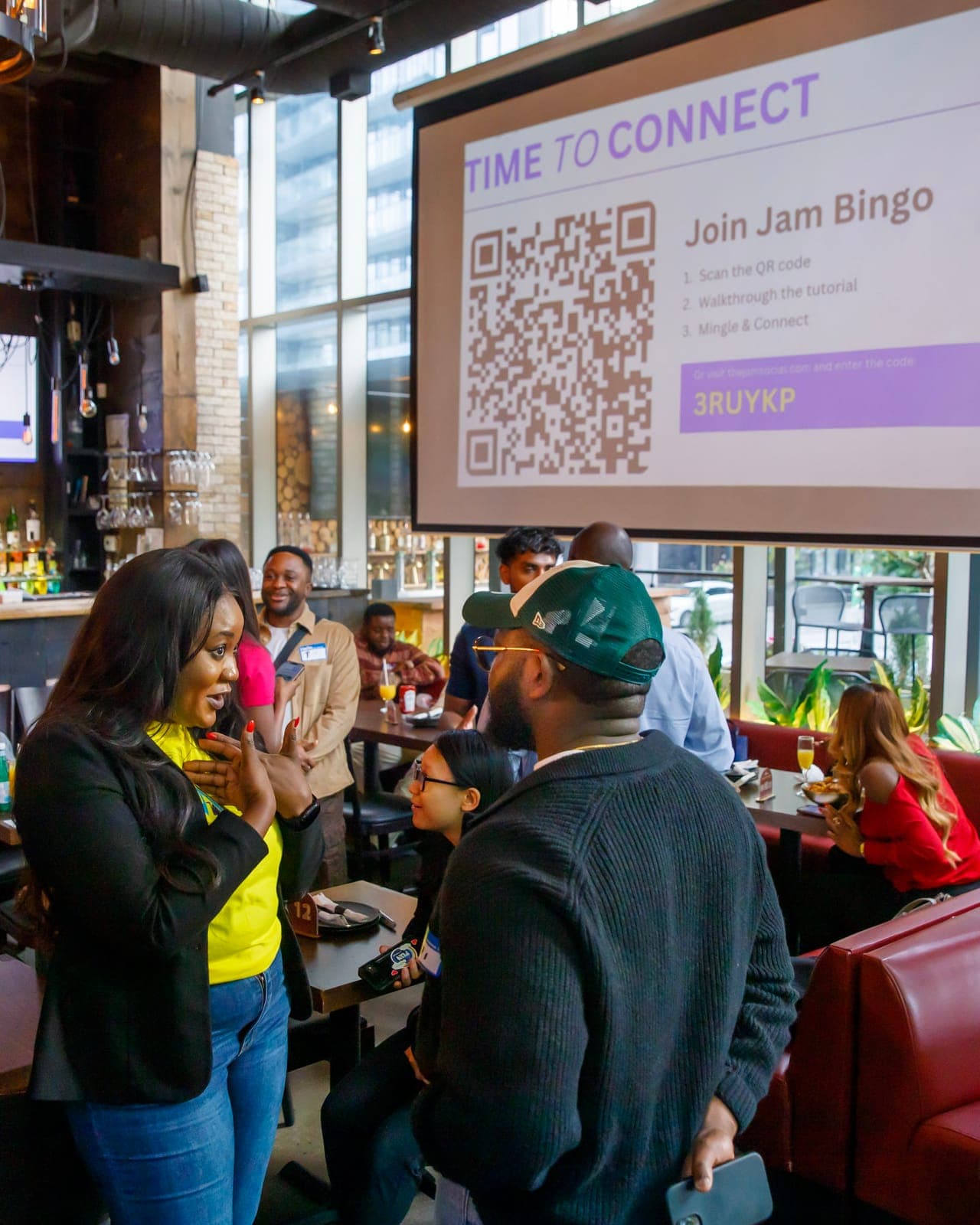
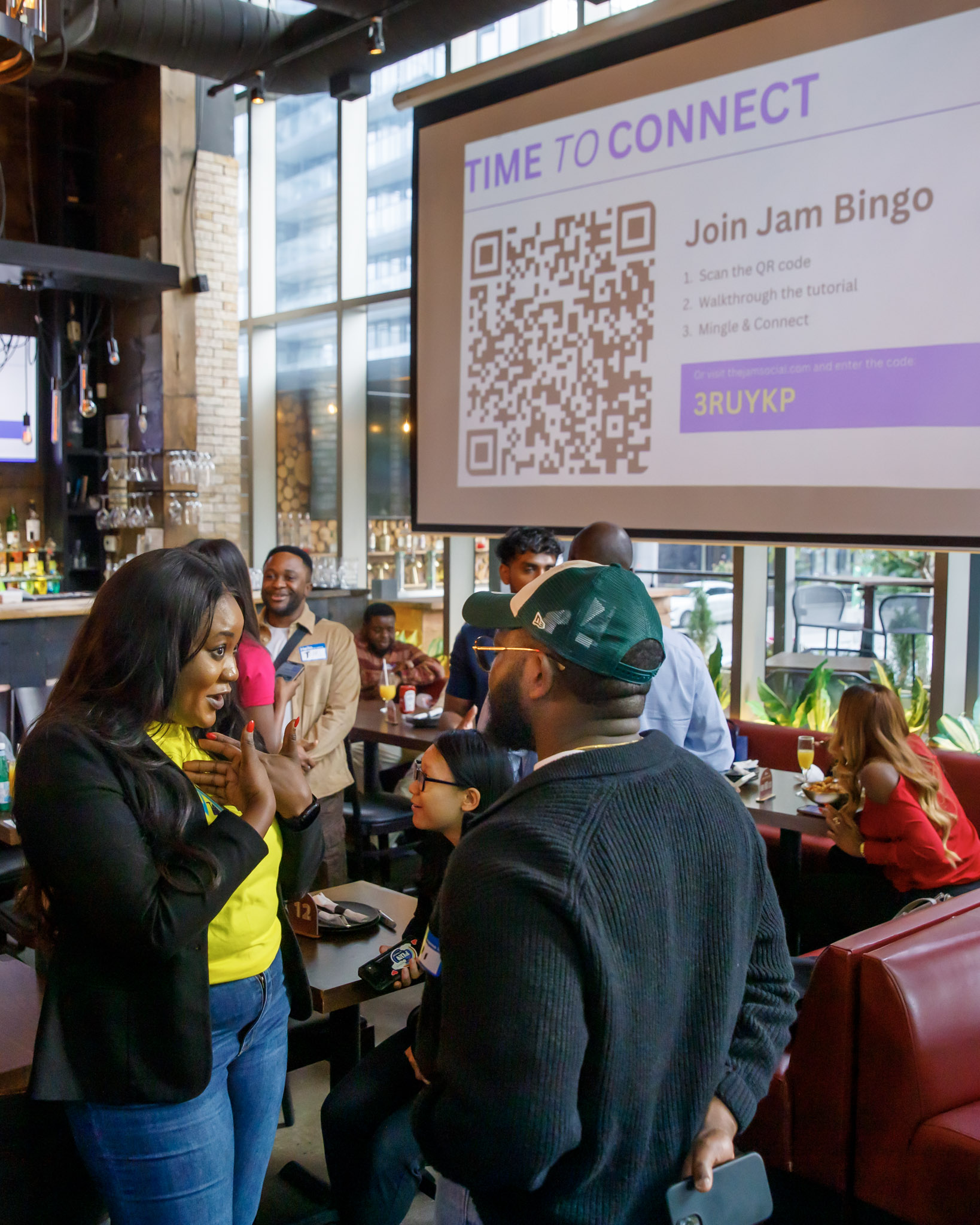
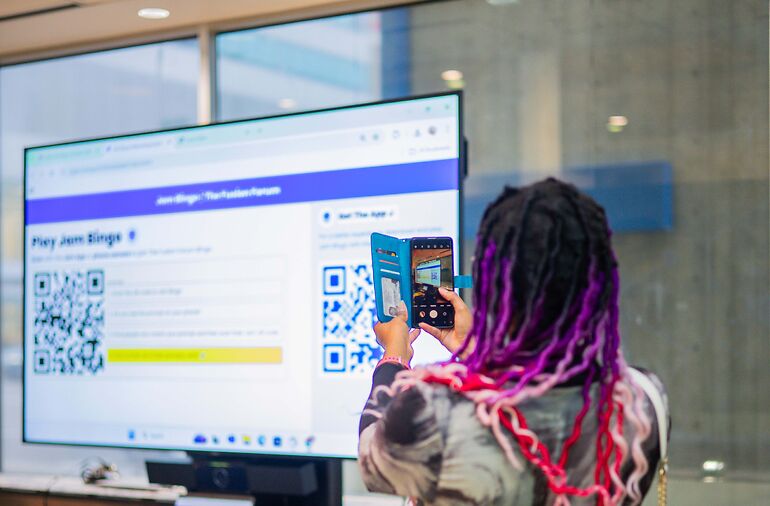
Put the QR code on the screen, at check-in or on tables.
Guests scan it with their phone camera. It opens in the browser, so there's no app to download.
Step 2: Each Guest Gets One Networking Prompt
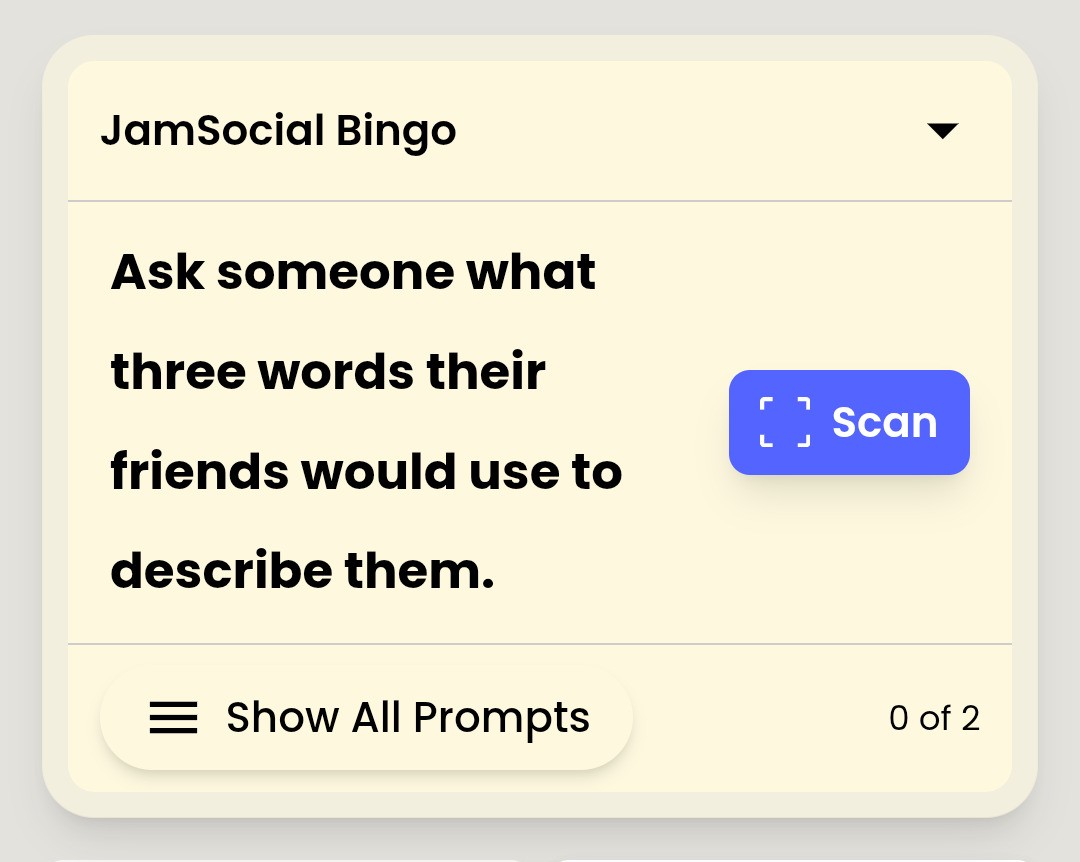
Instead of a full card, guests see one prompt at a time.
That slows them down so each match becomes a real conversation, not a quick signature.
Each guest gets a different mix of prompts, so the room spreads out.
Step 3: Guests Find a Match and Have the Conversation
They find someone who fits the prompt and use it to start talking.
The prompt takes care of the awkward first line.
Step 4: Scan Each Other to Unlock the Next Prompt
After the chat, they scan each other's QR code.
That confirms the match, saves the connection, and unlocks the next prompt.
Step 5: Show the Leaderboard and Award Prizes
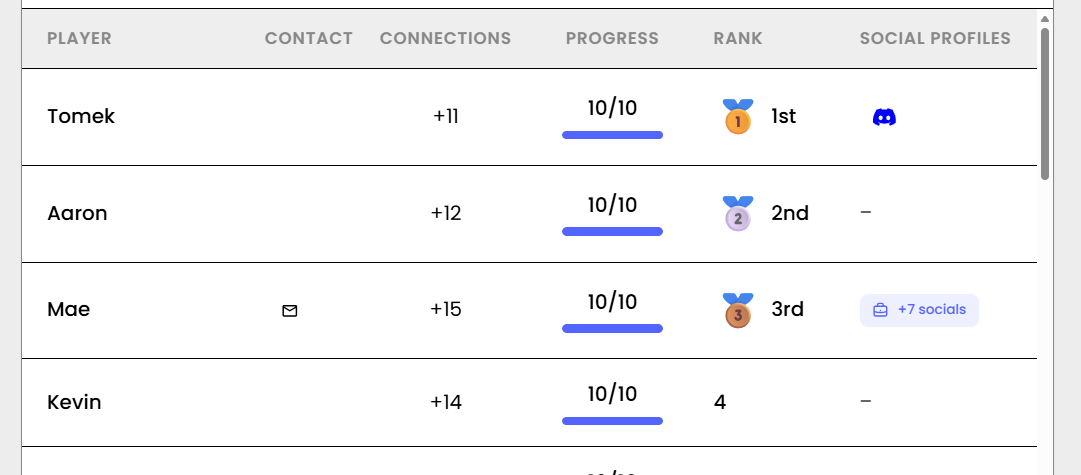
A live leaderboard shows who has made the most connections.
Give a small prize to the top networkers at the end.
Bingo Networking Game Prompts to Use
Easy Bingo Networking Prompts
- Find someone who has lived in another country
- Find someone who speaks more than two languages
- Find someone who has the same birth month as you
- Find someone who has a pet with a funny name
Professional Bingo Networking Prompts
- Find someone who works in a different industry
- Find someone who changed careers, and ask why
- Find someone who is hiring right now
- Find someone and ask about the best career advice they've received
Need more? Browse these ready-made bingo networking game templates.
Tips for Running a Bingo Networking Game
Start the Bingo Networking Game Early
Launch it in the first 15 minutes, before guests settle into groups.
Make the QR Code Easy to Find
Put it on the big screen and around the room. If guests can't see it, they won't play.
Write Prompts That Lead to Conversations
'Find someone who changed careers, and ask why' beats 'Find someone wearing blue.'
Add a Small Prize
A prize for the most connections keeps guests playing until the end. Here are some fun small prize ideas for networking bingo.
Run a Bingo Networking Game at Your Next Event
See how real events used it in these examples of business networking games at real events.
Frequently Asked Questions
What is a bingo networking game?
A game where guests find people who match prompts, like 'Find someone who has run a marathon.' Each match is a reason to start a conversation with someone new.
How do you play a bingo networking game?
With Jam Bingo, guests scan a QR code, get a prompt on their phone, find someone who matches, chat, and scan that person's QR code to unlock the next prompt.
Is a digital bingo networking game better than paper?
Usually. Paper cards get rushed, guests sign for their friends, and nothing is saved. A digital version shows one prompt at a time, confirms each match with a scan, and saves the connections.
How long should a bingo networking game last?
20 to 30 minutes for most events. Long enough for guests to meet 5 to 10 new people.
How many people can play a bingo networking game?
Any size. Digital versions like Jam Bingo work for 10 to 1,000+ people because everyone plays at once.