
Digital Networking Bingo Activity for Uni Students
Get Students from Different Schools Talking
Here's how a digital networking bingo activity gets uni students to mix, with a real example from Press & Pastries.

Why Uni Students from Different Schools Don't Mix
Students Stick with Their Own School
At multi-school events, students arrive in school groups.
They sit together, eat together and leave together.
Networking Feels Awkward for Students
Most students haven't practiced walking up to a stranger.
Without a reason to talk, they wait for someone else to go first.
Paper Bingo Cards Get Ignored
Paper human bingo cards end up folded in pockets or filled in by friends.
Students sign each other's squares and never leave their table.
Case Study: PSPA Press & Pastries Networking Bingo
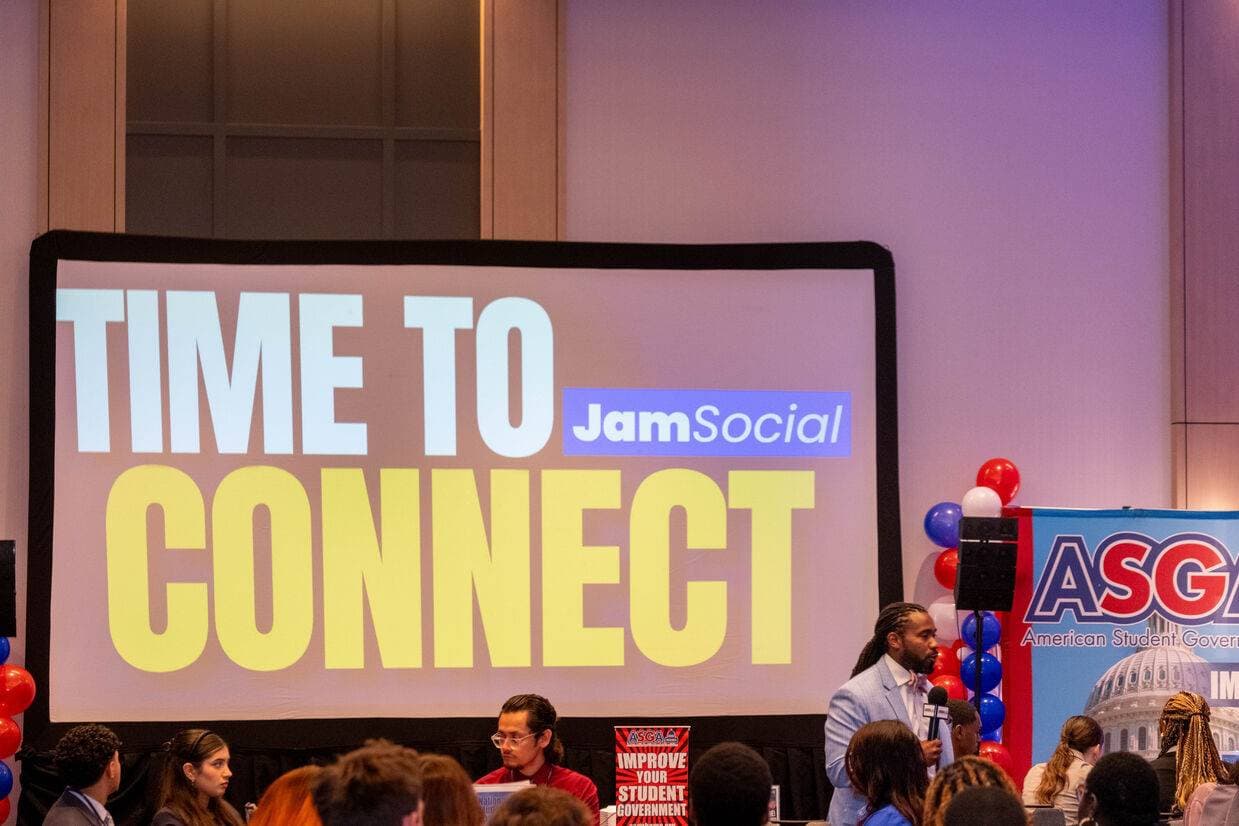
The Philadelphia Student Press Association (PSPA) hosted Press & Pastries for student journalists.
Students came from different schools, and most only knew the people from their own newsroom.
The Goal: Get Student Journalists from Different Schools to Mix
PSPA wanted students to meet peers from other schools, not just catch up with their own staff.
They needed something simple that students would actually play.
How PSPA Used a Digital Networking Bingo Activity
PSPA ran Jam Bingo during the event.
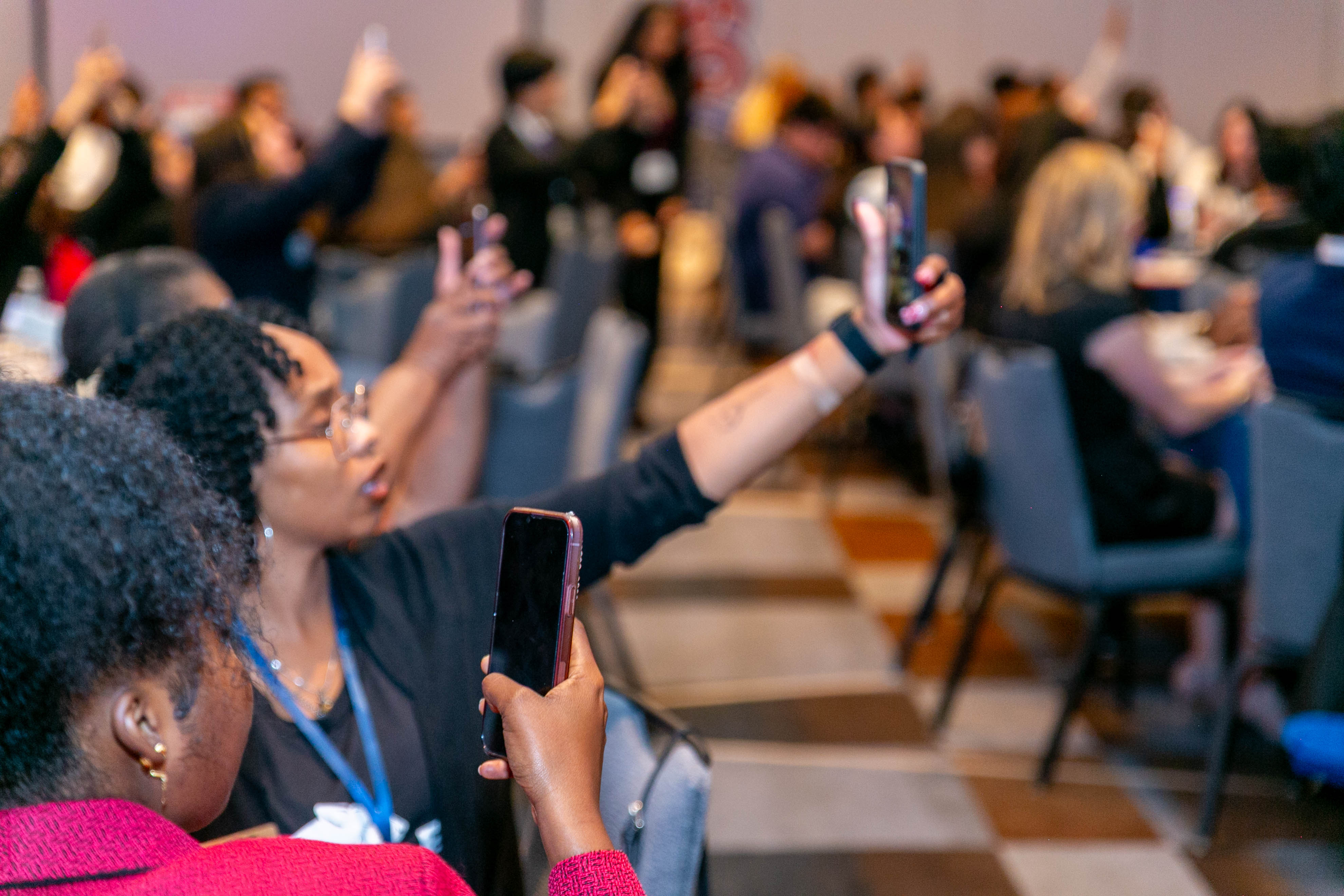
Students scanned a QR code, got conversation prompts on their phones, and went looking for students from other schools to match them.
Each conversation unlocked a new prompt, so students kept moving to new people.
Results of the Student Networking Bingo at Press & Pastries
Here's what PSPA said after the event:
The event went great! Everyone loved the game, and a couple of people said they want to use the game for their own events, which is exciting!!
Students didn't just play. Some wanted to bring the game back to their own schools.

How the Digital Networking Bingo Activity Works for Students
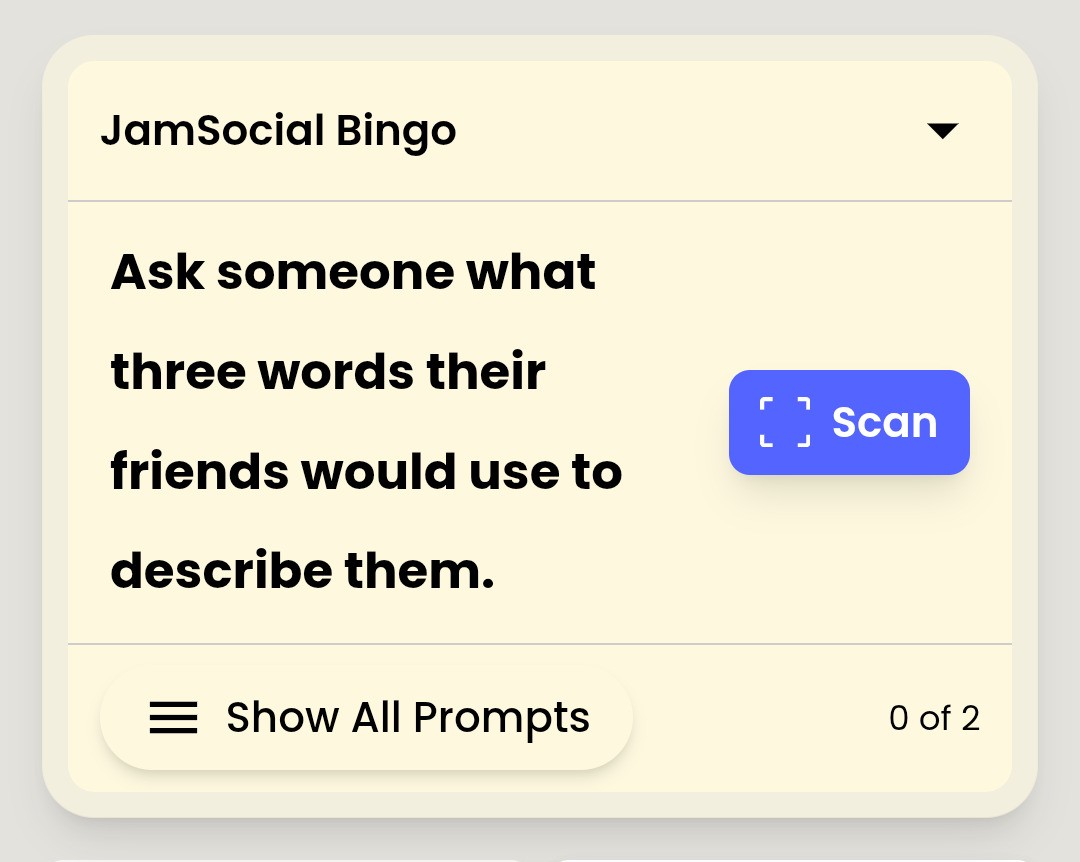
Jam Bingo shows one prompt at a time, not a card full of squares.
Step 1: Students Scan the QR Code to Join
Put one QR code on the screen or on each table.
Students scan it with their phone camera. The game opens in the browser, so there's nothing to download.
Step 2: Each Student Gets a Networking Prompt
A prompt appears, like 'Find someone from a different school and ask about their biggest story this year.'
Every student gets a different mix of prompts, so they spread across the room.
Step 3: Students Find a Match and Have the Conversation
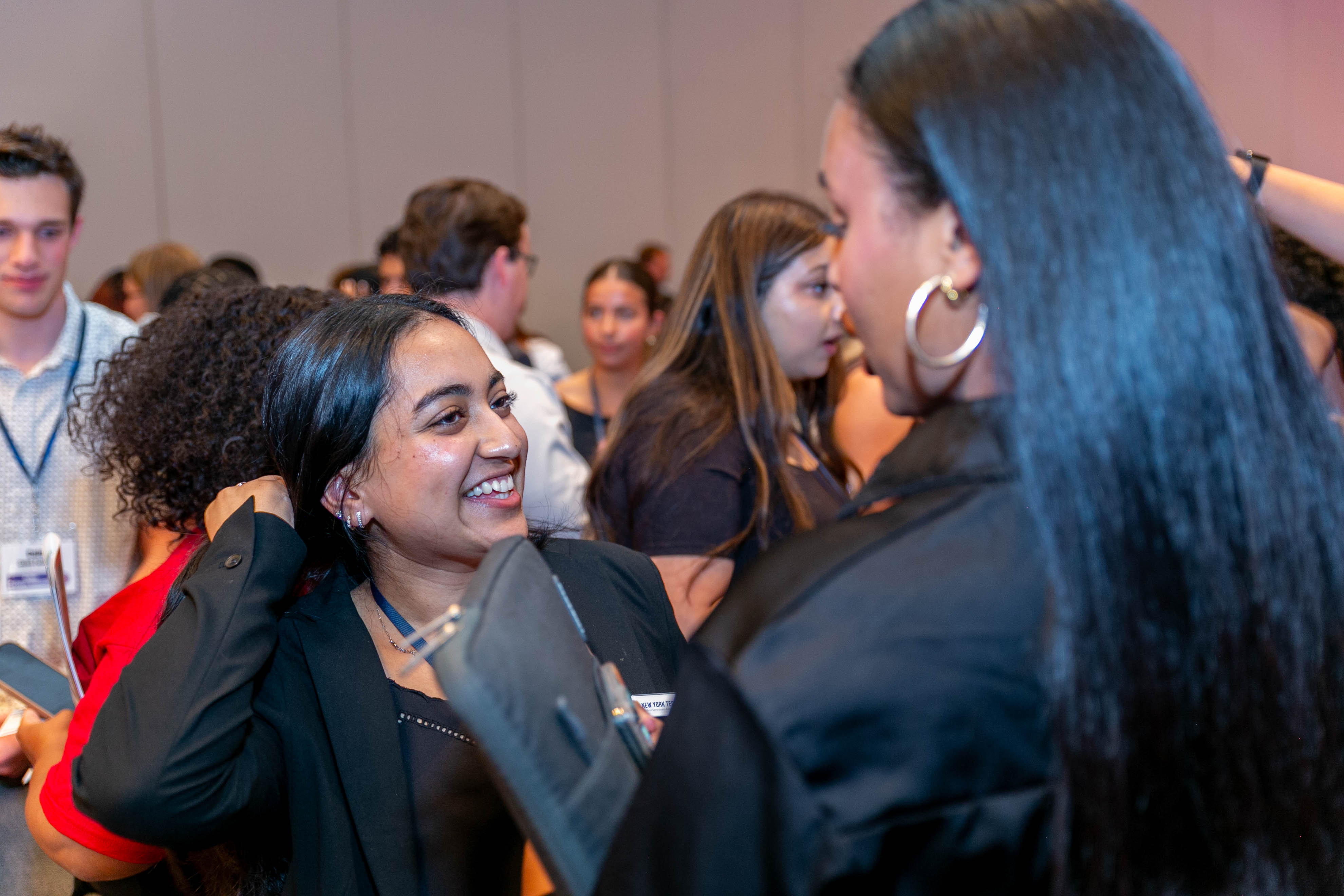
They walk up to someone new and use the prompt to start talking.
The prompt takes away the awkward first line.
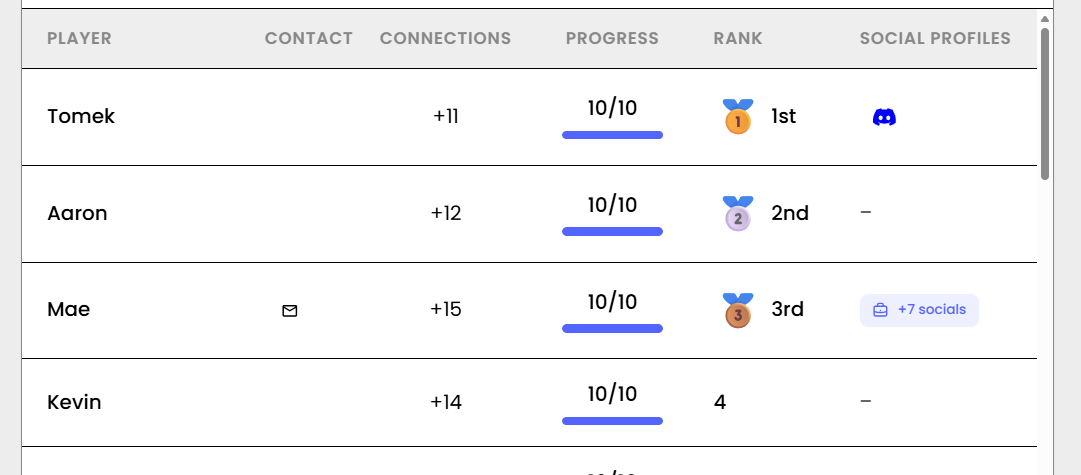
Step 4: Students Scan Each Other to Unlock the Next Prompt
When the conversation wraps up, they scan each other's QR code.
That saves the connection and unlocks the next prompt, which sends them to another new student.
Networking Bingo Prompts for Uni Students from Different Schools
- Find someone from a different school and ask what their campus is known for
- Find someone studying a different major than you
- Find someone who has had an internship
- Find someone who runs a student club
- Find someone who wants the same career as you
- Find someone who transferred schools
Want more? Browse these ready-made networking bingo templates for students.
Tips for Running Networking Bingo with Uni Students
Run Student Networking Bingo Early
Start in the first 15 minutes, before students settle into school groups.
Write Prompts That Cross School Lines
At least half your prompts should only be completable with a student from another school.
Give Students a Prize to Play For
A small prize for the most connections keeps students going until the end.
Try a Digital Networking Bingo Activity at Your Student Event
Run the same digital networking bingo activity for uni students that PSPA used at Press & Pastries.
Frequently Asked Questions
What is a digital networking bingo activity?
A networking bingo game played on phones. Students scan a QR code, get a conversation prompt, find someone who matches, and scan that person to unlock the next prompt.
How do I get uni students from different schools to mix?
Use prompts that send students to someone outside their own school or program, like 'Find someone from a different school and ask what their campus is known for.'
Do students need to download an app to play?
No. They scan the QR code with their phone camera and play in the browser.
How long should a networking bingo activity for students run?
15 to 30 minutes is enough for most students to meet several new people.