
How Can You Adapt Get-to-Know-You Questions for Remote or Hybrid Teams?
Turn Get-to-Know-You Questions into an Activity
The trick is to stop asking questions one person at a time and turn them into an activity the whole team plays.
Below is a get-to-know-you activity for your remote team on video, and one for when your team meets in person, with questions and facilitation steps for both.
Why Get-to-Know-You Question Rounds Fall Flat on Remote Teams
The usual approach is going around the call so everyone answers the same question.
With 20 people, that's 20 mini speeches. By the fifth answer, half the team is checking email.
Nobody gets a real conversation, and the quiet teammates dread their turn.
An activity fixes this by splitting the team into small conversations that happen at the same time.
Remote Get-to-Know-You Activity: Breakout Room Rotations
How the Remote Get-to-Know-You Activity Works
Teammates are put into small breakout rooms of 3 or 4 people.
Each round has one get-to-know-you question. Everyone answers, then the conversation goes wherever it goes.
After 8 to 10 minutes, the groups shuffle and a new question starts.
In 30 minutes, every teammate has had real conversations with 6 to 9 colleagues, not just heard them give a speech.
What You Need for the Remote Activity
- A video tool with breakout rooms (Zoom, Teams or Google Meet)
- 3 get-to-know-you questions, one per round
- 30 to 40 minutes on the calendar
- One facilitator to run the rooms and keep time
How to Facilitate the Remote Get-to-Know-You Activity
Step 1: Open the Call with a 2-Minute Warm-Up
Start with a question everyone answers in the chat, like 'Drop an emoji for how your week is going.'
It gets everyone typing and paying attention before the breakout rooms open.
Step 2: Explain the Remote Activity in 30 Seconds
Keep the instructions short. Something like:
You'll go into small groups for three rounds. Each round has one question. Everyone answers, then just chat. We'll shuffle the groups after each round, so you'll meet different people every time.
Step 3: Send Small Groups to Breakout Rooms
Use groups of 3 or 4. Pairs can stall if one person is quiet, and groups of 5+ turn back into speeches.
Mix teams on purpose so people end up with colleagues they don't work with every day.
Step 4: Post the Get-to-Know-You Question in Every Room
Broadcast the question to all rooms so nobody has to remember it.
Add a 'who goes first' rule, like 'the person whose name is first alphabetically.' It removes the awkward silence at the start.
Step 5: Shuffle the Breakout Rooms Every 8 to 10 Minutes
Give a 1-minute warning, then reshuffle the rooms and post the next question.
Make each round's question a bit deeper than the last, as people warm up.
Step 6: Close with a 5-Minute Share-Back
Bring everyone back to the main room and ask: 'What's one surprising thing you learned about a teammate?'
A few answers out loud, the rest in the chat. It ends the activity on a high and lets everyone hear the best stories.
Get-to-Know-You Questions for Remote Teams
Use one question from each round, starting light and getting a little deeper.
Round 1: Light Get-to-Know-You Questions for Remote Teams
- Show us one thing within arm's reach that has a story
- What's the view from your window right now?
- What does a normal workday look like where you live?
- What's one food your city does better than anywhere else?
- Who or what is most likely to interrupt this call?
Round 2: Personal Get-to-Know-You Questions for Remote Teams
- What did you do last weekend that you'd do again?
- What's a skill you have that nobody at work knows about?
- What's something you're looking forward to this month?
- What's a hobby you picked up since working remotely?
- What's the best thing about working from where you are?
Round 3: Deeper Get-to-Know-You Questions for Remote Teams
- What's the best piece of career advice you've been given?
- What did you want to be as a kid, and how close did you get?
- What's something you changed your mind about in the last few years?
- What's one thing that would make your work week better?
How to Include Hybrid Teams in the Remote Get-to-Know-You Activity
If some of the team is in the office and some are at home, run the activity fully online.
Everyone Joins from Their Own Laptop
Office teammates join from their own device and headphones, not a shared conference room screen.
Now remote and in-office people land in the same breakout rooms as equals.
Mix Office and Remote Teammates in Every Room
Make sure each breakout room has at least one remote and one in-office person.
Those are the two groups that know each other least, so that's where the activity does the most good.
In-Person Get-to-Know-You Activity for Remote Teams Meeting Up
When your remote team meets for an offsite, kickoff or holiday party, people finally get to meet the colleagues they've only seen on screen.
But without an activity, they still stick with their own team or the people from their office.
The right activity turns faces from video calls into real working relationships.
Teammates meet people from other offices and teams, not just the ones they already message every day.
Conversations they started online pick up in person, and they leave knowing who to call on when they're back home.
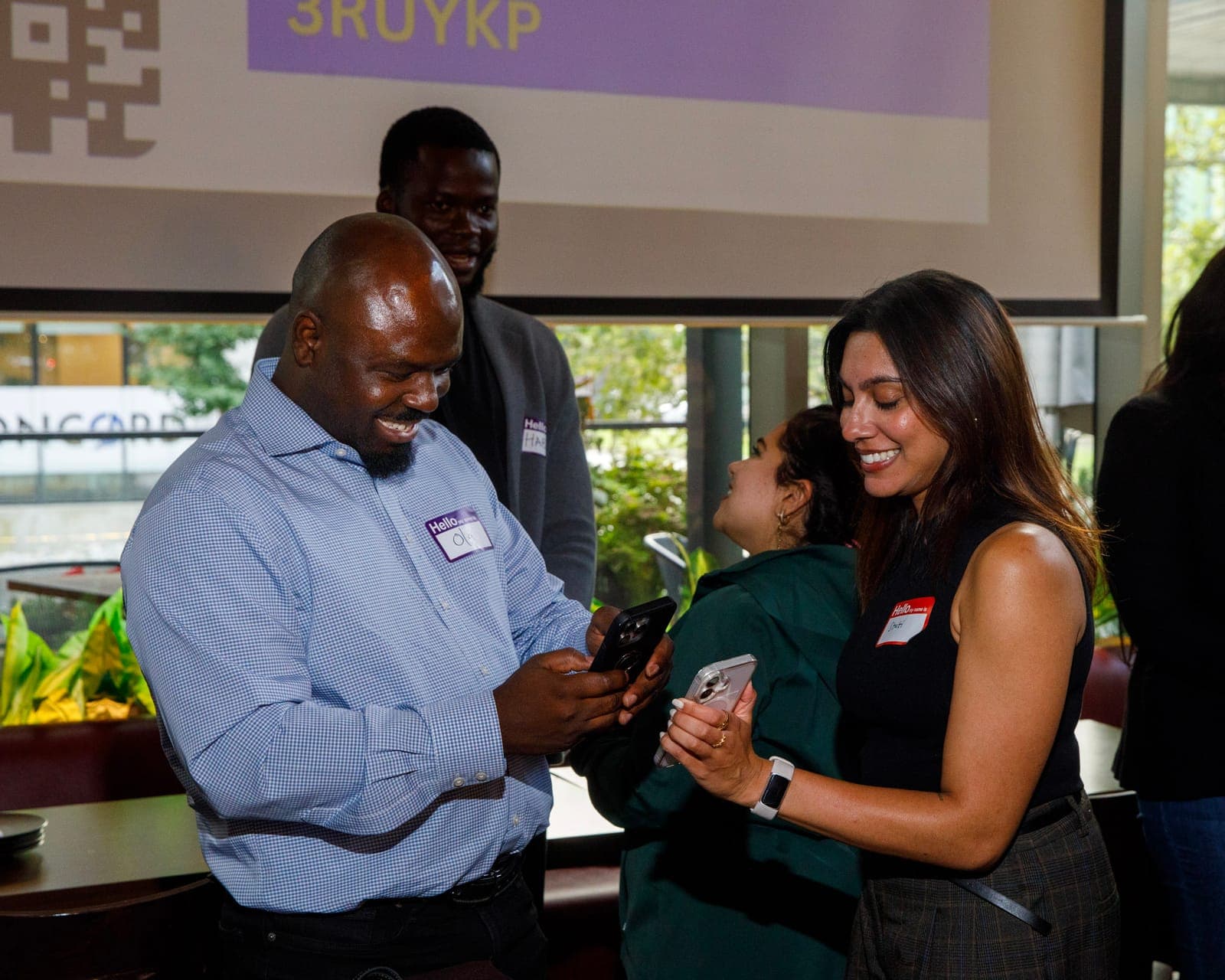
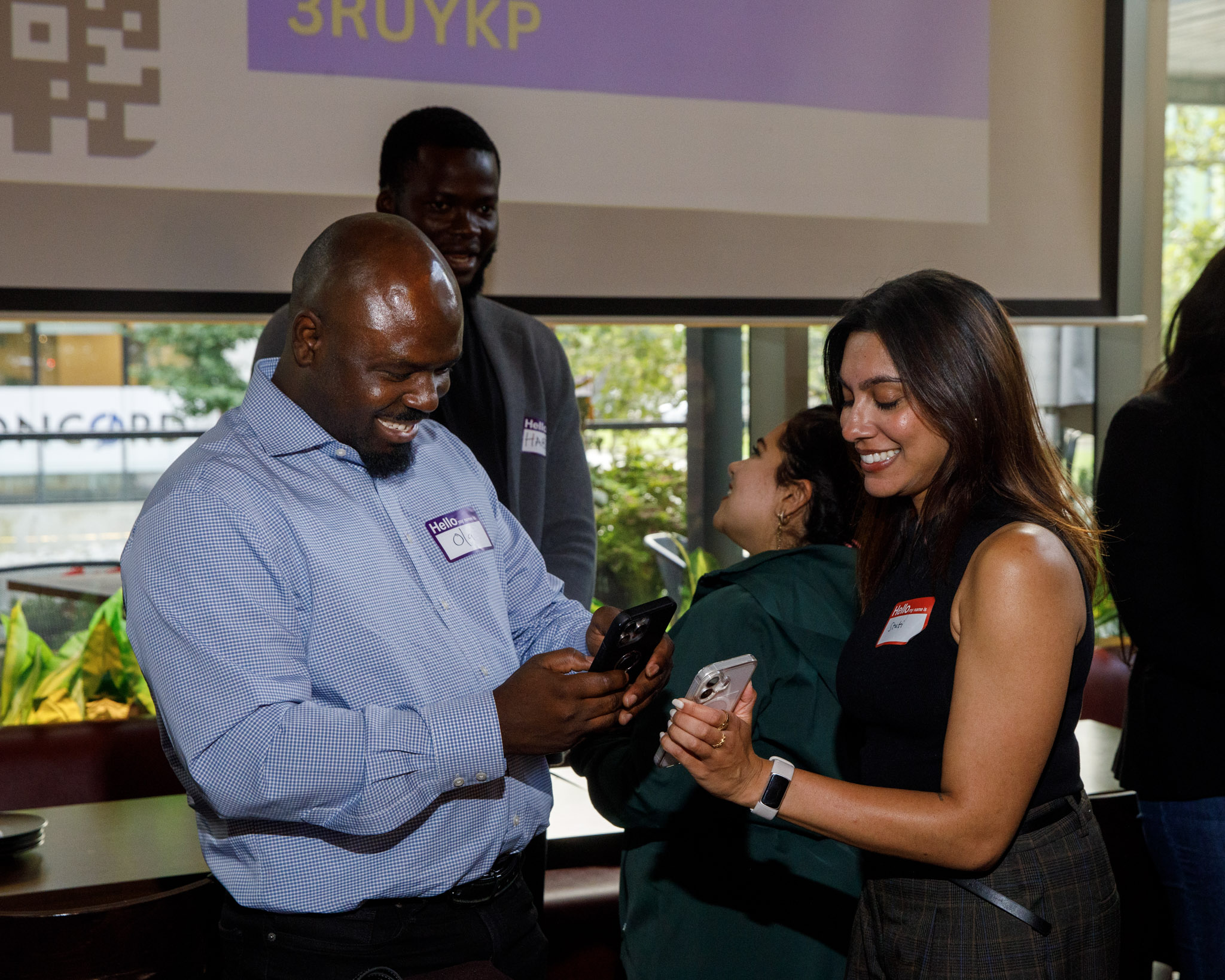
Jam Bingo is the get-to-know-you game that gets remote teams meeting in person mixing like this.


How to Facilitate the In-Person Get-to-Know-You Activity
Step 1: Add Your Get-to-Know-You Questions Before the Meetup
Write prompts about your team, like 'Find someone you've only ever met on video.'
Mix in some from the remote rounds, so people can pick up conversations they started online.
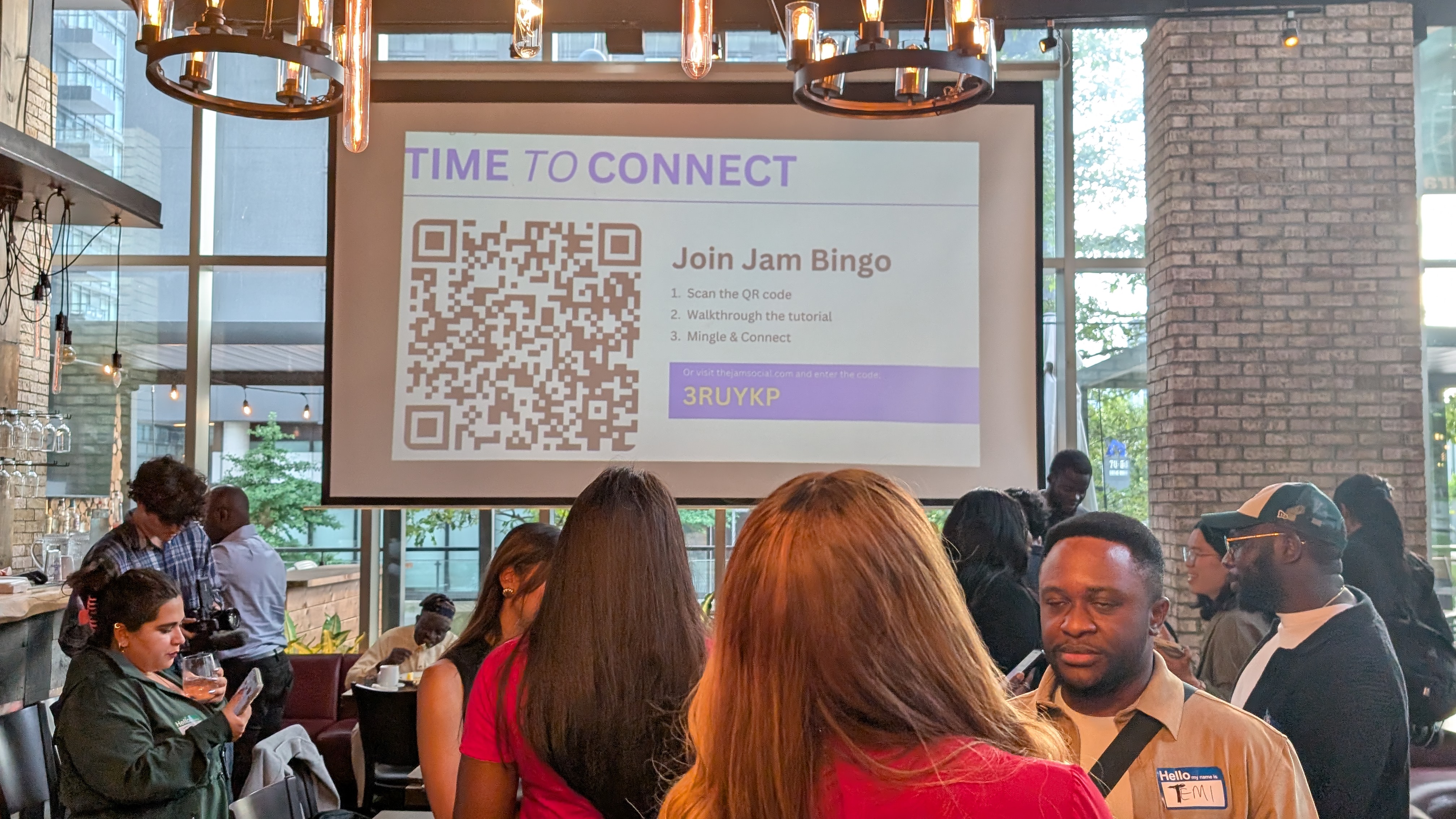
Step 2: Teammates Scan One QR Code to Join
Put the QR code on the screen at the start of the day or on the tables.
Everyone scans it with their phone camera. It opens in the browser, so there's no app to download.
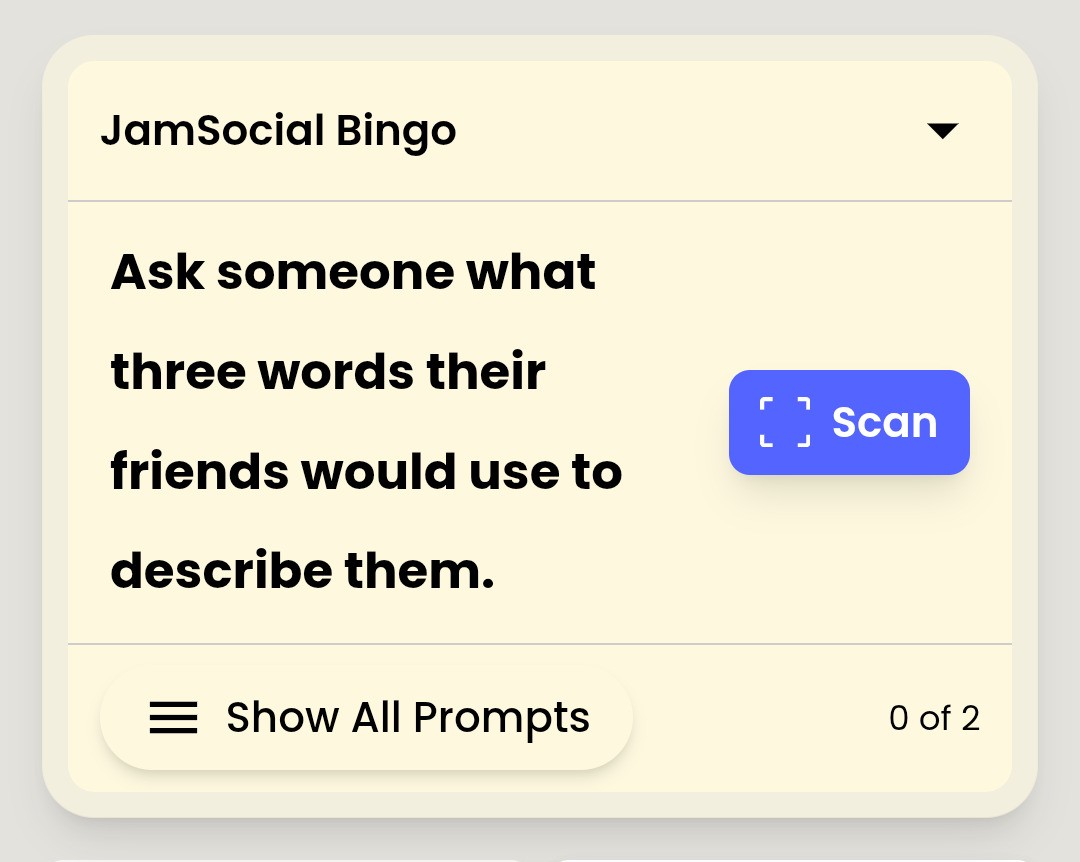
Step 3: Each Teammate Gets a Get-to-Know-You Prompt
A prompt appears, like 'Find someone from a different office and ask what their city is known for.'
Each person gets a different mix of prompts, so the team spreads out instead of clustering by office.
Step 4: Teammates Find a Match and Talk
They walk up to a colleague, ask the question, and finally put a face to the name from Slack.
The prompt gives them a reason to approach someone outside their own team.
Step 5: Scan Each Other to Unlock the Next Prompt
When the chat is done, they scan each other's QR code.
That saves the connection and unlocks the next question, which sends them to someone else.
Step 6: Celebrate the Top Connectors
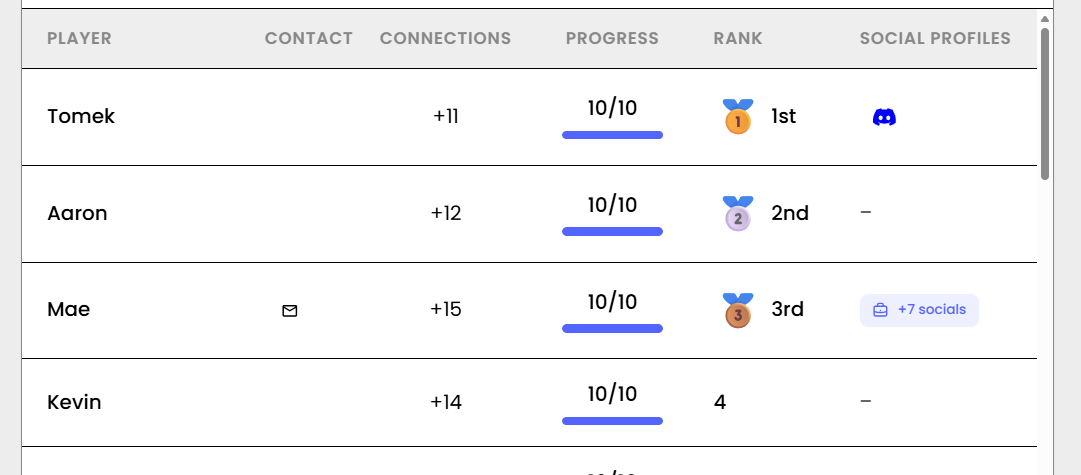
After 20 to 30 minutes, show the leaderboard and give a small prize to whoever met the most colleagues.
Get-to-Know-You Questions for Remote Teams Meeting in Person
- Find someone you've only ever met on video
- Find someone from a different office or time zone
- Find someone who works in a team you rarely talk to
- Find someone whose pet or kid has crashed a call
- Find someone who joined during the last year
- Find someone and ask what their home office setup looks like
- Find someone and ask what they miss most about the office, or don't miss at all
- Find someone and ask about a project you've both worked on but never discussed
Want more? Browse these ready-made get-to-know-you bingo templates for teams.
Plan Your Remote Team's Next Get-to-Know-You Activity
Run the breakout room rotations on video to start the connections.
Then use an in-person get-to-know-you game when the team meets, so those online conversations turn into real relationships.
Getting your remote team together soon? See these ice breaker ideas for remote teams meeting in person.
Frequently Asked Questions
How can you adapt get-to-know-you questions for remote or hybrid teams?
Turn them into an activity. On video, use small breakout rooms with one question per round and rotate the groups. In person, give each teammate their own question and have them find a colleague who matches.
What is a good get-to-know-you activity for a remote team?
Breakout room rotations. Put people in groups of 3 or 4, give each round one get-to-know-you question, and shuffle the groups every 8 to 10 minutes so everyone meets new teammates.
How do you facilitate a get-to-know-you activity on video?
Keep groups small, post the question in the chat, pick a 'first speaker' rule so nobody waits awkwardly, and finish with a 5-minute share-back in the main room.
What get-to-know-you activity works when a remote team meets in person?
Jam Bingo. Each teammate gets a get-to-know-you prompt on their phone, finds a colleague who matches, and scans their QR code to unlock the next prompt.