How to Follow Up on LinkedIn After an Event
A short LinkedIn message in the next 48 hours is what turns a chat into a real contact.

Why Most LinkedIn Follow-Ups After Events Fail
Most people send a blank request a week later, or never.
By then, you're just a name. The other person doesn't remember the chat.
A fast, specific note fixes both problems.
Step 1: Write Down Who You Met at the Event
Do it the same night, before you forget.
Name, what they do, and one thing they said. That's all you need.
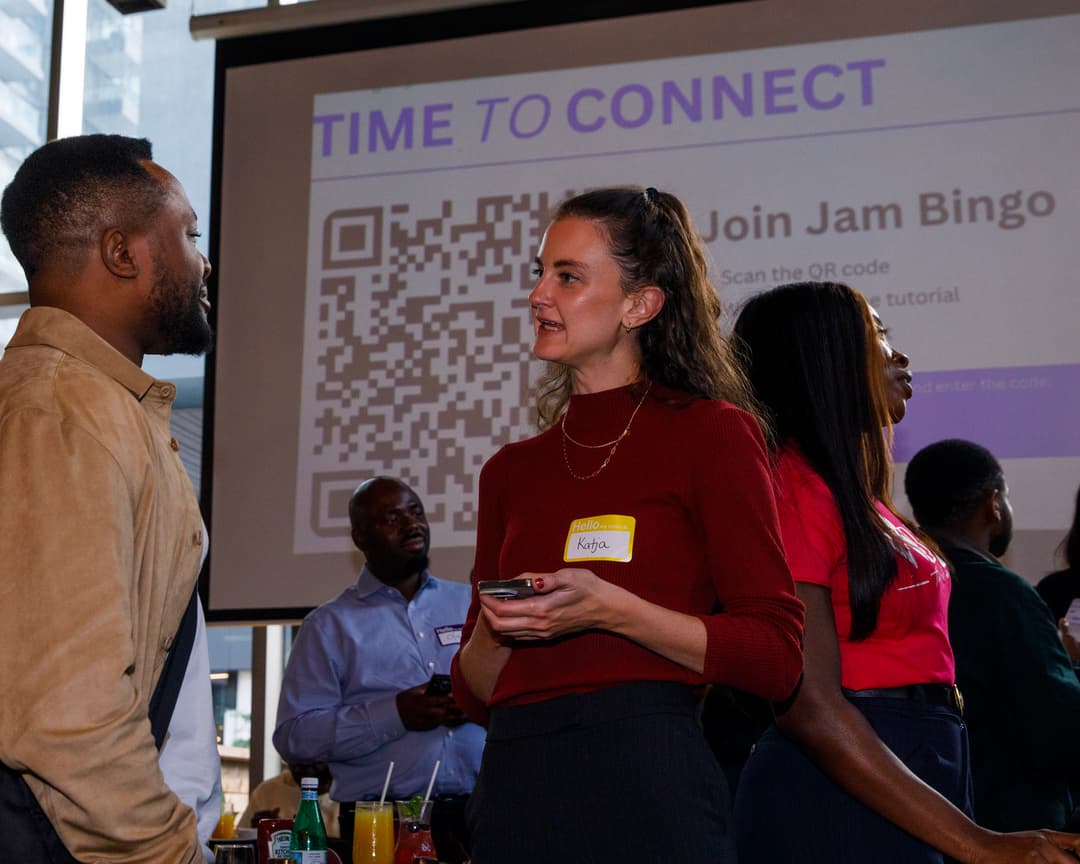
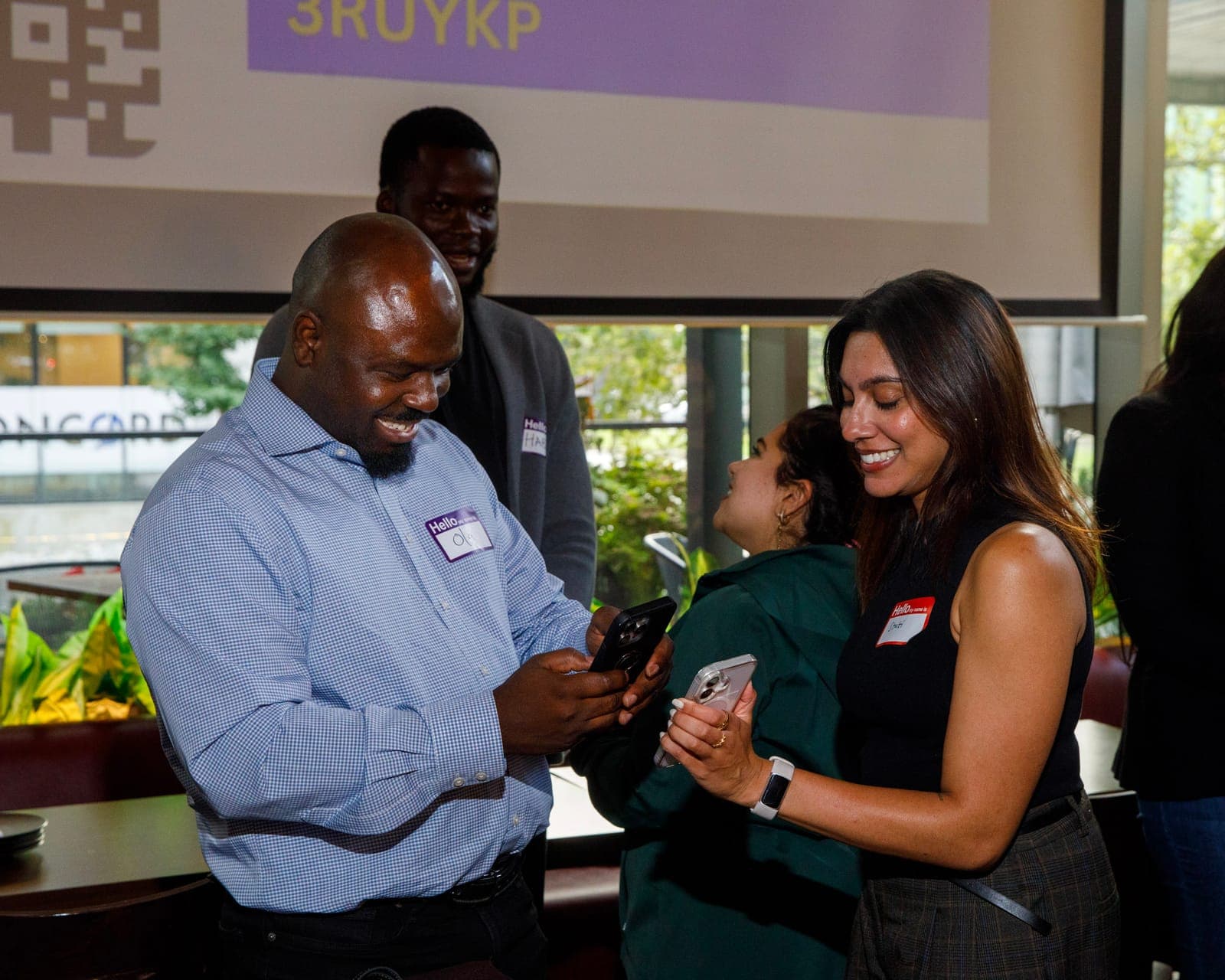
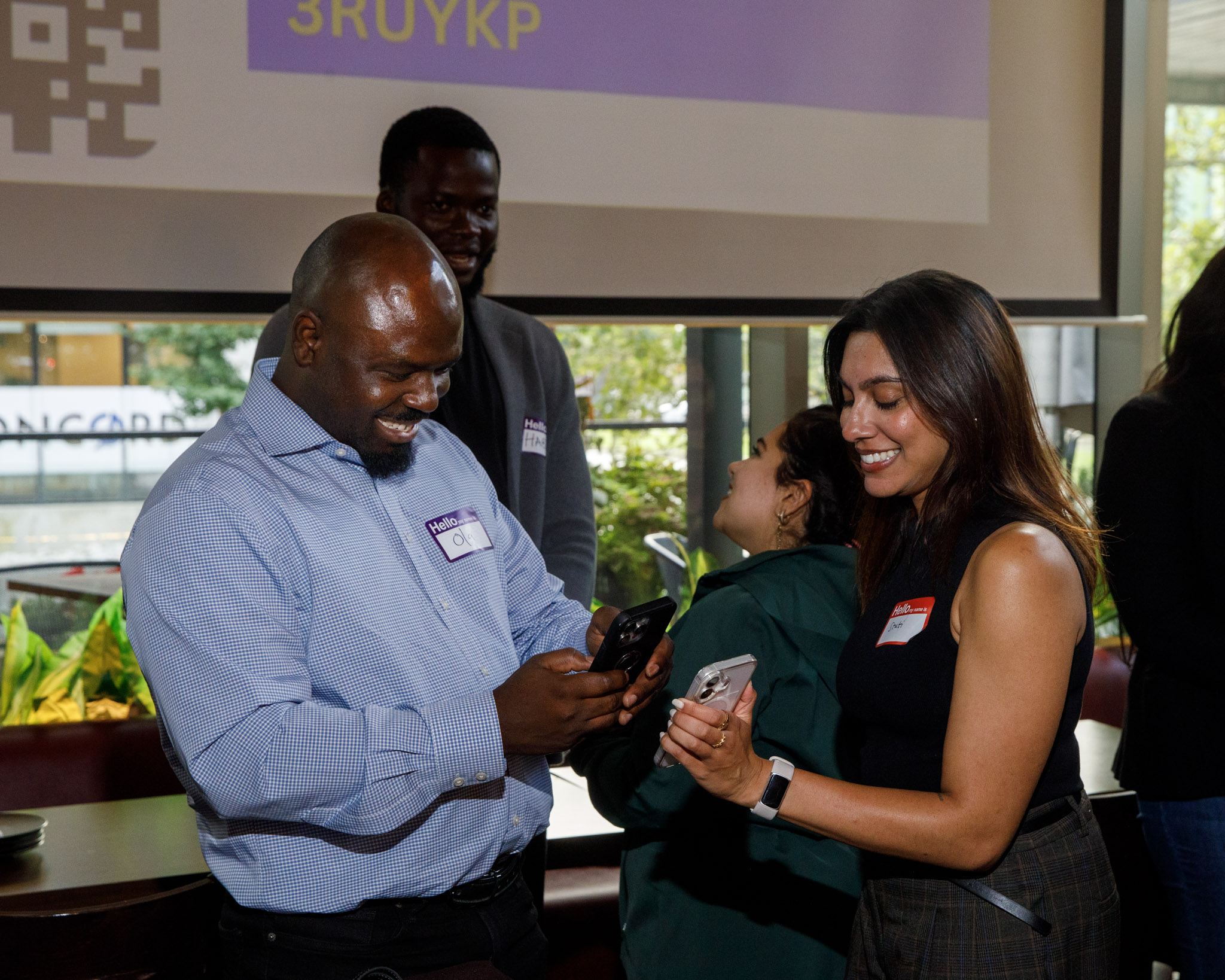
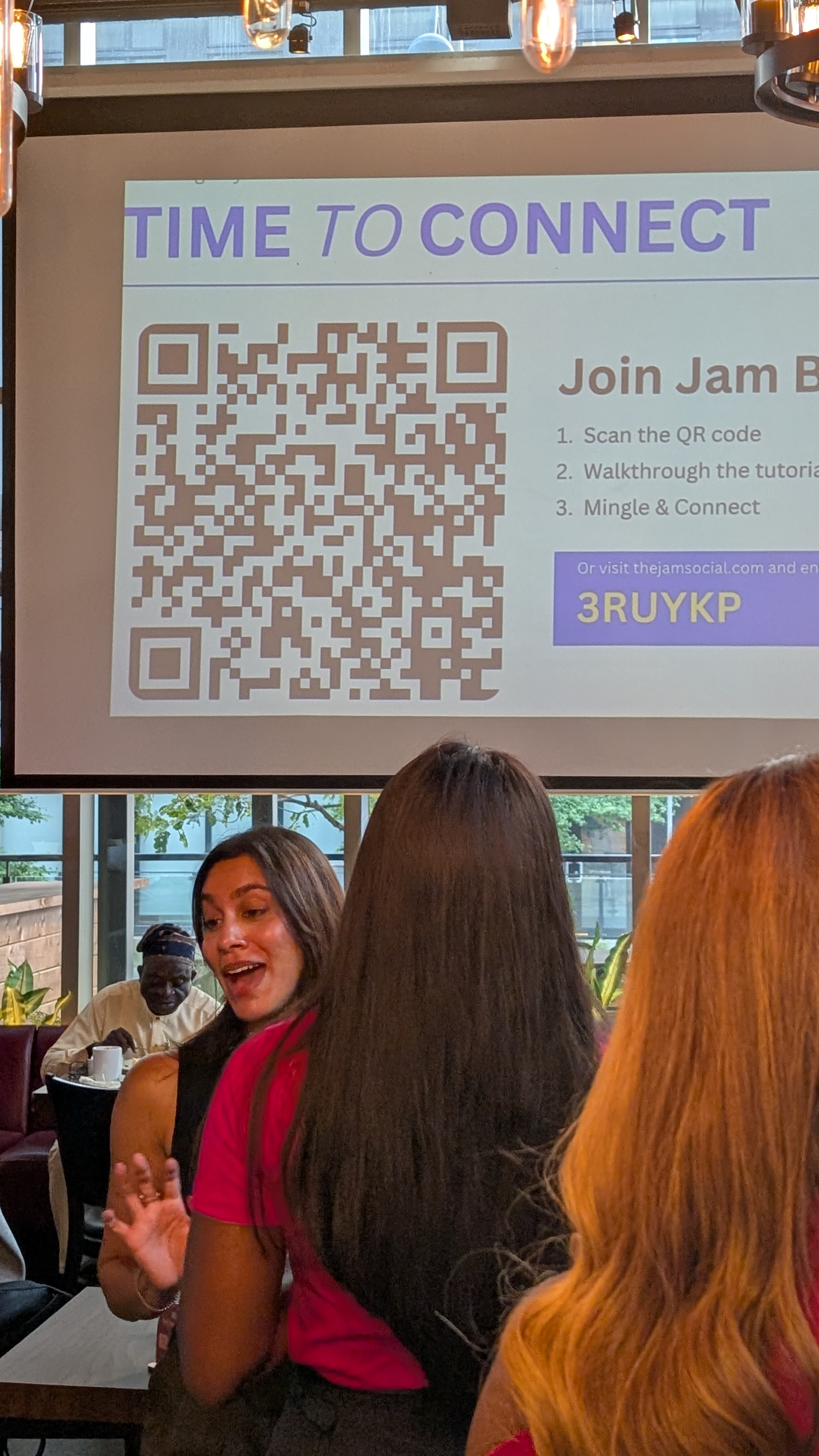
If the event used Jam Bingo, your phone already has everyone you met and the prompt you talked about.
Step 2: Send the LinkedIn Request Within 48 Hours
Always add a note. Keep it under 200 characters.
Name, where you met, and one detail. No pitch.
6 LinkedIn Follow-Up Message Templates After an Event
LinkedIn Message for Someone You Had a Great Chat With
Hi [Name], great meeting you at [event] last night. Loved hearing about [detail]. Let's stay in touch!
LinkedIn Message for a Speaker You Didn't Get to Meet
Hi [Name], I was in the audience for your talk at [event]. Your point about [idea] stuck with me. I'd love to follow your work.
LinkedIn Message When You Promised to Send Something
Hi [Name], great chatting at [event]. Here's the [article / tool / contact] I mentioned: [link]. Hope it helps!
LinkedIn Message to Suggest a Coffee
Hi [Name], I enjoyed our chat about [topic] at [event]. Would you be up for a 15-minute coffee in the next couple of weeks?
LinkedIn Message for Someone You Met Through a Networking Game
Hi [Name], you were my match for '[prompt]' at [event]! Still thinking about your answer. Let's connect.
LinkedIn Message for an Organizer or Host
Hi [Name], thank you for hosting [event]. I met some great people. Count me in for the next one!
Step 3: Keep the LinkedIn Connection Going
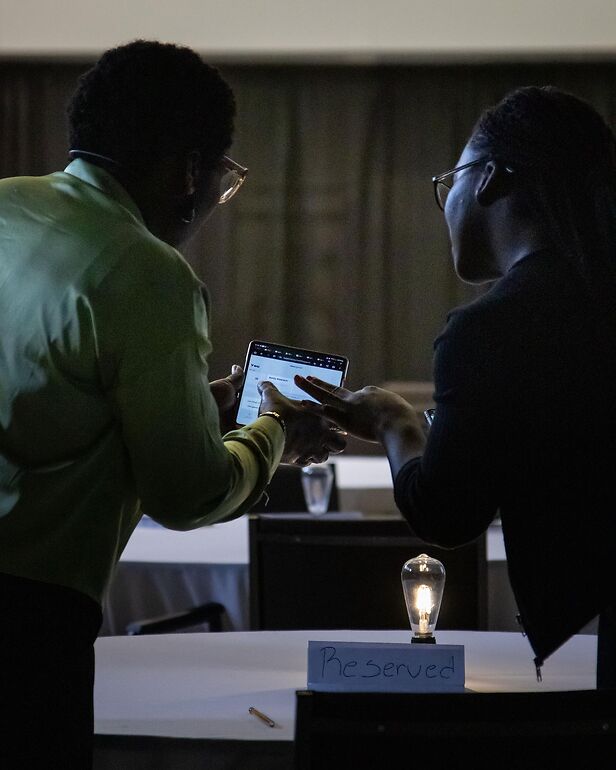
One message isn't a relationship. A few small touches are.
- Comment on their next post with a real thought, not just 'Great post'
- Congratulate them on a new role or win
- Send an article or job that fits what they told you
- Invite them to the next event you're going to
Once every month or two is plenty.
LinkedIn Follow-Up Mistakes After a Networking Event
- Sending a pitch right after they accept
- Sending a blank request
- Waiting two weeks
- Copy-pasting the same message to everyone
- Asking for a favor before you've given anything
What If They Don't Accept Your LinkedIn Request?
Some people only connect with people they know well. Don't take it personally.
If you have their email, send a short note there instead. If not, say hi at the next event.
Checklist: How to Follow Up on LinkedIn After an Event
- Note who you met the same night
- Send requests within 48 hours
- Add a note with one detail
- No pitch in the first message
- Keep in touch every month or two
Organizing the event? See how a networking game saves every connection for your guests.
Frequently Asked Questions
When should I send a LinkedIn request after an event?
Within 24 to 48 hours. They still remember your face and your conversation.
What should I write in a LinkedIn connection request after an event?
Your name, where you met, and one thing you talked about: 'Hi Maya, great meeting you at the Chamber mixer last night. Loved your story about opening your second café.'
Should I send a note with a LinkedIn connection request?
Yes. A note gets accepted far more often than a blank request, and it reminds them who you are.
How do I follow up on LinkedIn without being salesy?
Lead with them, not your offer. Share something useful, congratulate a win, or ask a question. Only suggest a call once there's a reason to talk.