
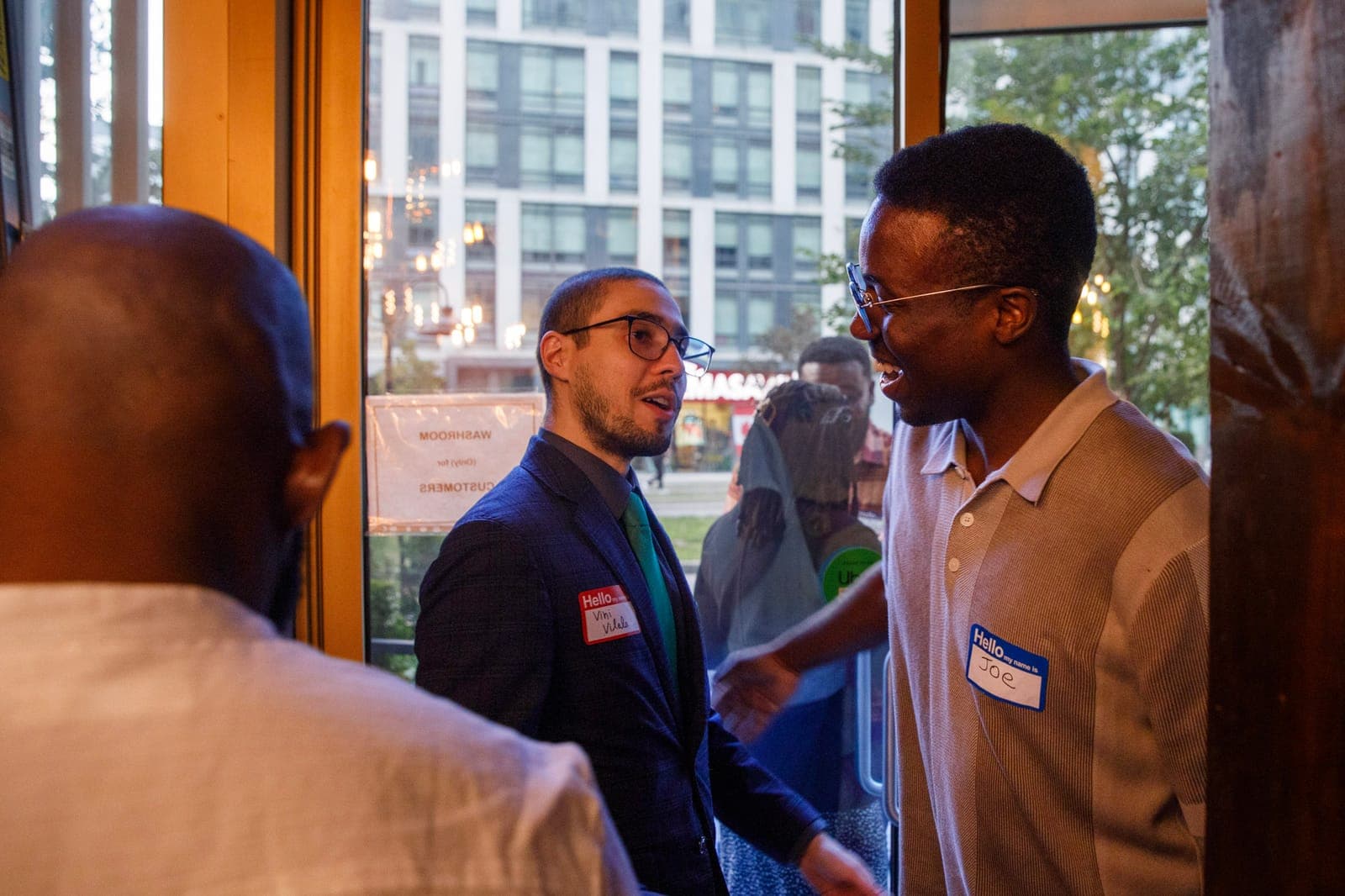
How to Make a Networking Mixer Interactive with QR Code Ice Breaker Bingo
From Small Groups to One Mixing Room
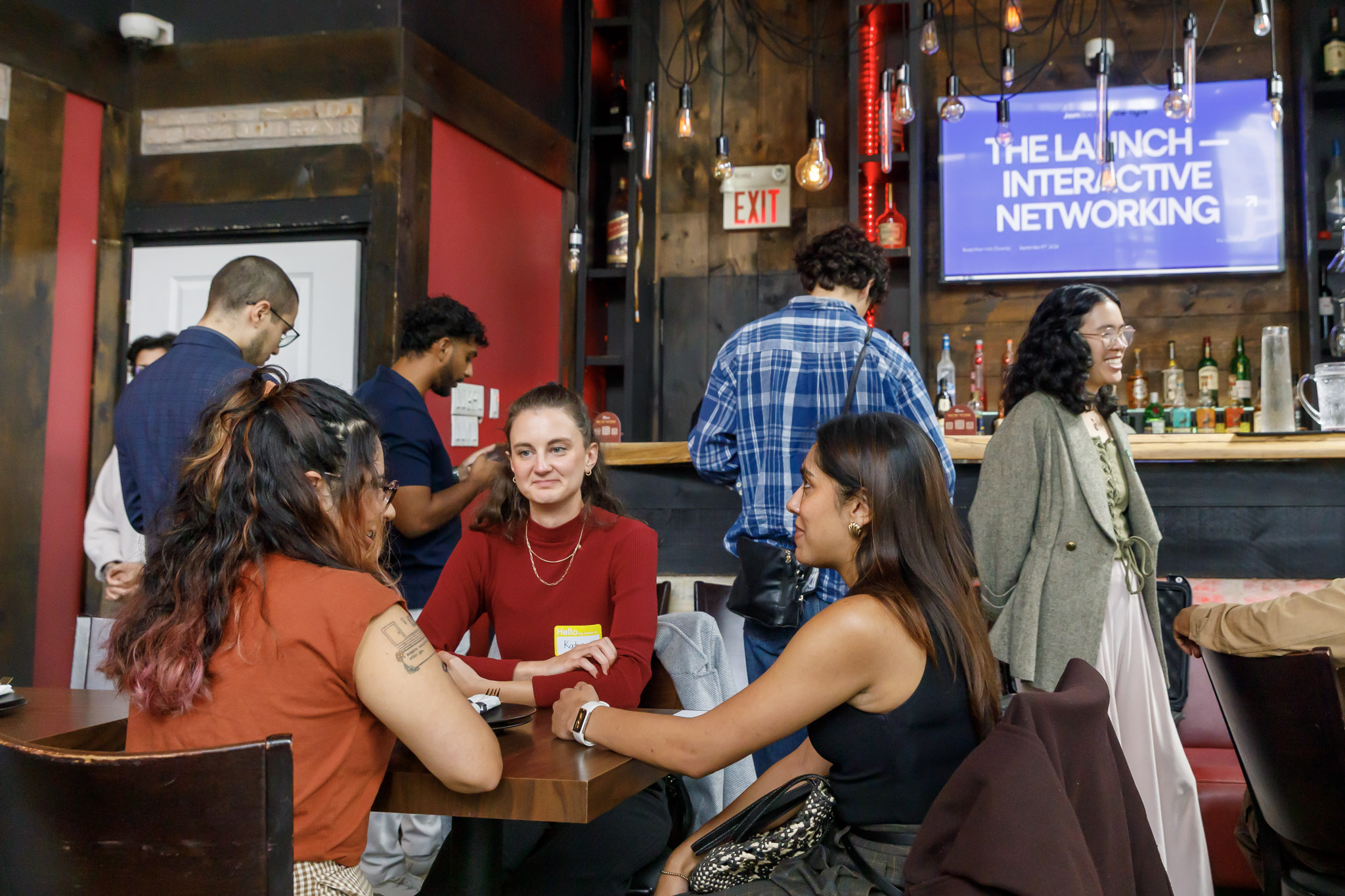
Here's how to make your networking mixer interactive with a QR code networking game.

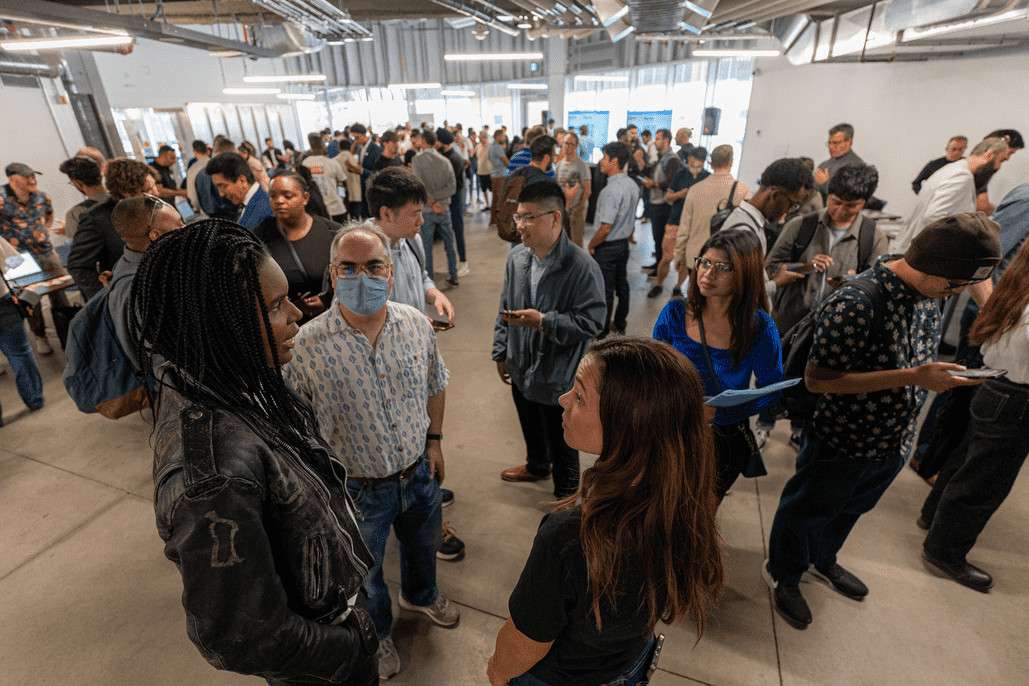
2 Things to Consider at a Networking Mixer
1. Guests Arrive in Groups
Coworkers come together. Friends come together.
And groups that arrive together usually stay together.
2. Walking Up to a Stranger Is Hard
Most guests want to meet new people.
They just don't want to be the first one to say hi.
What Is QR Code Ice Breaker Bingo?
Human Bingo, Without the Paper Card
You probably know human bingo: a paper card full of squares like 'Find someone who speaks two languages.'
QR code ice breaker bingo moves it to guests' phones.
Jam Bingo is a QR code ice breaker bingo game made for networking mixers.
How Does a QR Code Ice Breaker Bingo Game Work?
Instead of a paper card with 25 squares, each guest gets one conversation starter at a time on their phone.
Here's what that looks like for a guest at your mixer.
Step 1: Guests Scan the QR Code to Join
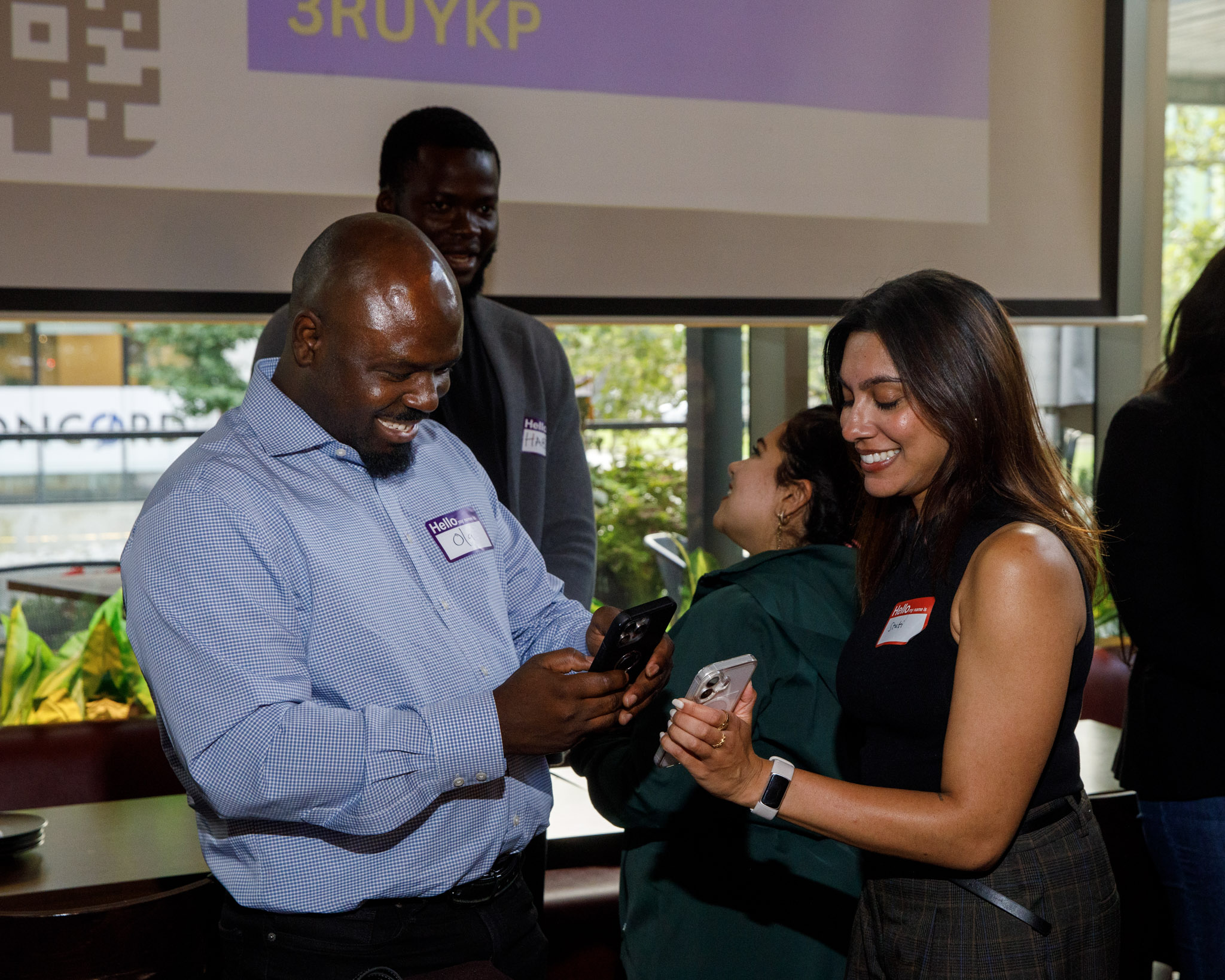
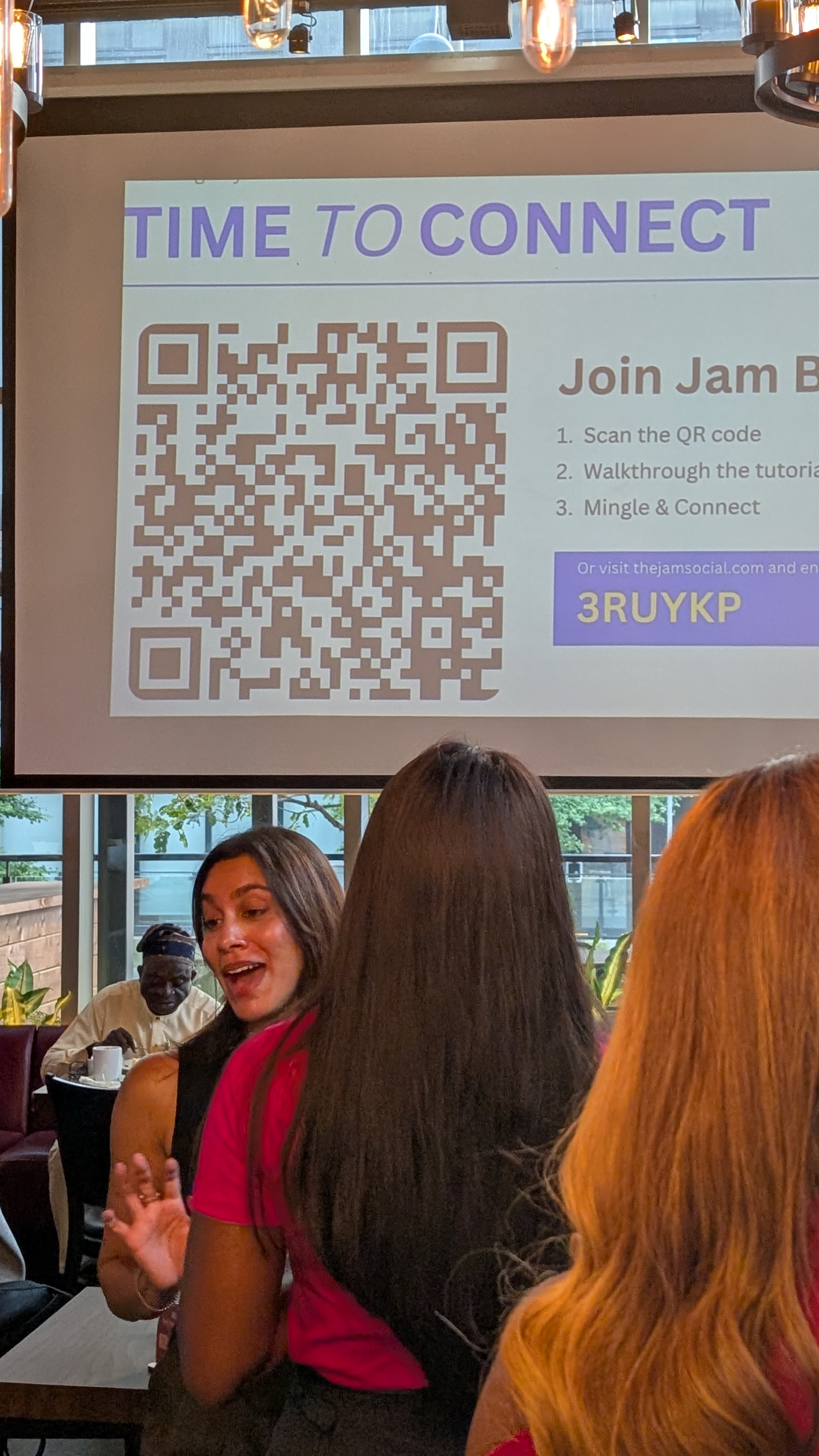
You show one QR code on the screen or at check-in.
Guests point their phone camera at it and the game opens in their browser. There's no app to download.
Step 2: Each Guest Gets a Conversation Prompt
Their phone shows a prompt, like 'Find someone who changed careers, and ask what made them switch.'
Each guest gets a different prompt, so everyone is looking for someone different.
Step 3: Find Someone Who Matches and Chat
Guests walk around and ask people about their prompt.
The prompt is the opener, so nobody has to come up with small talk. 'My prompt says find someone who changed careers. Is that you?'
When they find a match, they ask the follow-up question and have a real conversation.
Step 4: Scan Each Other's QR Code to Connect
Every guest has their own QR code in the game.
After chatting, they scan each other's code. That saves the connection and proves they actually met.
Step 5: Unlock the Next Prompt
Each connection unlocks a new prompt, and the guest goes looking for the next person.
That keeps guests moving around the room instead of staying in one conversation all night.
And 'I need to find my next person' gives everyone a polite way to move on.
Why QR Code Bingo Makes a Mixer Interactive
1. Everyone Plays at Once
Nobody waits for a turn. Nobody performs in front of the room.
2. The Prompt Does the Small Talk
Guests don't need a clever opener. They just read their prompt out loud.
3. Random Prompts Spread Guests Out
Each guest gets a random mix of prompts.
So people go looking across the whole room, not just the next table.
4. No Printing, No App
Guests scan with their phone camera and play in the browser.
No cards to print, no pens, no app downloads.
How to Set Up QR Code Ice Breaker Bingo
Step 1: Create Your Bingo Game
Create a Jam Bingo game for your networking mixer. It takes a few minutes.
Step 2: Write Networking Mixer Prompts
Add your own prompts, or start from a template.
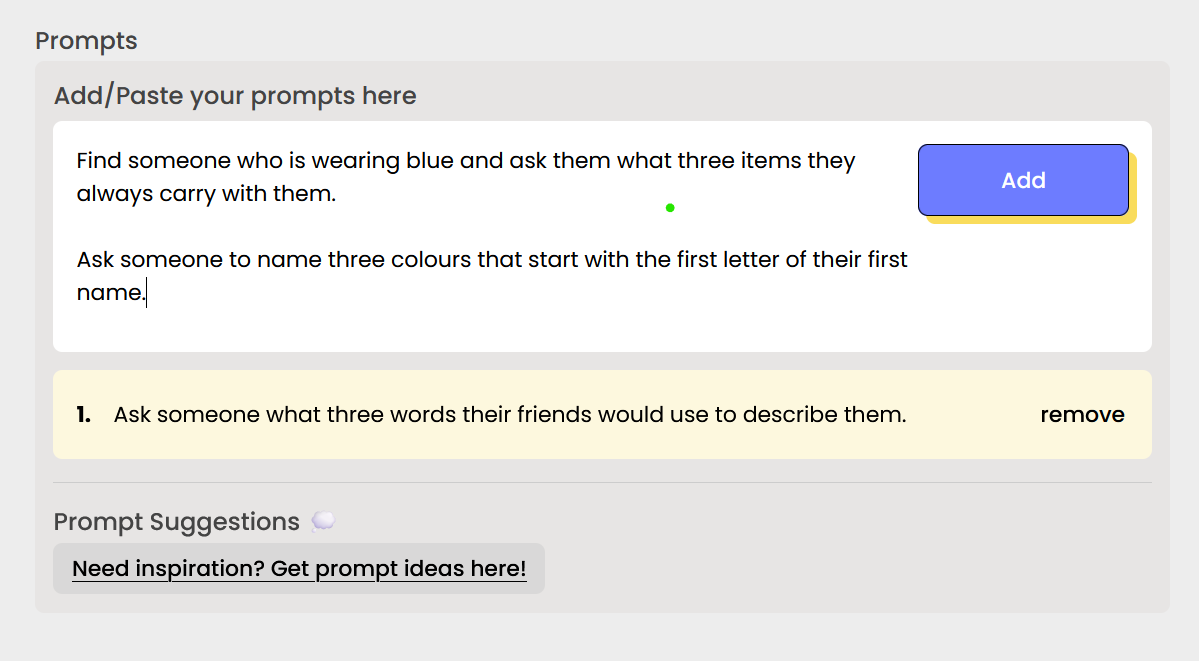
Step 3: Put the QR Code Everywhere
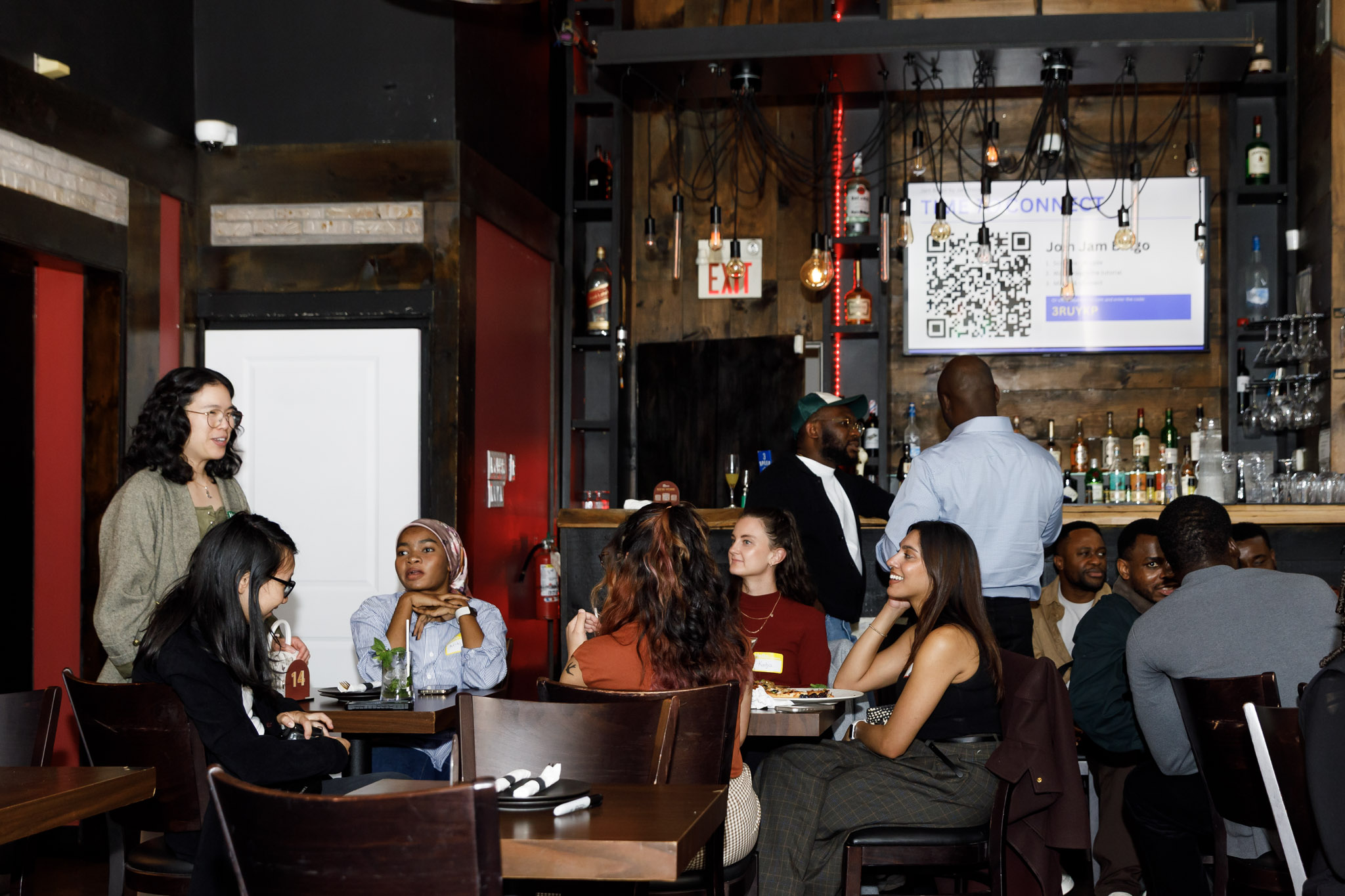
Show it on the main screen, at check-in and on table signs.
The easier it is to find, the faster the room starts playing.
Step 4: Pick a Small Prize
A small prize for the top connectors goes a long way. Here are fun small prize ideas for networking bingo.
Networking Mixer Bingo Prompt Ideas
Professional Prompts
- Find someone who changed careers, and ask what made them switch.
- Find someone who works in a different industry than you.
- Find someone who started a business, and ask about their first customer.
- Find someone who is hiring right now.
Fun Prompts
- Find someone who has lived in another country.
- Find someone with an unusual hobby, and ask how they got into it.
- Find someone who is attending their first mixer here.
- Find someone who can recommend a great local restaurant.
Need more? Grab some from the best conversation starters, or browse Jam Bingo templates.
30-Minute Run of Show for QR Code Bingo
- 0 to 3 minutes: put the QR code on screen and have everyone scan it.
- 3 to 15 minutes: free play.
- 15 minutes: leaderboard shout-out to get the room moving again.
- 15 to 27 minutes: free play.
- 27 to 30 minutes: celebrate the top 3 connectors.
Start Bingo Early in the Mixer
Launch the game in the first 15 minutes, before groups settle in.
Once people are locked into a circle, it's much harder to break it up.
Host Script to Start QR Code Ice Breaker Bingo
Keep it short. Something like:
'Grab your phone and scan the QR code on the screen. You'll get a prompt. Find someone who matches it, chat, then scan their code to get your next one. Whoever makes the most connections wins a prize.'
Then step back and let the prompts do the work.
Common Networking Mixer Bingo Problems
Fix: Late Arrivals Joining QR Code Bingo
Keep the QR code at check-in. Late guests scan and jump right in.
Fix: Bingo Energy Drops Halfway Through
Read the leaderboard out loud. A little competition restarts the room.
Fix: Guests Only Scanning Their Friends
Write prompts their friends can't answer, like 'Find someone you've never met before.'
Make Your Networking Mixer Interactive with Jam Bingo
QR Code Ice Breaker Bingo for Any Size Mixer
One QR code. One prompt at a time. A room full of new conversations.
Frequently Asked Questions
How do you make a networking mixer interactive?
Give every guest a reason to walk up to someone new. QR code ice breaker bingo does this by handing each person a conversation prompt on their phone, then unlocking a new prompt every time they connect with someone.
What is QR code ice breaker bingo?
It's a digital version of human bingo. Guests scan one QR code, get a prompt like 'Find someone who changed careers', find that person, and scan their QR code to connect and get the next prompt.
Do guests need to download an app?
No. Guests scan the QR code with their phone camera and play in the browser.
How long should QR code bingo run at a networking mixer?
20 to 30 minutes is the sweet spot. Start it early in the mixer, before groups settle in, and leave the rest of the night for the conversations it starts.
How many people can play QR code ice breaker bingo?
Jam Bingo works for 20 to 1,000+ guests. Everyone plays at the same time, so nobody waits for a turn.