
How to Use a Human Bingo App at Your Event
Human Bingo, Minus the Paper
Paper human bingo works for a small group.
At a bigger event, it turns into printing, pens and people filling in squares from across the room.
A human bingo app keeps the fun and drops the hassle.
What a Human Bingo App Does
Prompts on Guests' Phones
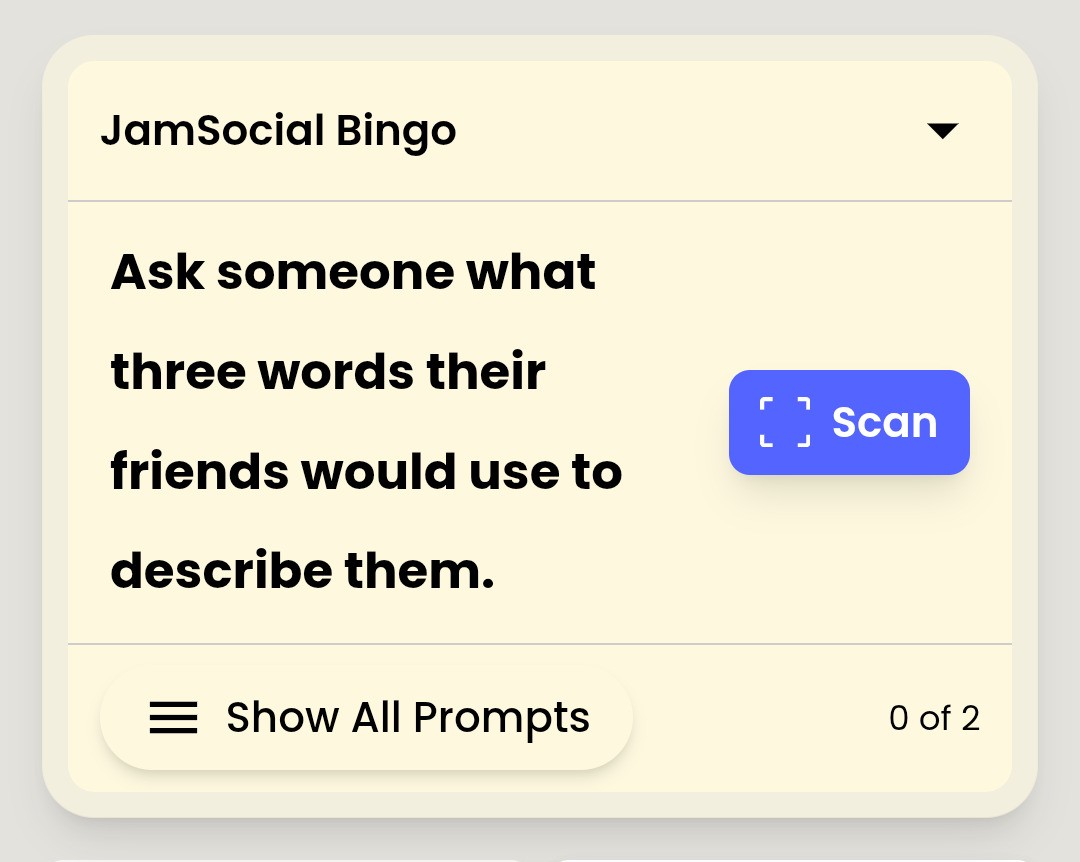
Jam Bingo is a human bingo app where each guest gets one prompt at a time.
Not a card with 25 squares. One prompt, one conversation, then the next.
Scan to Connect
Guests scan each other's QR codes to connect.
That's what stops people from 'completing' a square without talking.

Step 1: Create Your Human Bingo Game
Create a game and give it your event's name.
Guests will see it when they scan in.
Step 2: Add Human Bingo Prompts
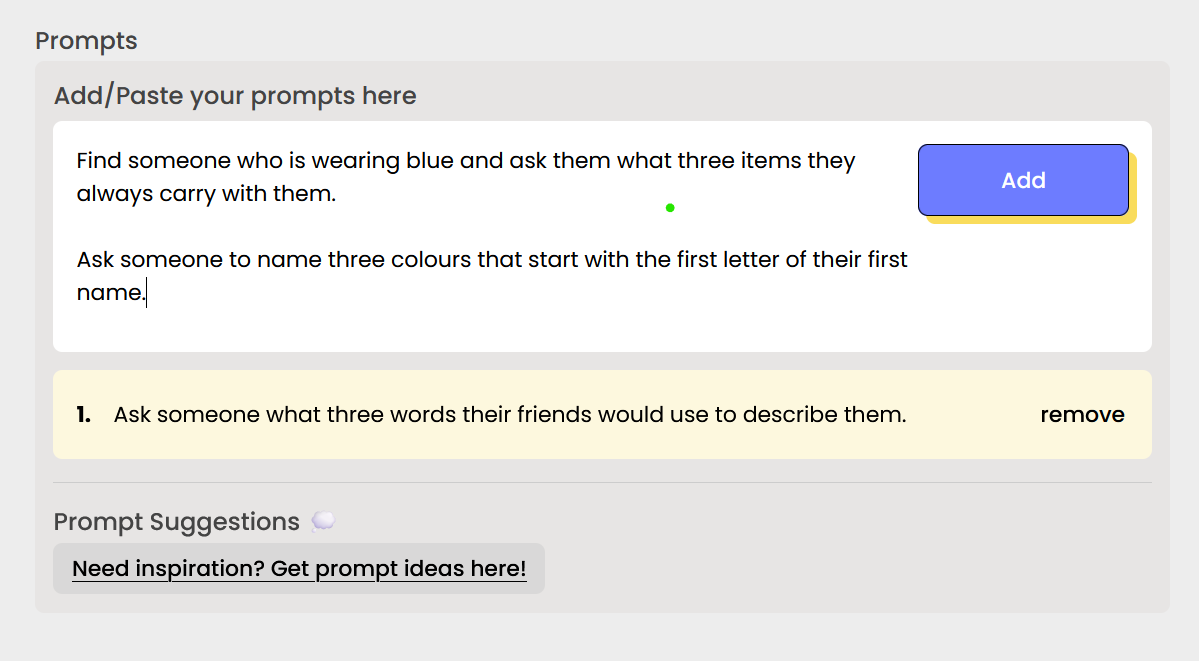
Write prompts that fit your crowd, or start from a template.
Tips for Good Human Bingo Prompts
- Add a follow-up question: 'Find someone who has lived abroad, and ask what they miss most.'
- Mix easy prompts with rare ones.
- Skip anything too personal.
Need ideas? Browse human bingo questions or Jam Bingo templates.
Step 3: Launch the Human Bingo App
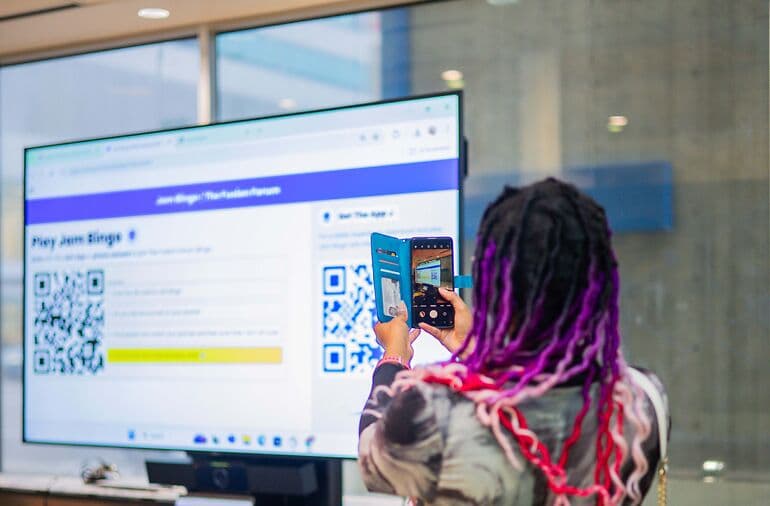
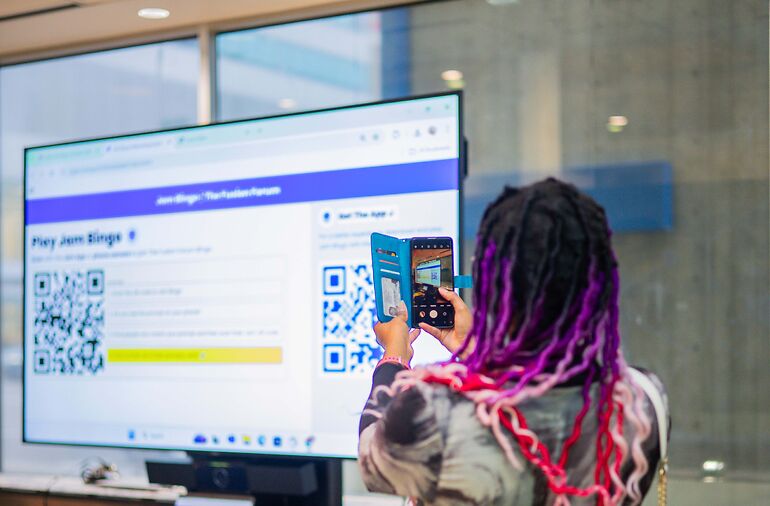
Put the QR code on the main screen and at check-in.
Guests scan with their phone camera. No download needed.
Human Bingo Host Script
'Scan the QR code. Find someone who matches your prompt, chat, then scan their code to get your next one. Most connections wins.'
Step 4: Keep Human Bingo Energy Up
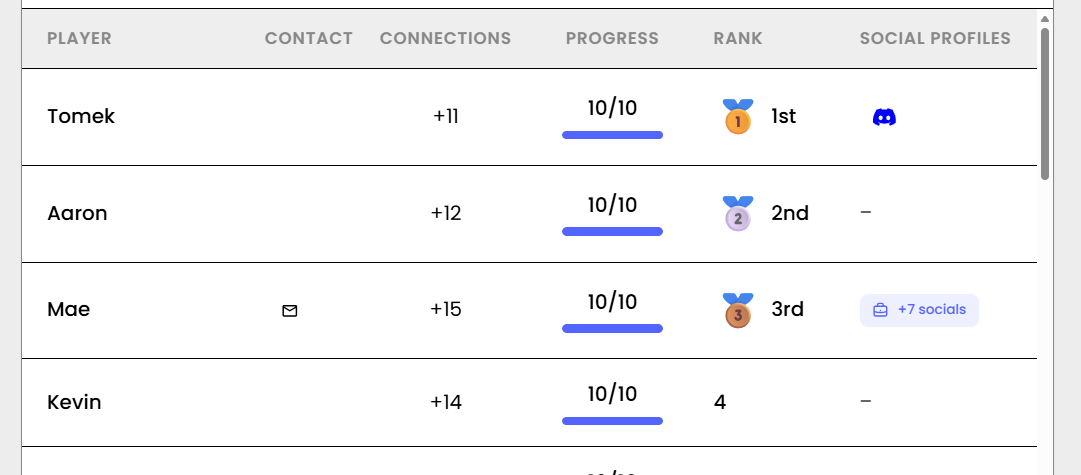
Check the leaderboard halfway through and read out the top names.
A little friendly competition gets the room moving again.
Step 5: Follow Up After Human Bingo
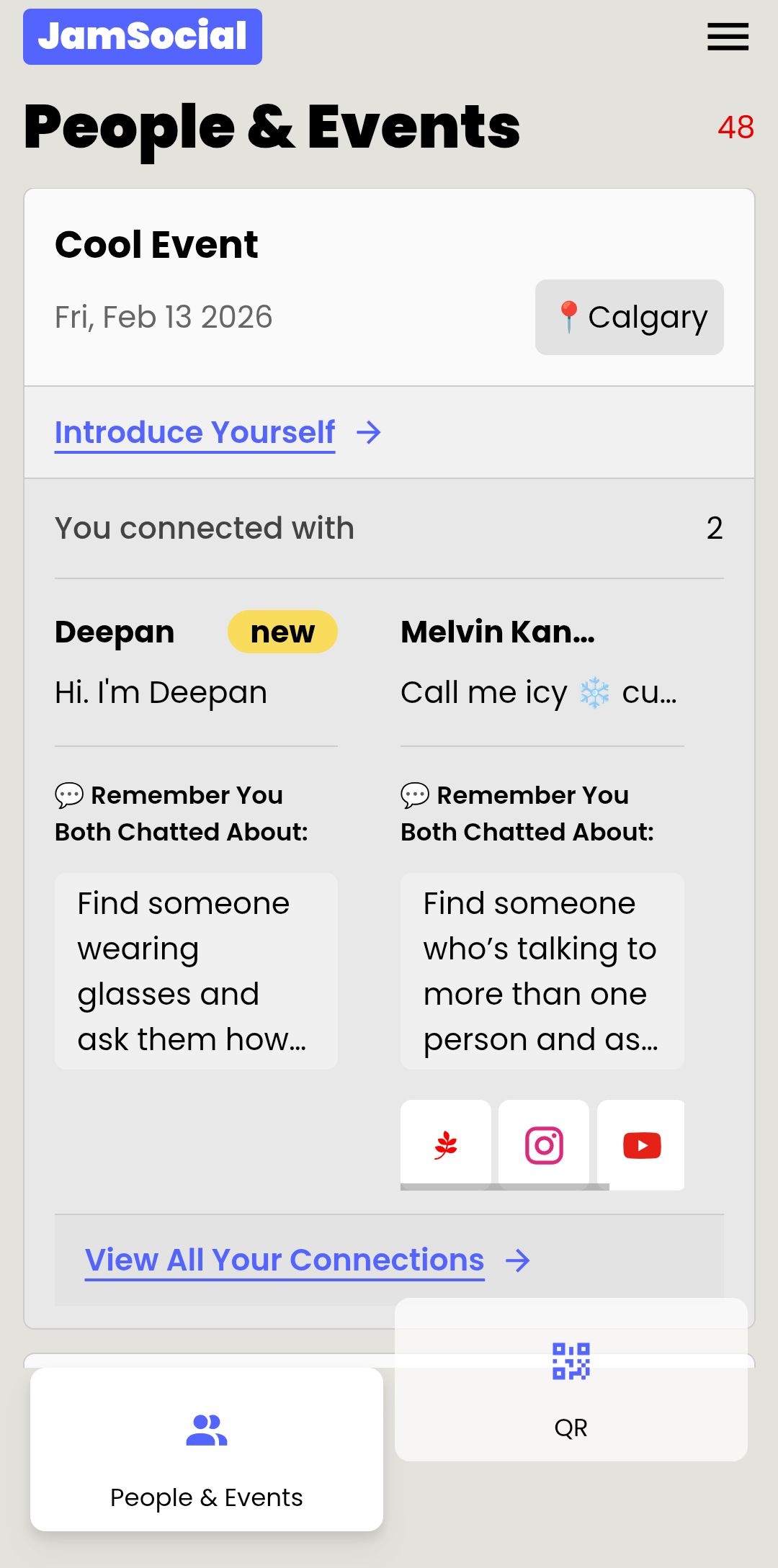
Every connection is saved, so guests leave with the people they met.


Human Bingo App Mistakes to Avoid
- Launching too late, after groups have formed.
- Too many hard prompts, so guests get stuck.
- No prize, so there's no reason to keep going.
More here: mistakes to avoid when hosting Jam Bingo.
Try a Human Bingo App
Frequently Asked Questions
What is a human bingo app?
It's human bingo on guests' phones. Instead of a paper card, each guest gets prompts like 'Find someone who has lived abroad' and connects with the people who match.
How does a human bingo app stop cheating?
In Jam Bingo, guests scan each other's QR codes to connect, so every match is a real meeting. Nobody can fill in a square from across the room.
Do guests need to download the human bingo app?
No. Jam Bingo runs in the phone's browser after scanning a QR code.
How long does it take to set up a human bingo app?
A few minutes. Create the game, add or pick prompts, and display the QR code.