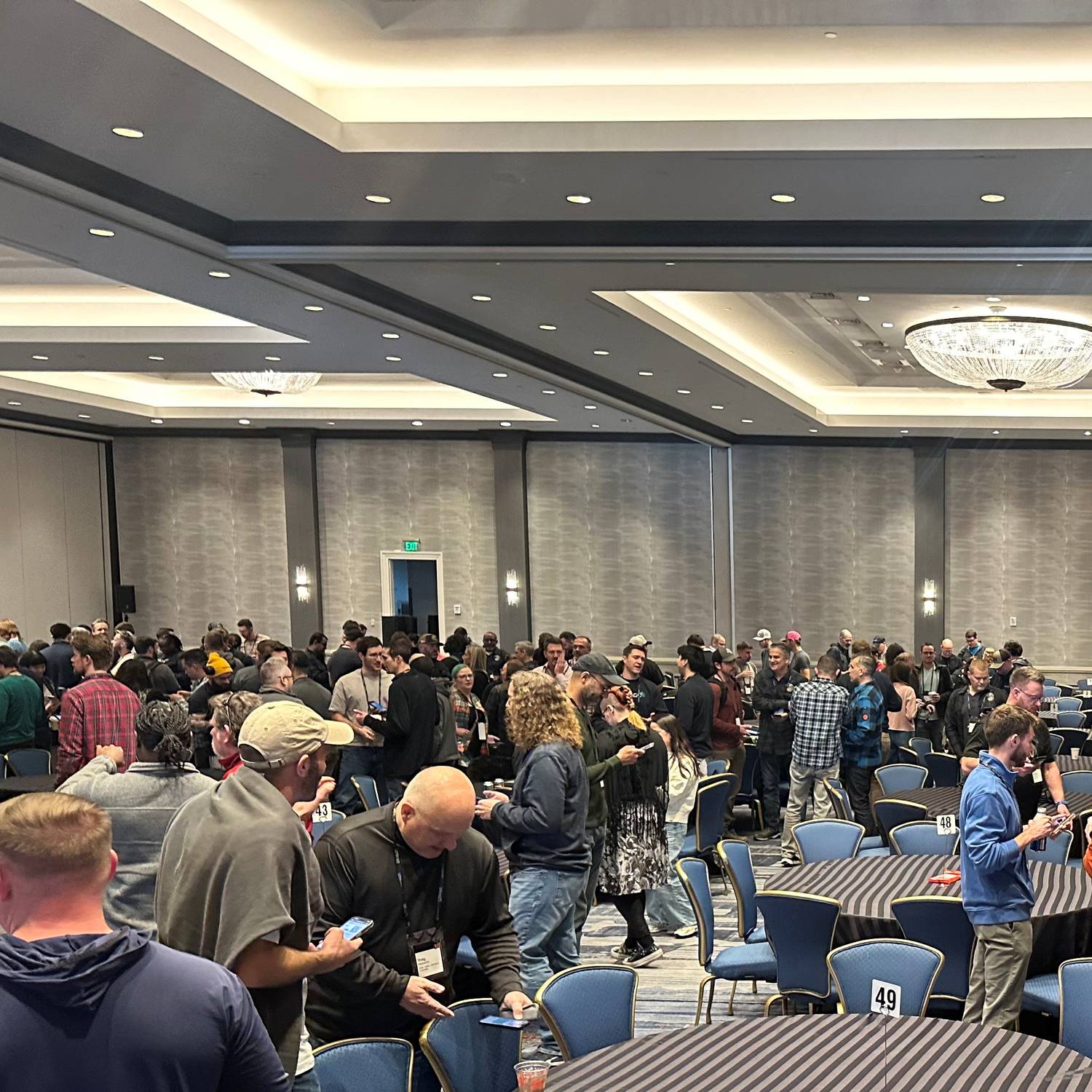
7 Ways to Assign Seating for Company Kick-Off
Get people from different departments interacting with each other
People tend to sit with the same coworkers they already talk to every day.
A random seat assigner shakes things up, gets cross-departmental conversations going, and makes sure no one is stuck at the awkward table. Here are 7 ways to randomly assign seats at your next kick-off dinner.
1. Numbered Lottery Draw
- Assign every guest a number as they check in at the door
- Place matching numbers on table place cards ahead of time
- Guests simply find their number and take their seat
- Great for keeping registration and seating in one smooth step
- Works well for dinners with 20 to 150+ attendees
2. Color-Coded Table Groups
- Hand out colored nametags, lanyards, or stickers at check-in
- Each color corresponds to a specific table
- Mix colors across departments and seniority levels for better blending
- Easy for guests to spot their table from across the room
- Doubles as a quick visual icebreaker ('Anyone else on Team Blue?')
3. App-Based Random Seat Assigner
How do these seat assigner apps work?
- Upload your guest list to a seating assigner tool or app
- Let the tool randomly (or smartly) distribute people across tables
- Set rules like 'no two people from the same team at one table'
- Export a seating chart or send digital place assignments by email
5 Seat Assigner Apps
- Seating Plan
(Random Group Maker)
- Social Tables
- Shuffle Buddy
(Made for teachers, but works regardless)
- Prismm
(formerly Allseated)
- PerfectTablePlan
4. Puzzle Piece Place Cards
- Cut name cards into jigsaw-style puzzle pieces
- Hand each guest one piece as they arrive
- Guests must find the matching pieces that complete their table's puzzle
- Turns finding your seat into a built-in icebreaker activity
- Best for smaller, more playful kick-off events
5. Trivia Card Seating Challenge
- Hand out cards with a fun question or fact instead of a table number
- Guests must find others whose cards share the same theme or answer
- Once matched, that group becomes their dinner table
- Sparks conversation before anyone even sits down
- Pairs well with company trivia or 'guess the colleague' questions
6. QR Code Seat Reveal
- Print a unique QR code on each guest's nametag or invite
- Guests scan the code to reveal their randomly assigned table
- Add a short welcome message or fun fact reveal along with the seat number
- A modern, low-paper option for tech-forward teams
- Can be updated last minute if headcount changes
7. Mid-Dinner Shuffle
- Start with any random seating method for the first course
- Announce a shuffle between courses (e.g., after appetizers)
- Guests draw a new random table number or card for the next course
- Keeps energy high and doubles the number of new connections made
- Works great for multi-course dinners or longer kick-off events
Did this blog help?
Were you instead looking for:
Human bingo app (networking bingo without printing sheets)