Icebreaker Software for Networking Events
Searching for 'icebreaker software' returns everything from quiz games to full conference platforms. They solve very different problems.
This guide organizes 12 well-known tools by what they're actually good at, so you can pick the right one for your event.
Quick Answer
- Get people talking face to face: in-person conversation games (e.g. Jam Bingo)
- Engage an audience during talks: live polling and Q&A (e.g. Slido, Mentimeter)
- Fun group quiz: game-show platforms (e.g. Kahoot!)
- Full conference networking: event apps and matchmaking (e.g. Whova, Brella, Grip, Swapcard)
- Remote teams and virtual events: virtual networking tools (e.g. Donut, Gather, Remo)
1. In-Person Conversation Games
Best when the goal is people physically meeting and talking to each other in the room.
Jam Bingo
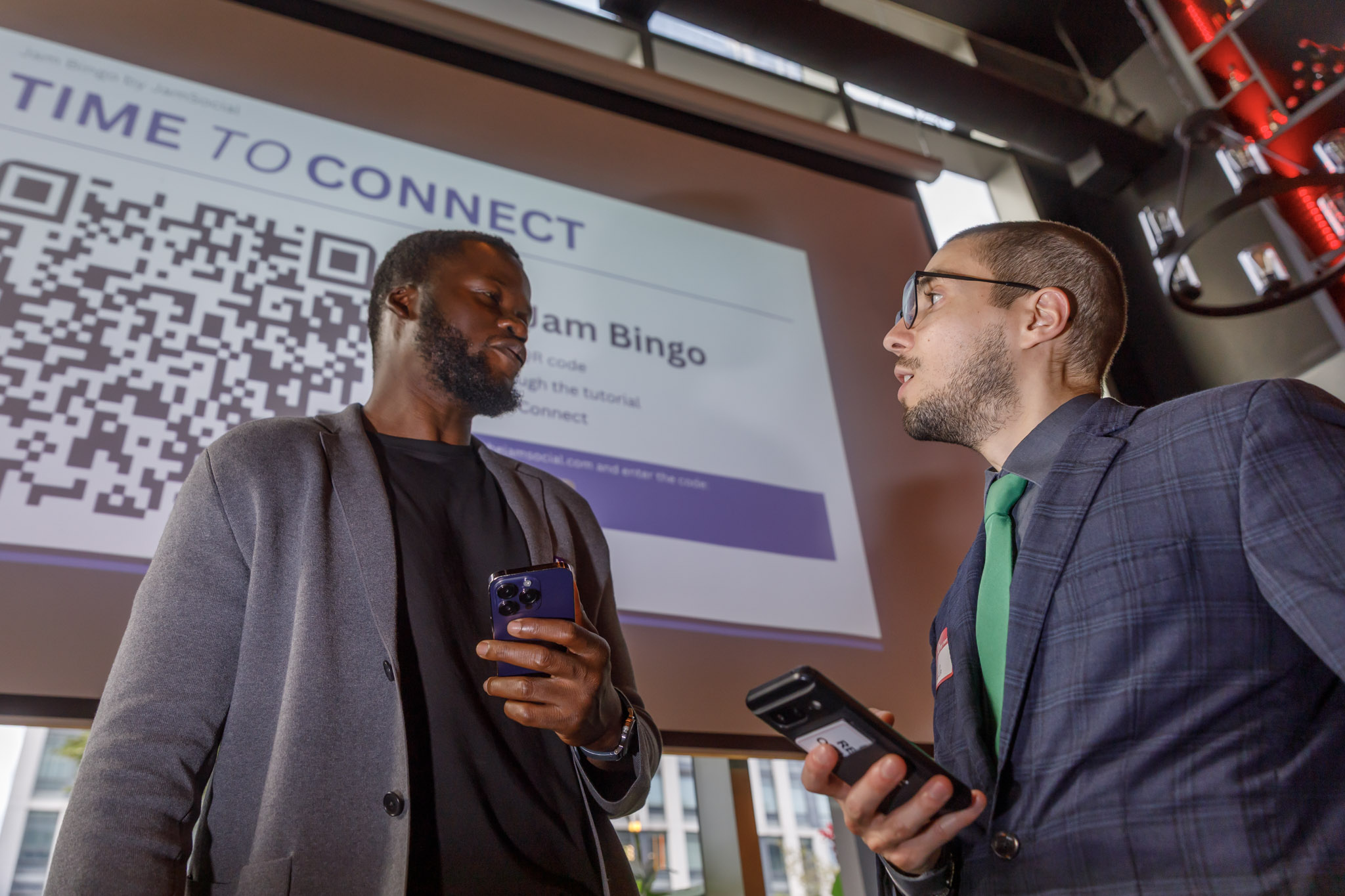
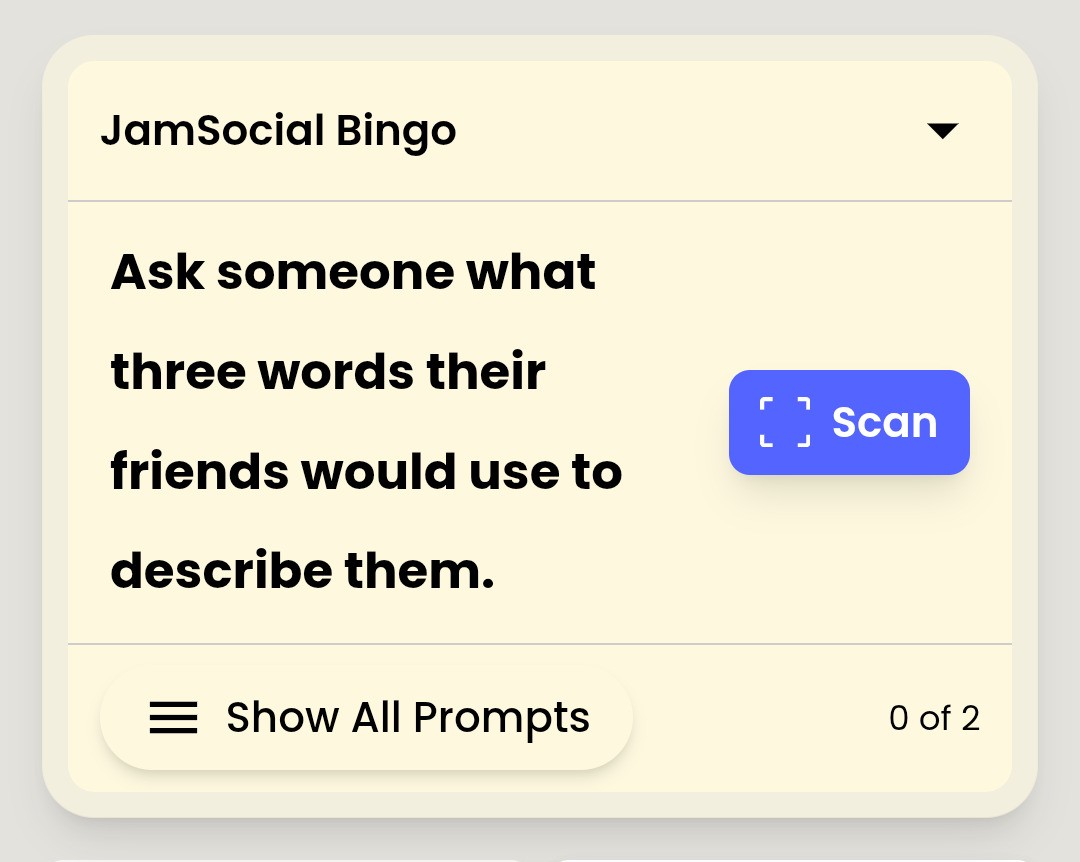
With Jam Bingo, attendees scan a QR code and get conversation prompts on their phone. They find someone who fits each prompt, talk, and scan that person's QR code to unlock the next one. Built for in-person events of any size; runs in the browser with no app download.
- Best for: networking receptions, conferences, company events, orientations
- Watch out for: attendees need a phone and signal
2. Audience Interaction & Live Polling
Best for engaging an audience during presentations. People interact with the stage, not so much with each other.
Slido
- Live polls, Q&A, and quizzes during sessions and meetings
- Best for: town halls, keynotes, and panels
Mentimeter
- Interactive presentations with polls, word clouds, and quizzes
- Best for: workshops and trainings
Kahoot!
- Game-show style quizzes played on phones with a big-screen leaderboard
- Best for: energizers, trainings, and team socials
3. Event Apps & Attendee Networking
Best for multi-day conferences that need agendas, attendee profiles, and messaging in one place.
Whova
- Event app with agendas, attendee profiles, community boards, and messaging
- Best for: conferences and association events
Swapcard
- Event platform with attendee networking and matchmaking for in-person, hybrid, and virtual events
- Best for: trade shows and large conferences
4. AI Matchmaking & Meeting Scheduling
Best when attendees want pre-booked one-on-one business meetings.
Brella
- Matchmaking and 1:1 meeting scheduling for events
- Best for: B2B conferences and investor events
Grip
- AI-powered matchmaking and meeting scheduling
- Best for: trade shows and exhibitions
5. Virtual & Remote Networking
Donut
- A Slack app that pairs teammates for virtual coffee chats
- Best for: remote and distributed teams
Gather
- Virtual spaces where people move an avatar around and video-chat with whoever is nearby
- Best for: virtual offices and online socials
Remo
- Virtual event platform with table-based networking rooms
- Best for: virtual conferences and meetups
6. Team Socials & Party Games
Jackbox Games
- Party games played with phones as controllers, on a shared screen
- Best for: team socials and holiday parties

How to Choose Icebreaker Software
1. Decide What 'Networking' Means for Your Event
People meeting face to face, audience interaction, scheduled 1:1 meetings, or virtual chats? Each points to a different category.
2. Check the Group Size
Some tools shine with 20 people; others are built for thousands. Make sure the format works at your size.
3. Count the Steps to Join
Every download, account, or password loses some of your audience. Browser-based tools with a QR code are the fastest to join.
4. Think About the Room
A tool that keeps people staring at their screen can work against in-person networking. The best in-person tools send people to each other.
5. Try It Yourself
Most tools offer a demo. Play it on your own phone before you choose. You can try the Jam Bingo demo in a minute.
Frequently Asked Questions
What is icebreaker software?
Software that helps people start conversations at events or in teams — from in-person conversation games and live polls to event apps with matchmaking and virtual networking rooms.
What's the best software for in-person networking icebreakers?
For getting people to physically talk to each other in the room, choose a tool built for in-person conversations — like Jam Bingo, which gives attendees prompts on their phones and sends them to meet someone new. Polling tools are better for audience interaction during sessions.
Do attendees need to download an app?
It depends on the tool. Some (like Jam Bingo, Slido, and Mentimeter) run in the browser; full event apps usually require a download or a login.
How do I choose networking event software?
Start with your goal: people meeting in person, audience interaction during talks, scheduled 1:1 meetings, or virtual networking. Then consider group size, setup time, and whether attendees need to download anything.