Using Private Notes to Remember Who You Met
Private Networking Notes in Jam Bingo
A one-line note after each conversation is the easiest way to remember everyone you meet.
Why You Forget Who You Met at Networking Events
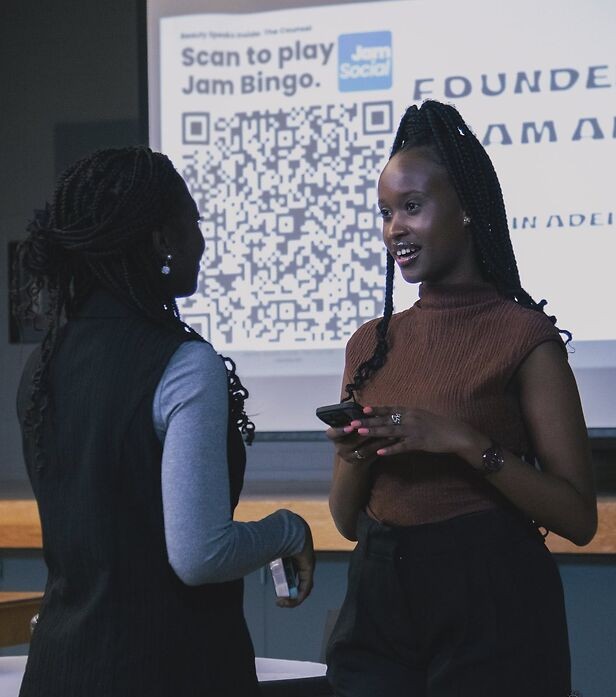
You meet ten people in two hours. By the next morning, they blur together.
Was it Jess who runs the bakery, or Jen? Who wanted the intro to your designer friend?
Without notes, your best conversations go nowhere.
What to Write in Private Networking Notes
- What they do, in plain words
- One personal detail: a hobby, a trip, a pet's name
- Something you have in common
- What you promised: an intro, an article, a coffee
- When to follow up
Example: 'Runs a bakery downtown. Training for a half marathon in May. Wants an intro to Sam for her website. Follow up Monday.'
When to Write Notes About People You Met
Right after the conversation, or before you leave the venue.
Thirty seconds then saves twenty minutes of guessing tomorrow.
Step aside, grab your drink, and type it before your next chat.
How Jam Bingo Saves Everyone You Meet
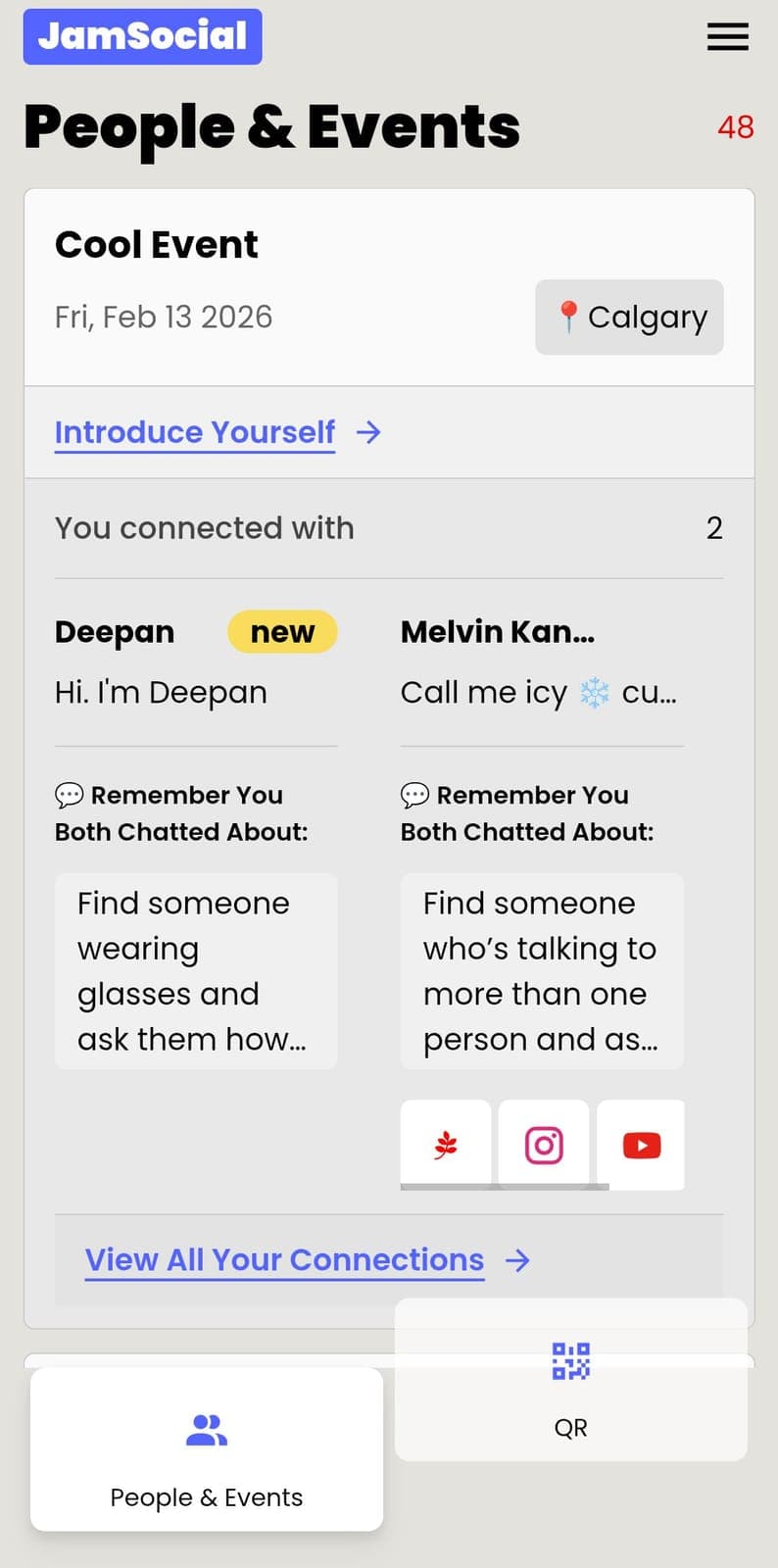
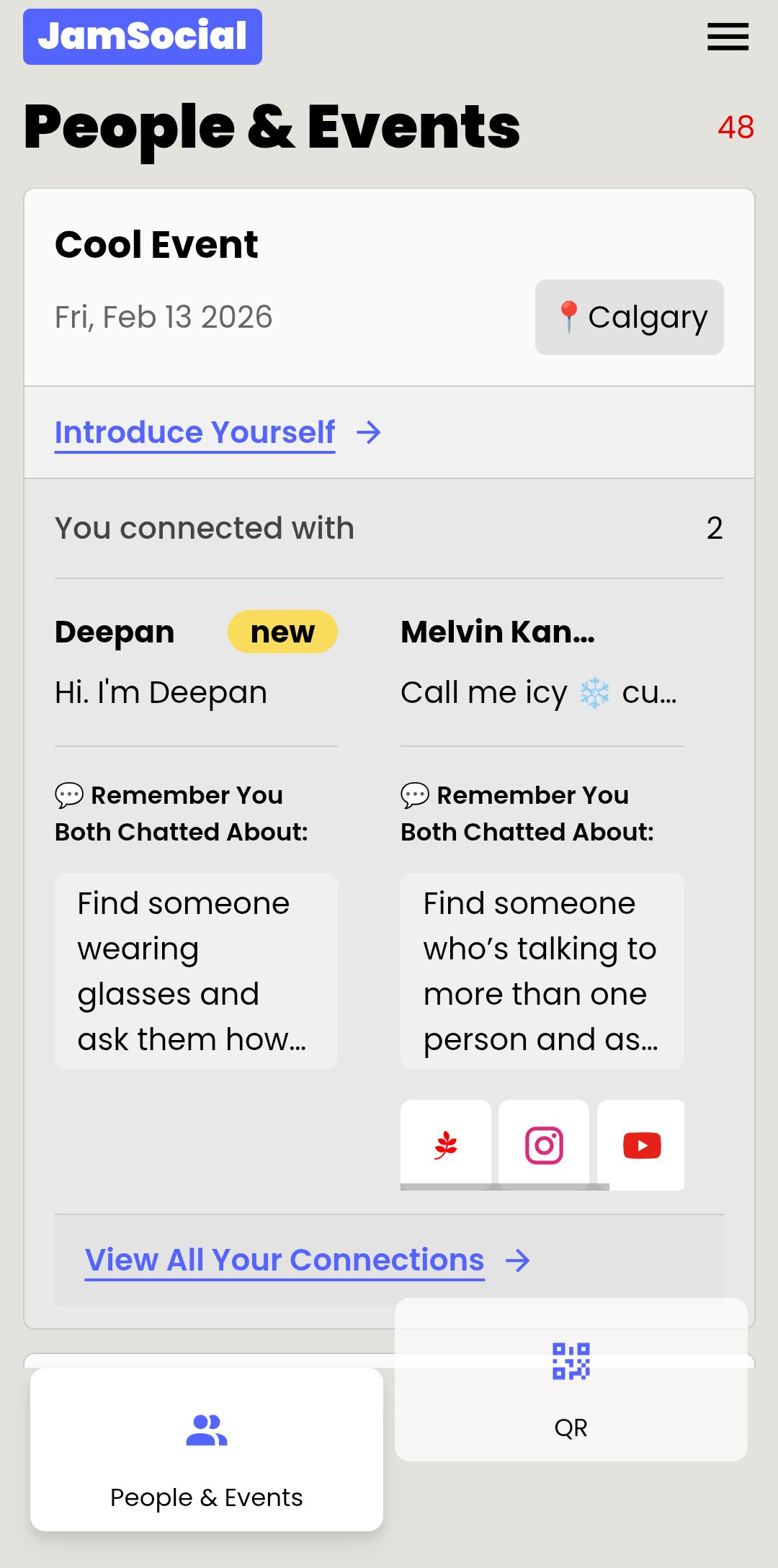
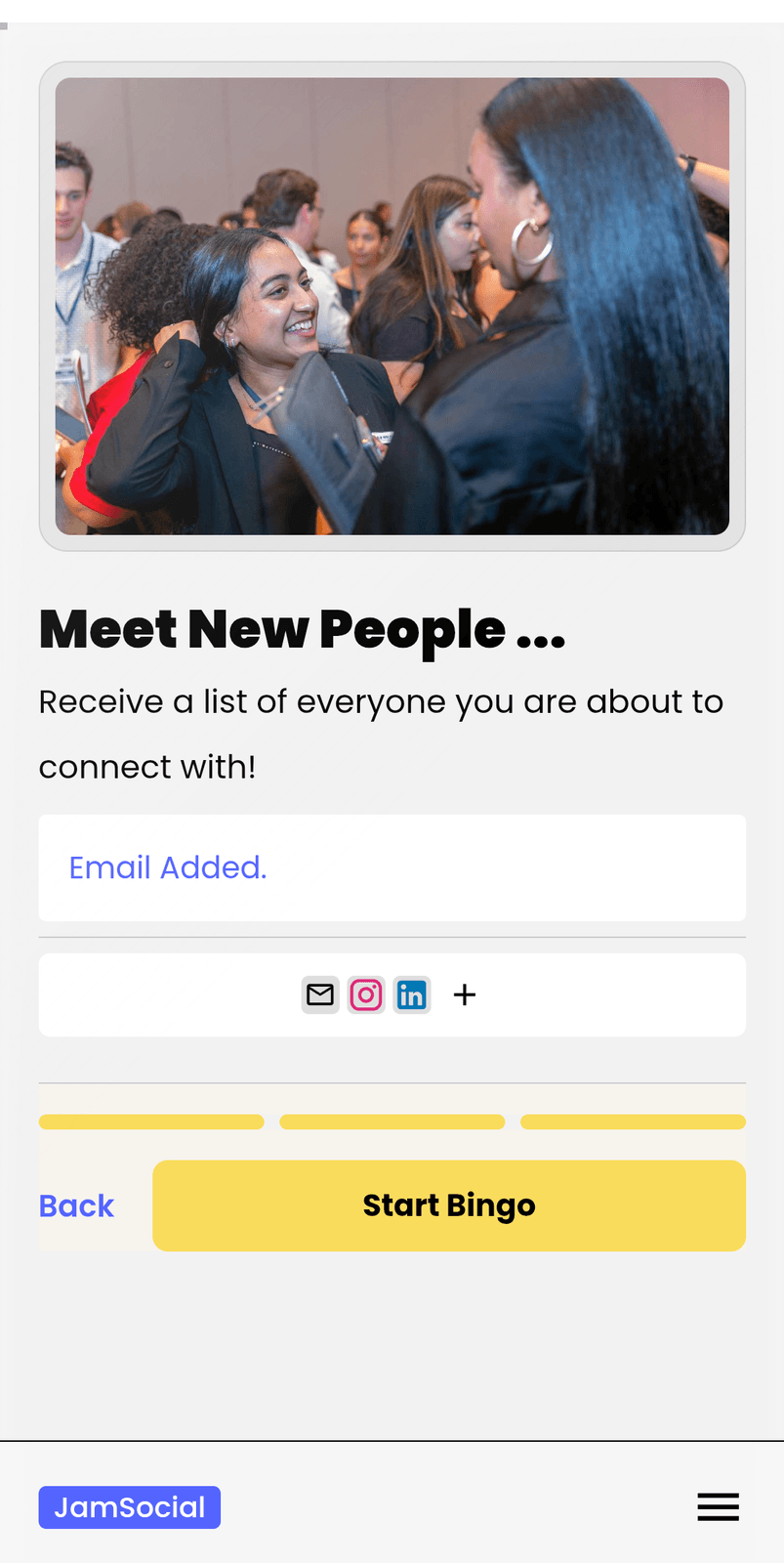
When you play Jam Bingo at an event, every person you scan is saved to your People list automatically.
Each person shows up with the prompt you talked about, so you remember what the conversation was about.
If they added their LinkedIn or other socials, those are there too.
How to Add Private Notes in Jam Bingo
Step 1: Open the Person's Profile
Right after you scan someone, or later from your People list, open their profile.
Step 2: Add a Private Note
Type what you want to remember. Add as many notes as you like.
Only you can see them. The other person never does.
Step 3: Edit Notes After You Follow Up
Had the coffee? Sent the intro? Edit the note or add a new one so you know where things stand.
Use Private Notes to Follow Up After the Event
The next morning, open your People list and go down it.
Each note tells you what to write: 'Hi Jess, great meeting you. Here's Sam's email for the website.'
Need wording? Use these LinkedIn follow-up message templates after an event.
Private Notes Tips for Networking Events
- Write notes about people, not just their jobs
- Keep notes kind. Write what you'd be fine with them reading
- Always write the next step
- Review your notes before the next event they'll be at
Private Notes for Event Organizers
Hosts meet more people than anyone. Notes help you remember who to thank, who to invite back, and who wants to volunteer.
Hosting an event? Give every guest a networking game that saves who they met.
Frequently Asked Questions
How do you remember people you meet at networking events?
Write one line about each person right after you meet: their name, what they do, one detail they shared, and anything you promised. Do it the same night.
What should I write in networking notes?
Name, where you met, what they do, one personal detail (a hobby, a trip, a project), and the next step, like 'send article' or 'coffee in March'.
Are Jam Bingo private notes visible to the other person?
No. Private notes are only visible to you. The other person never sees them.
Where do I find the people I met with Jam Bingo?
Everyone you scan is saved in your People list, with the prompt you connected on, their socials if they added them, and your private notes.