
Interactive Networking Bingo for a Members Fall Social
Digital networking bingo, no paper cards
If you've run networking bingo at a members event before, you already know it works. People like having a reason to walk up to someone.
But you probably also remember the downsides: the printing, the pens, the members who filled their card with the three people they already sit with, and the pile of cards left on the tables at the end of the night.
Your annual fall social is a good excuse to try something different.
A digital version of networking bingo keeps everything your members liked about the game and fixes the parts that didn't work.
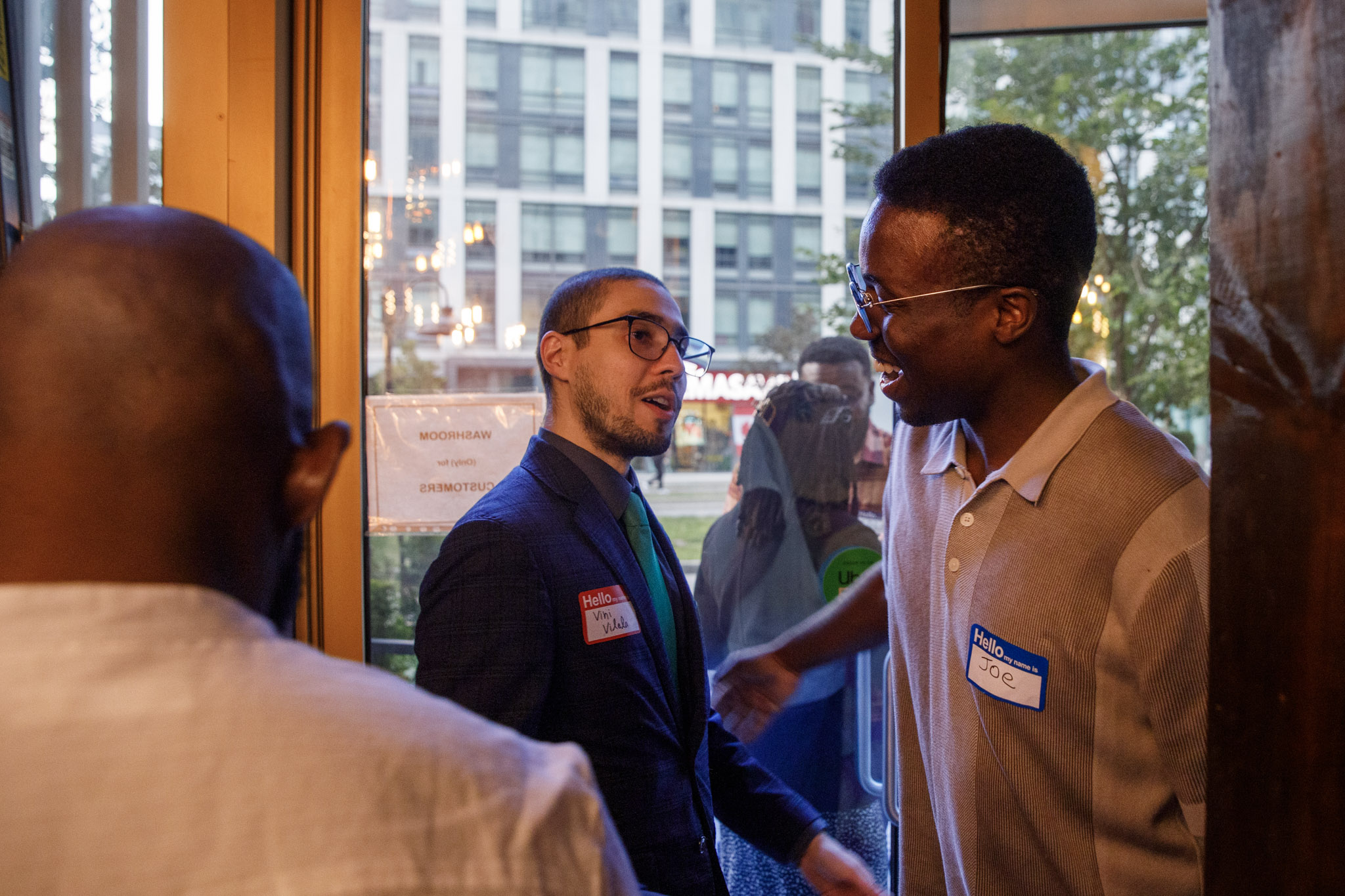

Why Paper Networking Bingo Falls Short
Rushed signatures, same circles, lost contacts
- Members rush it. With a full card in hand, the goal becomes filling squares, not having conversations. You get a quick "Sign here?" instead of a real introduction.
- The same people find each other. Longtime members know exactly who to ask for which square, so they stay inside their usual circle.
- New members get left out. The people who most need to meet someone are the ones least likely to know who to approach.
- Nothing lasts past the night. Once the card goes in the recycling bin, so does every name on it.
That last one matters most for a members organization.
The whole point of the fall social is to strengthen your community for the year ahead, and that's hard to do if nobody can find each other the next day.
How Digital Networking Bingo Works
One prompt at a time, scan to connect
Jam Bingo is a digital way to run networking bingo.
Instead of a card full of squares, each member gets one prompt at a time on their phone, so they focus on one real conversation before moving on.
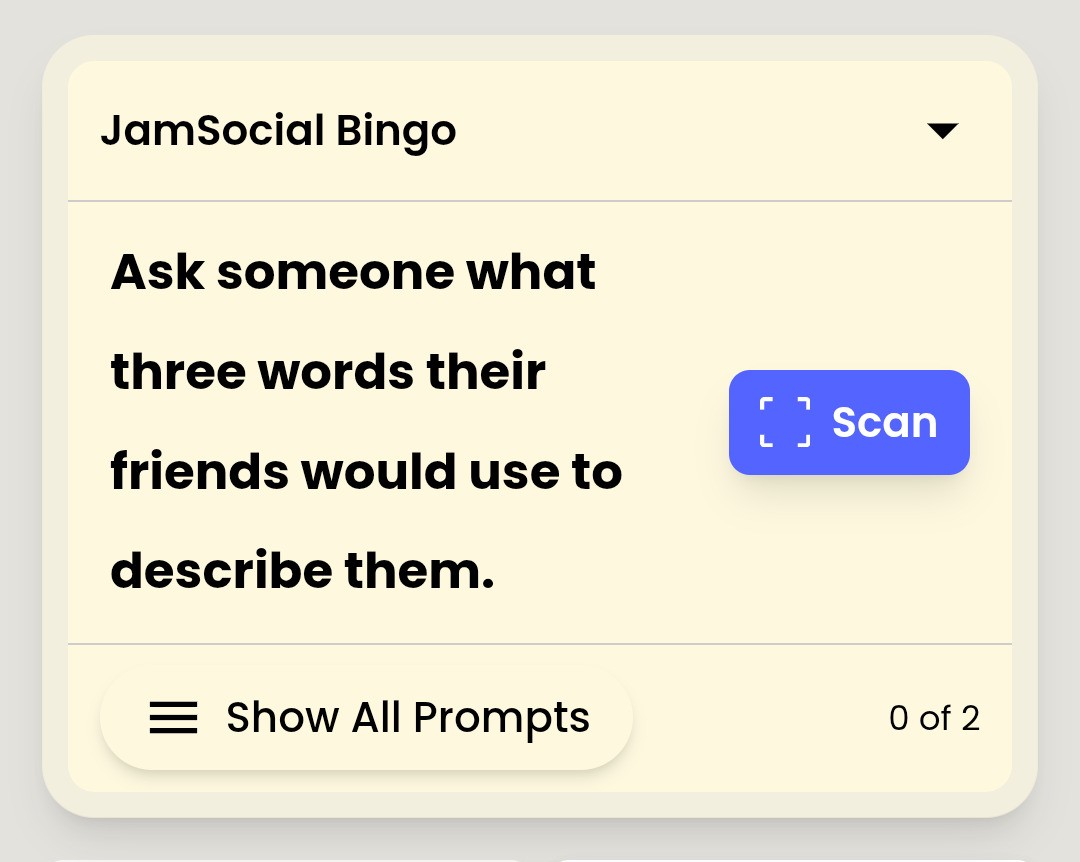
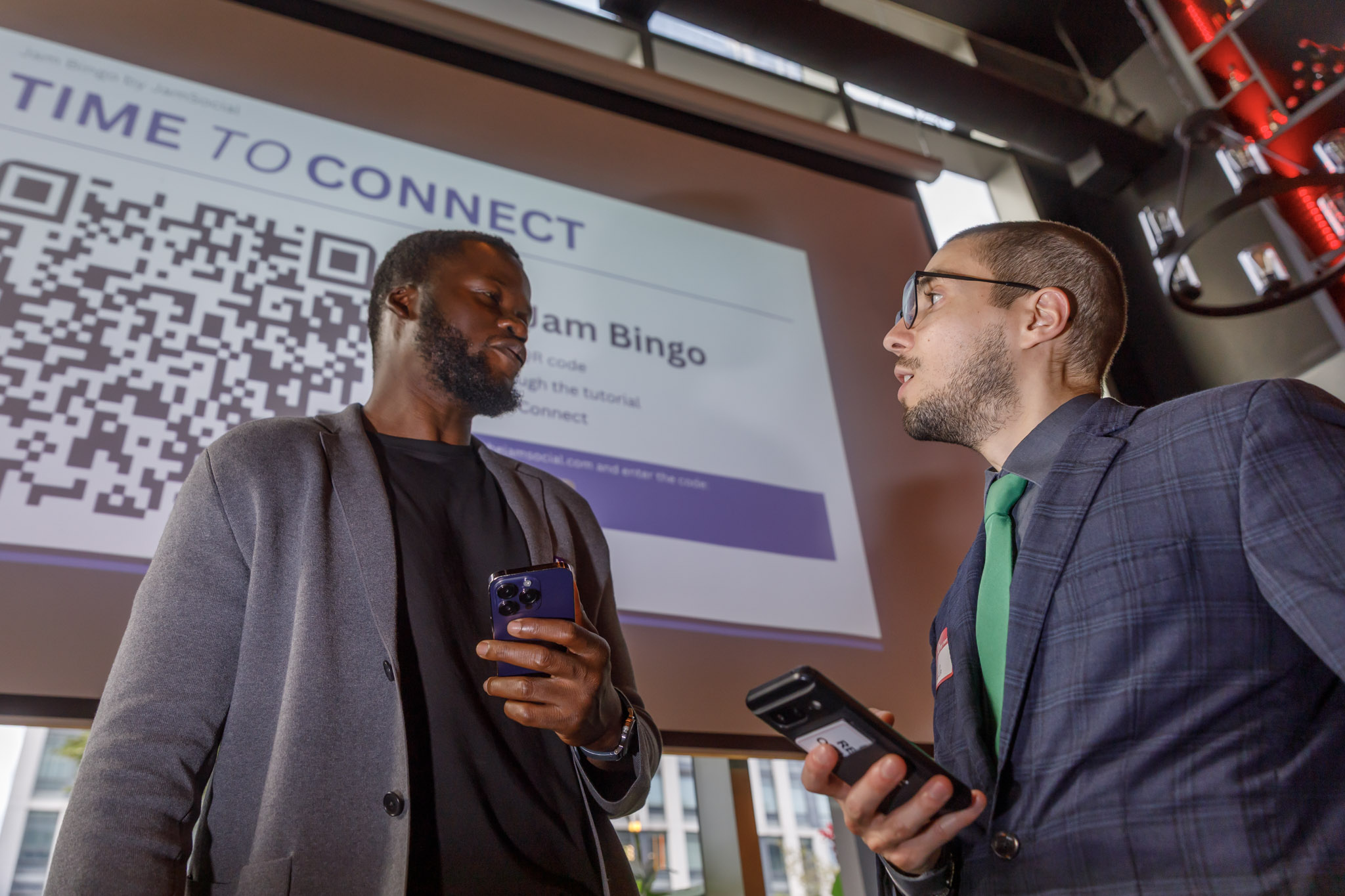
- Members scan your event QR code. No app to download and no account to set up first.
- They get a prompt, like "Find someone who joined in the last year."
- They find someone who matches, talk, and scan that person's QR code.
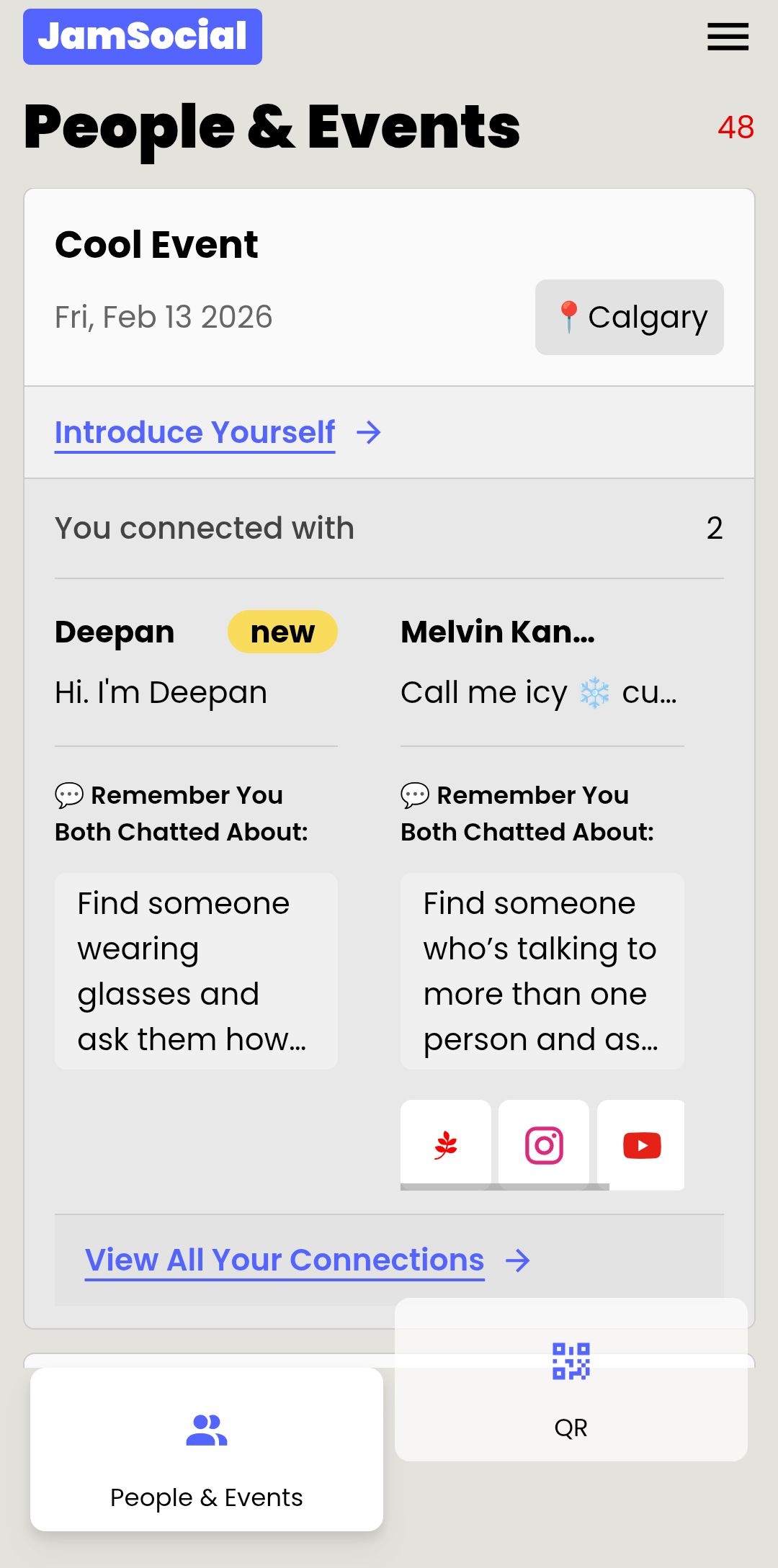
- The connection is saved, along with the other member's contact info, and the next prompt unlocks.
Because matches happen by scanning each other's code, there's no forging signatures.
And because every connection is saved, members leave with a list of the people they actually met.
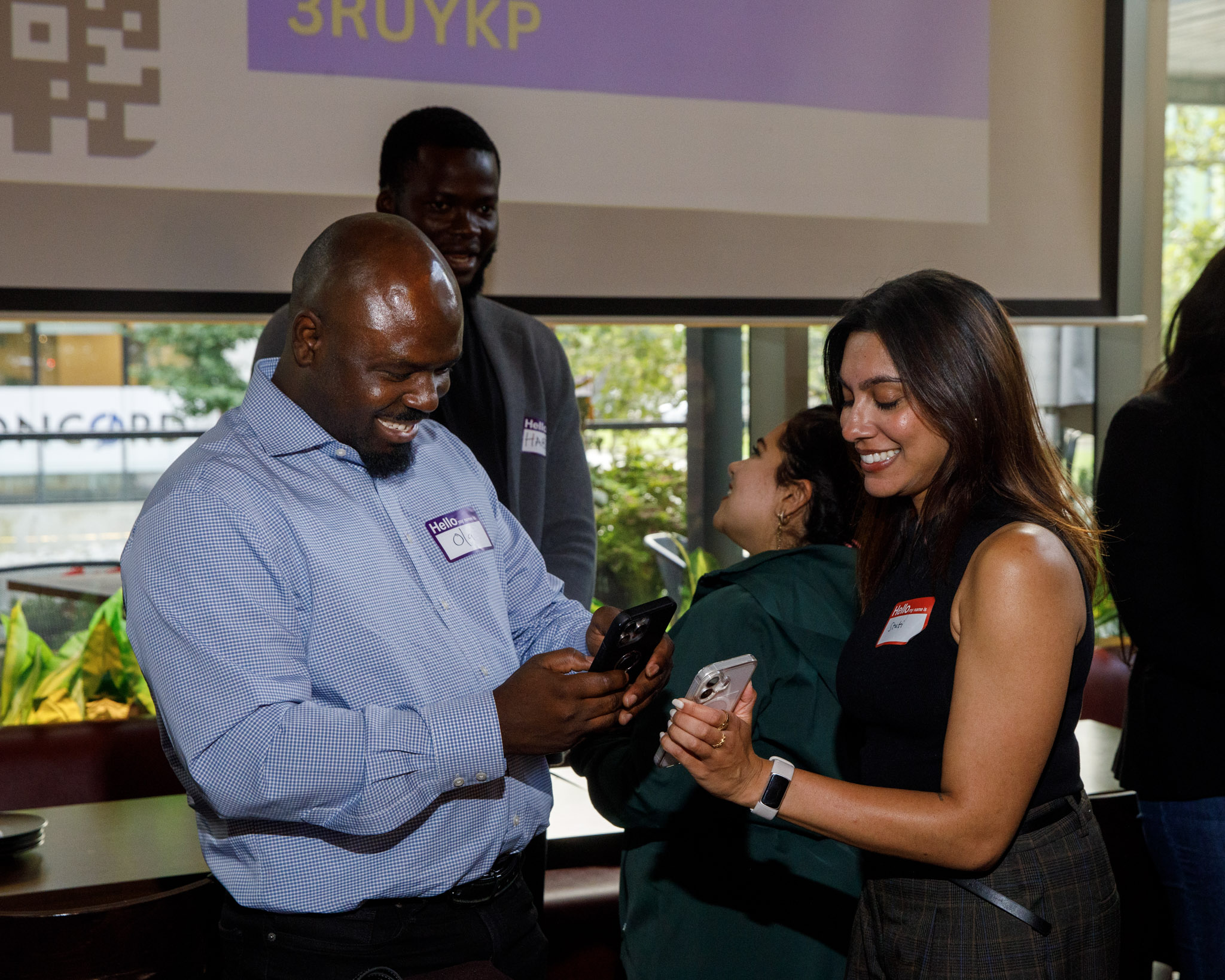
Networking Bingo Prompts for Members
Mix new and longtime members
The best prompts at a members event do two jobs: they're easy to start a conversation with, and they nudge longtime members toward people they haven't met yet.
Here are some you can use or tweak:
- Find someone who joined in the last year.
- Find someone who has been a member longer than you.
- Find someone who serves on a committee you've never been part of.
- Find someone who works in a completely different industry than you.
- Find someone whose favorite fall tradition you've never tried.
- Find someone who has a goal for this year they'd love help with.
- Find someone you've seen at events but never actually talked to.
- Find someone who can recommend a local spot you haven't been to.
The prompt about someone you've seen but never talked to is a favorite at annual socials.
Every organization has people who've been in the same room for years without saying more than hello.
For more ideas, browse our networking bingo questions.
Set Up Digital Networking Bingo in 10 Minutes
No printing, no pens
- Write your prompts. Start with the list above and add a few about your organization.
- Create your game on Jam Bingo and add your prompts.
- Put the QR code where members will see it: at check-in, on the main screen, and on a few table cards around the room.
- Announce it once, early: "Scan the code, find someone who matches your prompt, and scan their code to get your next one."
- Let it run for 30 to 45 minutes, then recognize the members who met the most new people.
Want to see what your members will see? You can try the demo yourself in under a minute.
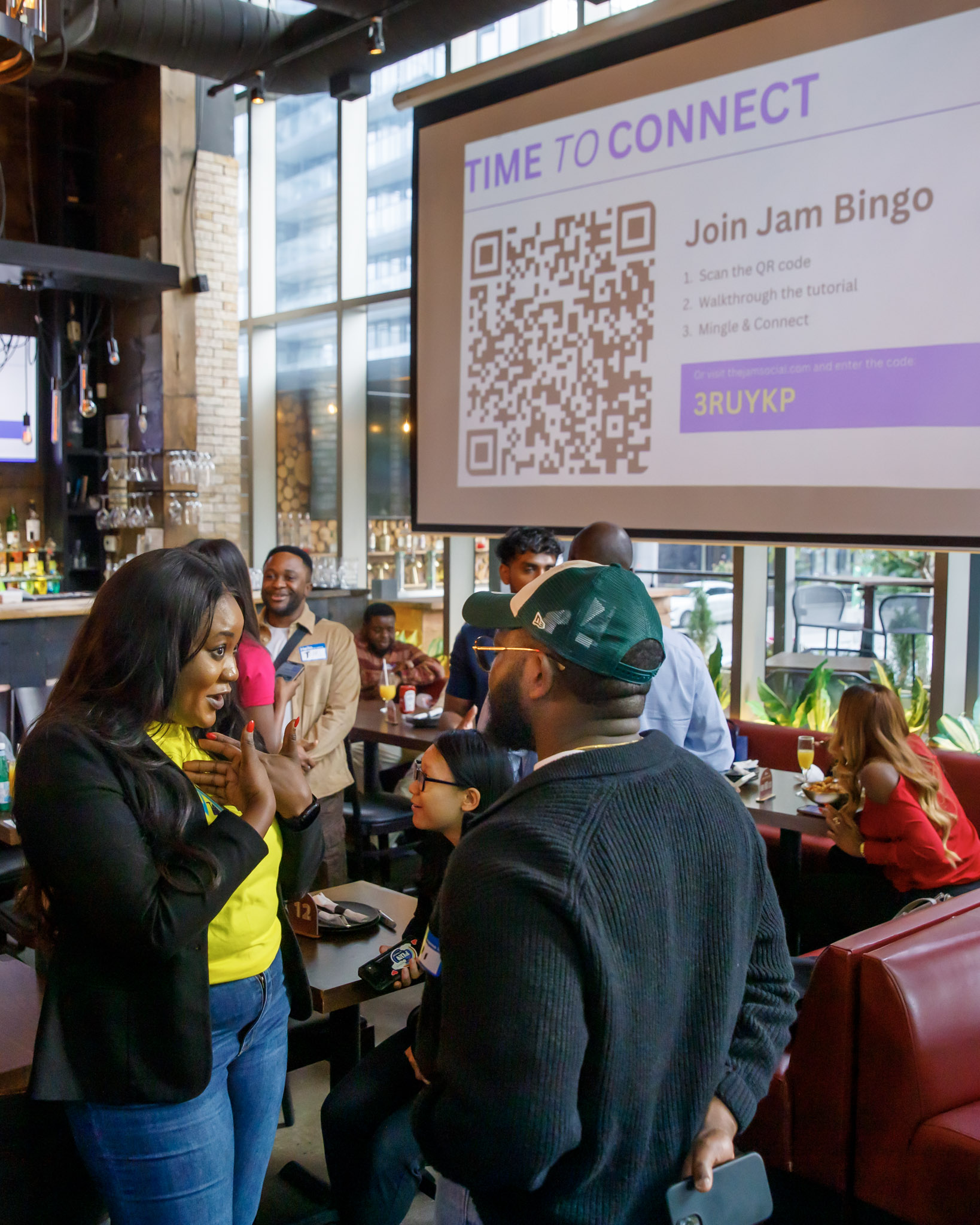

Members Social Networking Tips
Get more members talking
- Start during arrivals. The first 20 minutes, when people are grabbing a drink and looking for a familiar face, is when a prompt helps the most.
- Ask a few board members to play first. When members see leadership scanning codes, everyone else joins in faster.
- Keep the prize simple. A free ticket to the next event or a small gift card is plenty. Recognize whoever met the most members, not whoever finished fastest.
- Follow up afterward. Remind members that everyone they met is saved on their phone, so the conversations can keep going after the social.
If you've hit snags with networking games before, our list of mistakes to avoid when hosting Jam Bingo covers the common ones.
Try Interactive Networking Bingo This Fall
Keep the game, drop the paper
Your members already know how networking bingo works, so there's nothing new to explain.
The only difference is that this year, every conversation counts, new members get pulled in, and everyone leaves with the people they met saved on their phone.
Frequently Asked Questions
What is interactive networking bingo?
Interactive networking bingo is a mingling game where attendees look for people who match prompts like "Find someone who joined in the last year." A digital version runs on attendees' phones, so there are no cards to print and every match is a real conversation.
How is digital networking bingo different from the paper version?
Paper bingo gives everyone a full card at once, which leads to rushed signatures and people hunting for the easiest square. Digital bingo like Jam Bingo gives one prompt at a time. Members find a match, scan that person's QR code, and the next prompt unlocks, and each match saves the other person's contact info.
Do members need to download an app?
No. Jam Bingo runs in the phone's browser. Members scan a QR code with their camera and they're playing. If a camera won't cooperate, they can type in a short code instead.
Can we write our own prompts for our members?
Yes. You can write prompts around your membership, like how long people have been members, which committees they're on, or what they want out of the year ahead. You can also start from a template and edit it.
How long should networking bingo run at a members social?
Around 30 to 45 minutes works well. Launch it while people are arriving and grabbing a drink, and wrap up before any speeches or announcements so you can recognize the people who met the most members.
What if some members don't want to play?
That's fine. Nobody has to play for the room to benefit. Members who aren't playing still get approached by people who are, and those conversations usually pull them in.