
How to Run Team-vs-Team Networking Bingo
Team-vs-team networking bingo turns 'go meet people' into a competition between groups.


Why Team-vs-Team Networking Bingo Works
People are more motivated to win for their team than for themselves.
Shy guests who wouldn't play alone will play so their team doesn't lose.
And because every prompt sends you to another team, the teams have to mix to win.
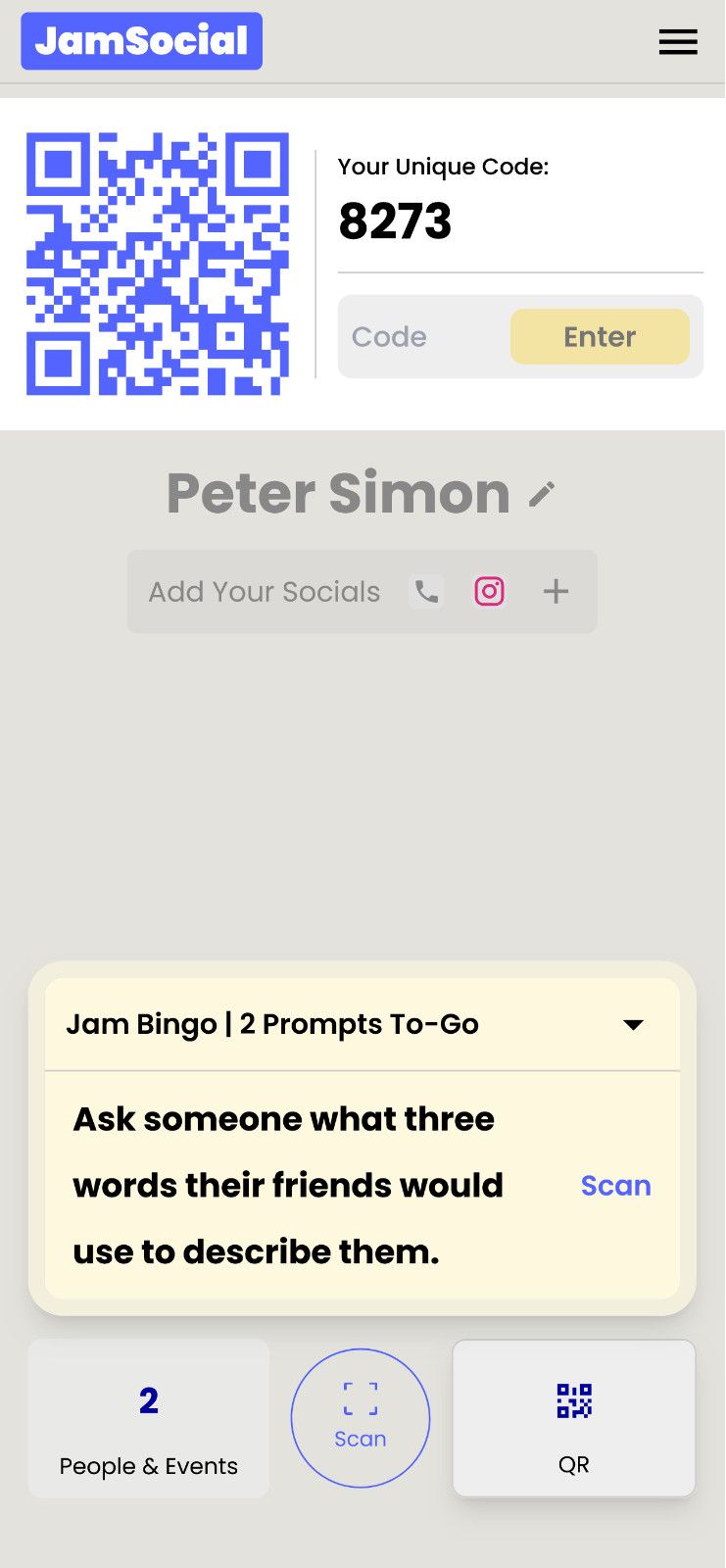
1. A conversation starter to connect
Each guest receives a tailored conversation starter.
2. The exchange: get people talking
See fun facts and contact information, and unlock your next conversation starter.
3. A list of everyone: people met
See all your new connections in one spot.
When to Use Team-vs-Team Networking Bingo
- Company events where departments never talk
- Sales kick-offs with regional teams
- Conferences with several member chapters
- Greek life mixers between chapters
- Student orientations with houses or colors
- Church or community events with different ministries or groups
Step 1: Pick Teams for Your Networking Bingo
Use groups people already belong to: department, table, region, chapter, or year.
Or assign a color at check-in with stickers or lanyards for a mix.
Three to six teams is the sweet spot.
Step 2: Set Up Teams in Jam Bingo
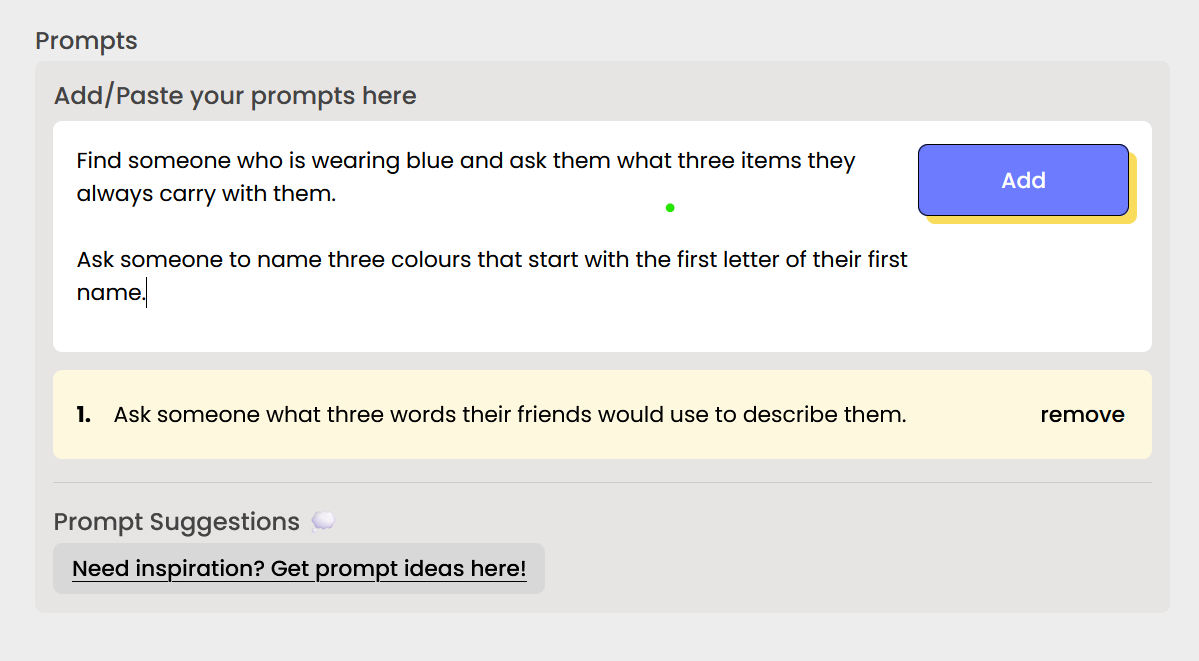
In Jam Bingo, turn on Multiple Groups in the prompt settings and add one group per team.
When players join, they pick their team on their phone.
Each team gets its own prompts, and at least half of each player's game comes from their team's list.
Your analytics show how many players joined each team.
Step 3: Write Prompts That Send Players to Other Teams
This is the key. Each team's prompts should only be answerable by someone on another team.
- Sales team: 'Find someone in Product and ask what feature they wish customers used more'
- Product team: 'Find someone in Sales and ask about the toughest question a customer asked this month'
- Operations: 'Find someone in Marketing and ask about the campaign they're most proud of'
- Everyone: 'Find someone from another team who started in the same year as you'
Step 4: Explain the Team Rules in 60 Seconds
'Scan the code and pick your team. Every prompt sends you to someone from a different team. Each match scores for your team. Most connections in 30 minutes wins. Go!'
For the full launch, use the word-for-word emcee script to launch a group networking game.
Step 5: Keep Score in Team-vs-Team Networking Bingo
Jam Bingo's leaderboard ranks players, not teams, so pick one simple way to add it up:
- Leaderboard points: 10 points for 1st place, 9 for 2nd, down to 1 for 10th. Add them up by team.
- Prompt count: at the end, each player shows their progress on their phone and team captains add it up.
- Average per player: total prompts divided by players, so a small team can still win.
Call out the leaderboard halfway through. 'Marketing has three people in the top ten!' gets every team moving.
Step 6: Announce the Winning Team
Bring the winning team up for a photo and a prize everyone can share, like a team lunch or trophy.
Then shout out the top player from every team so nobody leaves empty-handed.
Team-vs-Team Networking Bingo Tips
- Keep teams close in size, or use the per-player average
- Write at least 10 prompts per team
- Mix in a few prompts for everyone, so the game never stalls
- Put the leaderboard on the big screen
- Make the prize about the team, not one person
Ready to set up teams? Create a team networking bingo game with Multiple Groups.
Frequently Asked Questions
What is team-vs-team networking bingo?
A networking bingo game where guests play for a team (a department, table, chapter, or color) and every prompt sends them to meet someone from another team. The team that makes the most connections wins.
How do you set up teams in Jam Bingo?
Turn on Multiple Groups in the prompt settings and add one group per team. Players pick their team when they join, and you write prompts for each team that send them to the others.
How do you score team networking bingo?
Use the leaderboard: give points for each team member in the top 10, or ask every player to report how many prompts they finished and add them up by team.
How many teams should you have?
Three to six teams is easiest to manage. With more, the score gets hard to follow and the rivalry fades.