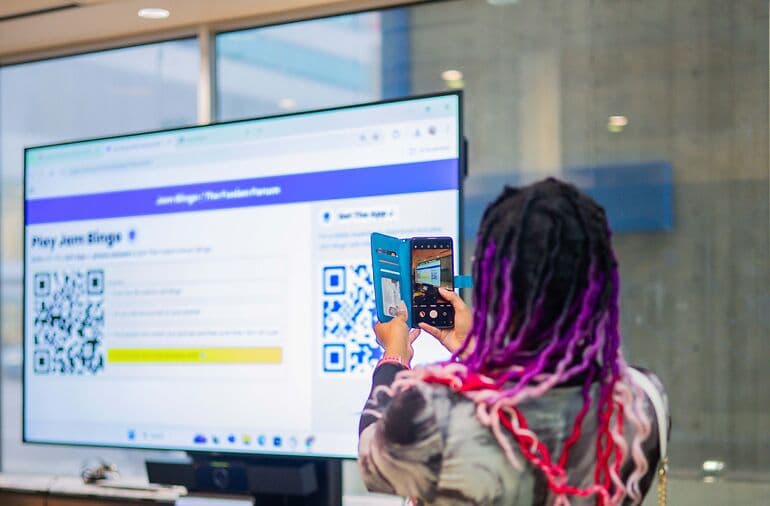
Can Jam Bingo Be Integrated Into Other Apps?
Yes. Add a Button or Link in Your Event App
Jam Bingo runs in the browser, so any event app that can hold a link can open the game.
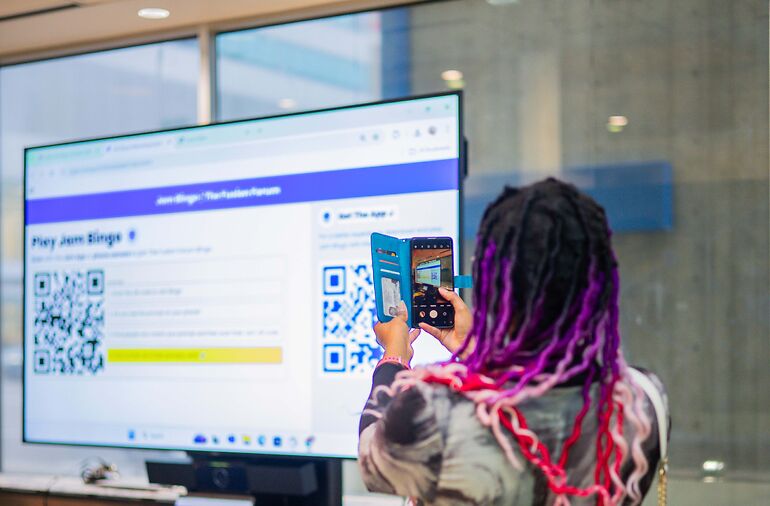
How to Integrate Jam Bingo Into Your Event App
Step 1: Copy Your Jam Bingo Game Link
Create your game and copy its link from the host screen.
Step 2: Add a Button or Link in Your Event App
Add it as a menu item, a home screen tile, an agenda session or a push notification.
Name it something clear, like 'Play the Networking Game.'
Step 3: Attendees Tap and Play
The link opens Jam Bingo right in the phone's browser.
No second app to download and no new account to create.
Event Apps You Can Add Jam Bingo To
- Conference apps like Whova, Cvent, Bizzabo and Swapcard
- Your event website or registration page
- Slack, Teams or WhatsApp event groups
- Confirmation emails and reminder texts
Do Attendees Need to Set Up Jam Bingo Beforehand?
No. The only setup is adding their contact info, which takes under a minute.
And it's optional. Attendees can skip it and add their details after the event.
If the link is in your event app, many will do it the night before.
Here's how to send out the Jam Bingo QR code before an event.
Best Time to Run Jam Bingo From Your Event App
Run it on the first day.
Attendees meet people early, then spend the rest of the event building on those conversations.
The welcome reception or the first coffee break works best.
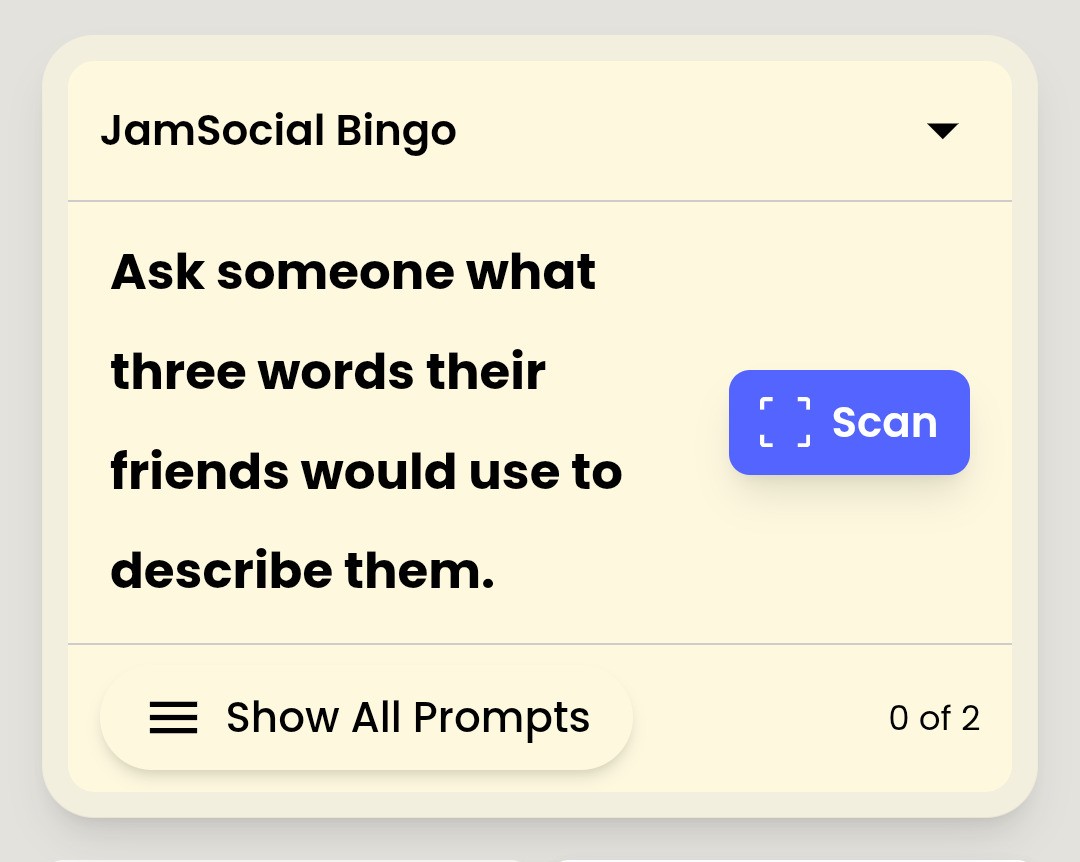
1. 10 conversation starters: to connect
Each guest receives 10 tailored conversation starters.
2. Talk with 10: different people
Talk with 10 new people to learn something new about them.
3. Remember conversations & names
Get a list of everyone you talked to, with their contact info and what you talked about.
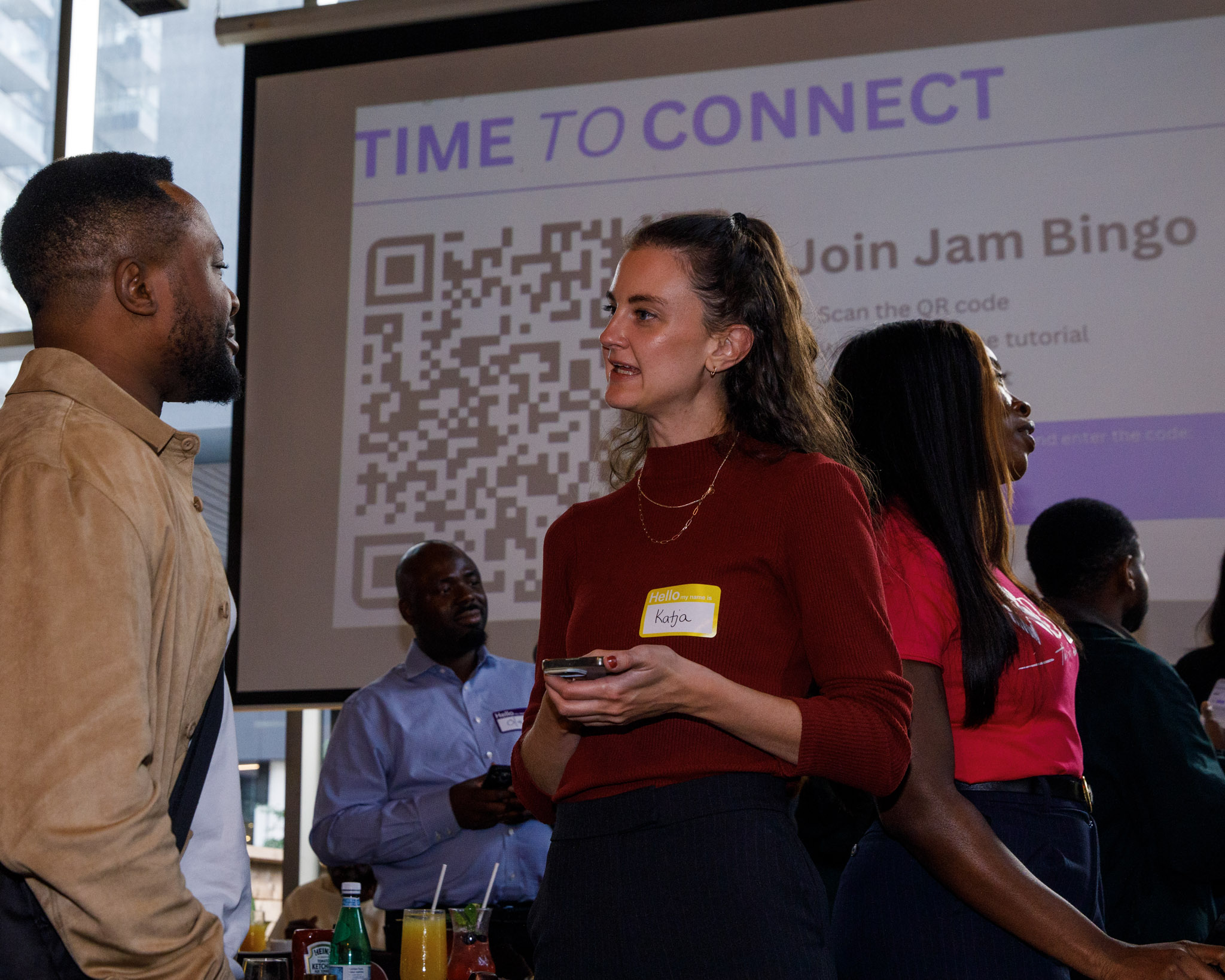
Why Integrate Jam Bingo Into Your Event App
1. Your Event App Gets Used In Person
Most attendees only open the app to check the agenda.
A networking game gives them a reason to open it and look up.
2. Attendees Meet Face to Face
In-app chat rarely turns into real meetings.
Jam Bingo sends people to talk in person, then saves the connection.
Add Jam Bingo to Your Event App
One link is all it takes. Create a networking game for your event app.
Frequently Asked Questions
Can Jam Bingo be integrated into other apps?
Yes. Add a button or link in your event app that goes right to your Jam Bingo game. It opens in the phone's browser, so there's nothing to install.
Which event apps does Jam Bingo work with?
Any app or platform where you can add a link or button, like Whova, Cvent, Bizzabo, Swapcard, Hopin, a Slack channel or your own event website.
Do attendees need to set up beforehand?
No. The only setup is adding their contact info, which takes under a minute, and it's optional. They can add it before they arrive, during the game or after the event.
When is the best time to run Jam Bingo in an event app?
On the first day, so attendees meet people early and have the rest of the event to keep those conversations going.
Do attendees need to download another app?
No. The button opens Jam Bingo in the browser, right from your event app.