
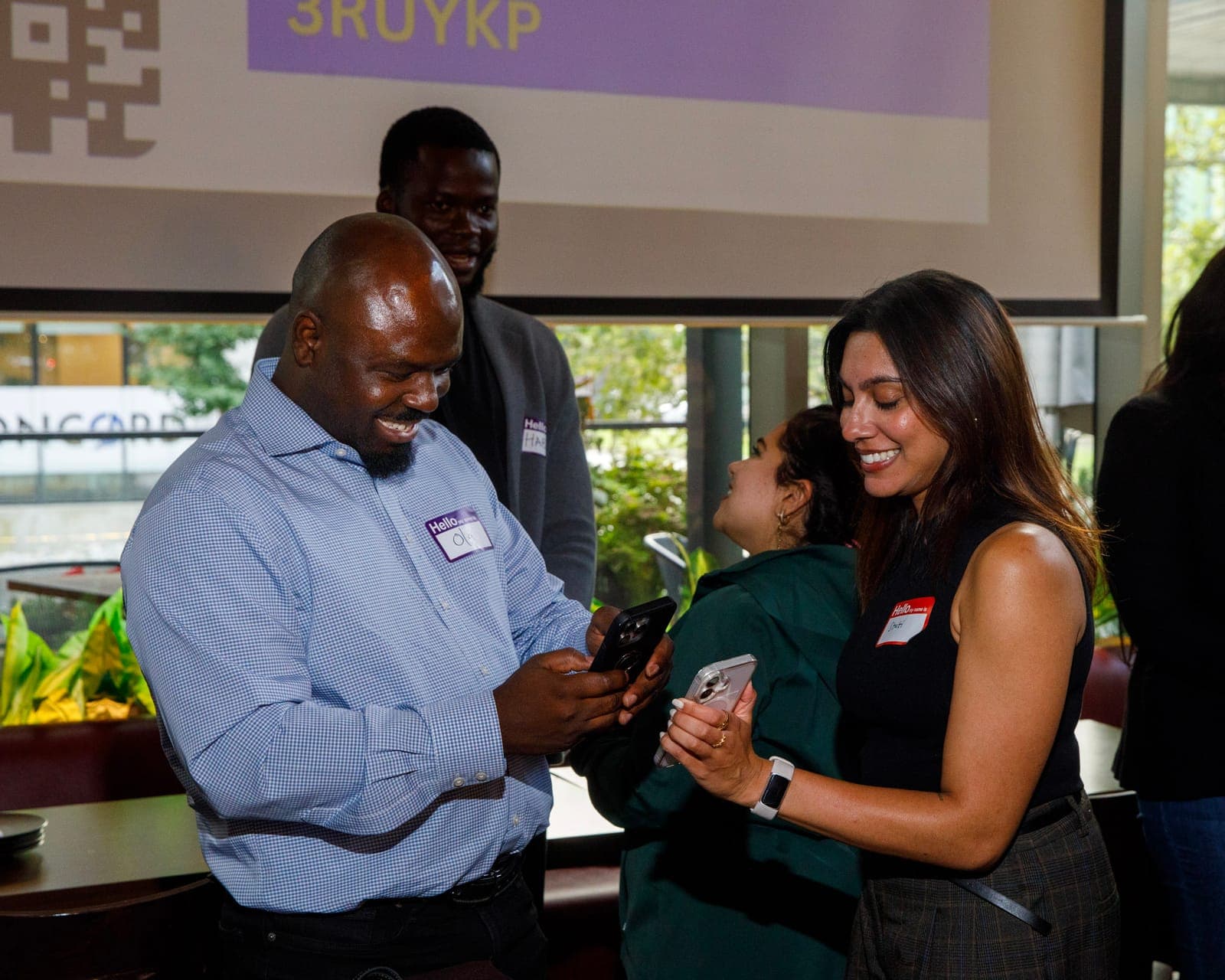
Networking Game for Work Event
What are the best networking games for adults at a party or work event?
Honest answer: it depends on two things.
- How much time do you have?
- What's the goal? Just warming up the room, or getting people from different departments or offices to actually know each other?
Pick your time slot below, then jump to the goal section if you need cross-team connections.
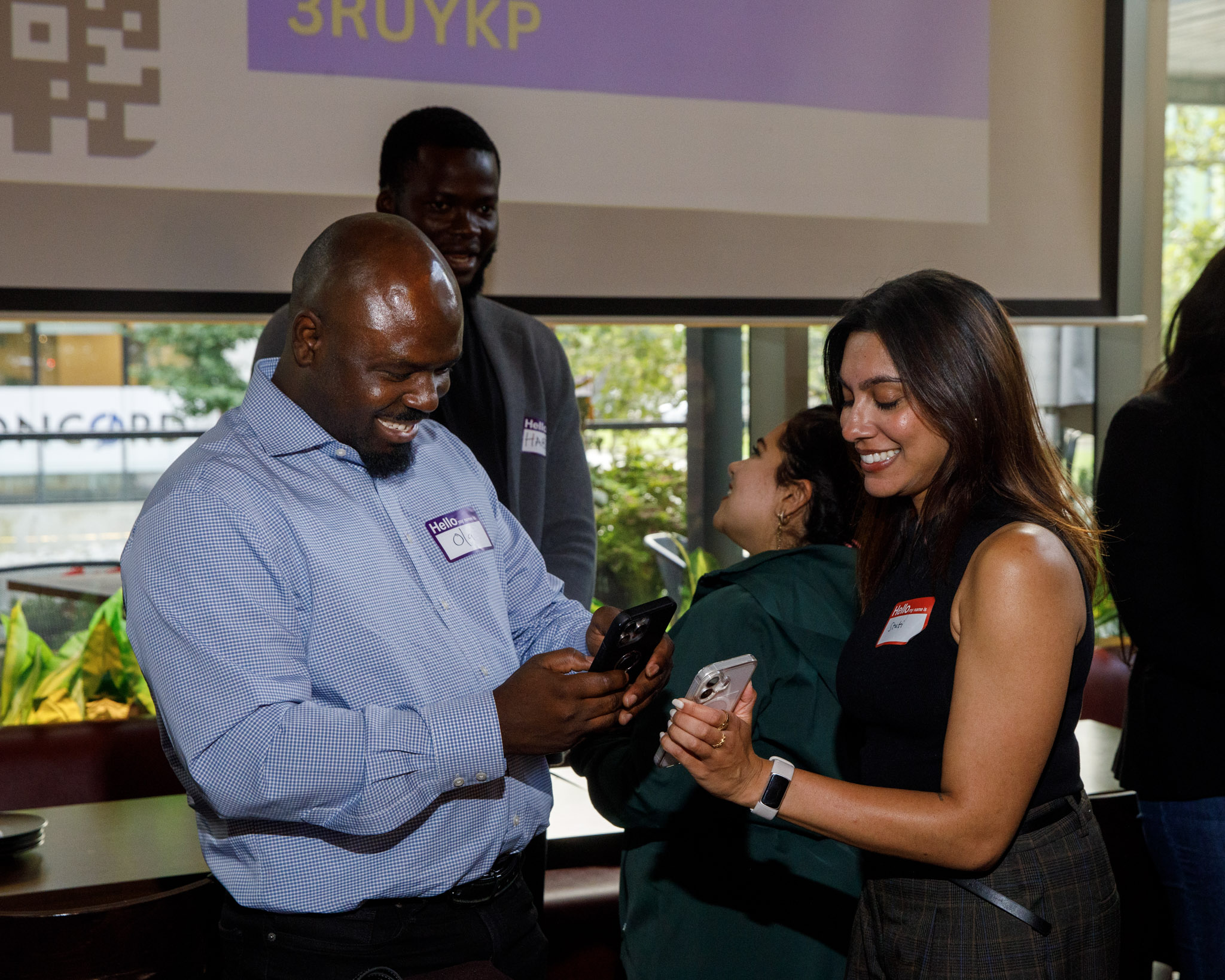
5 to 10 Minute Networking Games
Got a short gap before the keynote or between dinner and drinks? Go with something on the big screen.
These won't build deep connections, but they get the room laughing and talking, which is half the battle.
Wavelength App: Quick Party Game for Teams
Wavelength is a guessing game built around a spectrum, like 'Overrated to Underrated' or 'Boring Job to Exciting Job.'
One person sees a hidden target on the spectrum and gives a one-line clue. Their team debates where the dial should go.
- Setup: Open the app on a laptop and mirror it to the projector.
- Split the room into 2 to 4 teams. Mix departments if you can.
- Pick one clue giver per round and rotate every round.
- Run 3 to 5 rounds, then call it while people are still into it.
Facilitator tip: the debate is the point. Let teams argue for 30 seconds before locking in.
Kahoot: Work Trivia Game
Everyone knows Kahoot. Players join from their phone with a game PIN and race to answer questions on the screen.
Make it a networking game by making the questions about the people in the room.
- Before the event, collect 1 fun fact from 8 to 10 people.
- Write questions like 'Who on the team has visited 30+ countries?'
- Project the game and have people join at kahoot.it with the PIN.
- After each answer, have that person stand up and wave.
Now everyone has an easy opener for later: 'Wait, you've been to 30 countries?'
Slido: Live Polls and Word Clouds
Slido is the lowest effort option on this list. People scan a code and answer polls on their phone.
- Create a word cloud poll like 'Where did you grow up?' or 'Best snack in the office?'
- Show the results live on screen as answers come in.
- Call out the big words: 'Five of you grew up in Toronto. Go find each other.'
That last step turns a poll into a networking moment. Don't skip it.
15 to 20 Minute Networking Games
This is the sweet spot for most work events. Long enough for real conversations, short enough that nobody gets bored.
For a bigger list of business networking games, check out our full roundup.
Speed Networking
Two lines of chairs facing each other. Pairs get 3 minutes, then one line shifts down a seat.
- Set up two rows of chairs, or have people pair up standing.
- Put one prompt on the screen per round, like 'What's a project you're proud of this year?'
- Use a timer with a loud sound or a song change to signal the switch.
- Run 4 to 5 rounds.
Facilitator tip: the prompt on screen matters most. Without it, every round becomes 'So what do you do?'
Rotating Tables
Speed networking, but in small groups. Great if people are already sitting at tables for lunch or dinner.
- Number every seat at every table.
- Every 5 to 7 minutes, call a rotation: 'Odd numbers, move one table to the right.'
- Give each table a new question every round.
- Run 3 rounds so each person meets about 10 to 15 new people.
Facilitator tip: leave one person at each table as the 'host' who welcomes the new group. It cuts the awkward silence.


Presentation Karaoke
Someone presents a slide deck they've never seen, on a random topic, with zero prep.
It sounds terrifying. It's actually the funniest 20 minutes of most offsites.
- Prep 4 to 6 short decks (5 slides each) on random topics, like 'The History of Spoons' or 'Q3 Strategy for a Lemonade Stand.'
- Use mostly images and very few words.
- Ask for volunteers, or draw names from a hat.
- Each presenter gets 2 to 3 minutes. The room votes on the best one.
Facilitator tip: go first yourself. Once the host bombs on stage, everyone else relaxes.
Photo Sharing Game on Slack
Works great for hybrid teams or anyone who's shy about speaking up cold.
- Ask everyone to post one photo in the team Slack channel. Something from their camera roll they like.
- Give them 2 minutes to pick and post.
- Scroll through the channel on the big screen.
- Each person gets 30 to 60 seconds to say why they picked that photo.
Facilitator tip: post yours first so people see the vibe. A dog photo works every time.
Bonus: the photos stay in Slack, so the conversations keep going after the event.
30 Minute Networking Game
With 30 minutes, you're looking to ensure colleagues can talk with as many new people as possible.
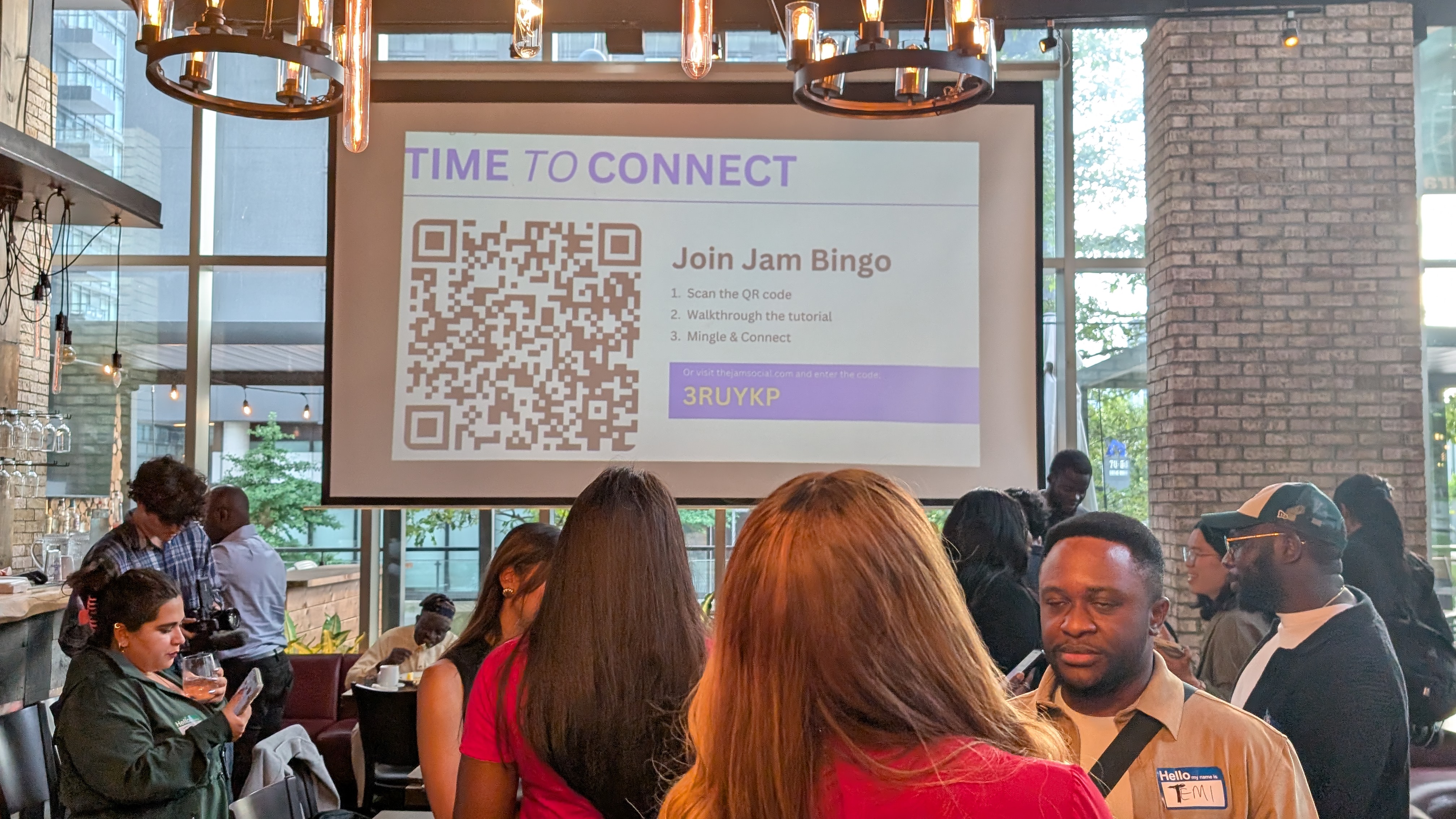
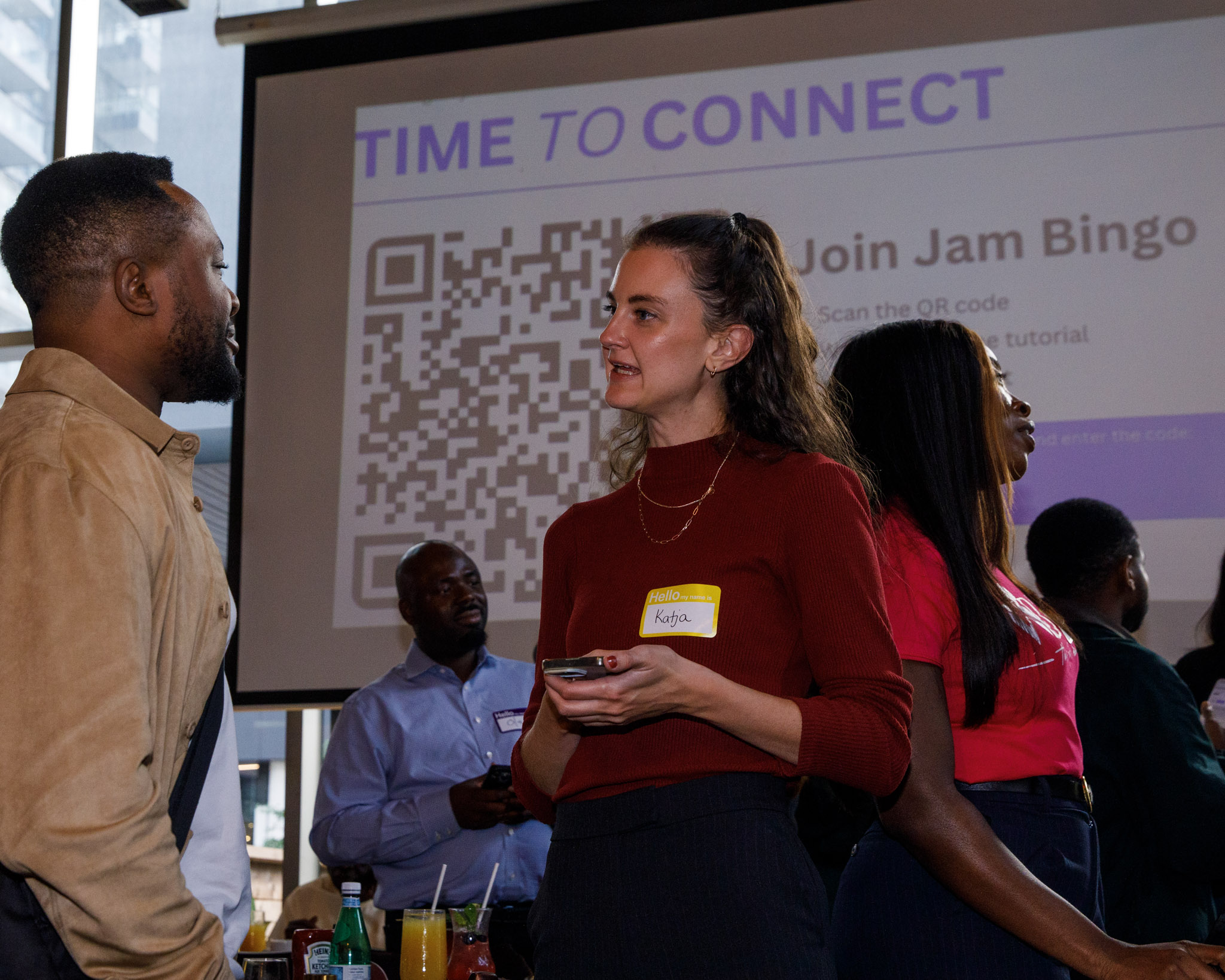
This is where Jam Bingo fits. It's an interactive networking game that makes it easy to get 100 - 1,000+ people talking with one another
Each person gets conversation prompts like 'Find someone who has worked here less than 6 months.'
They find someone who matches, have the conversation, then scan each other's QR code to unlock the next prompt.
How to Set Up Jam Bingo for a 30 Minute Session
- Create your game and pick 10 to 15 prompts. Write your own or start from a template.
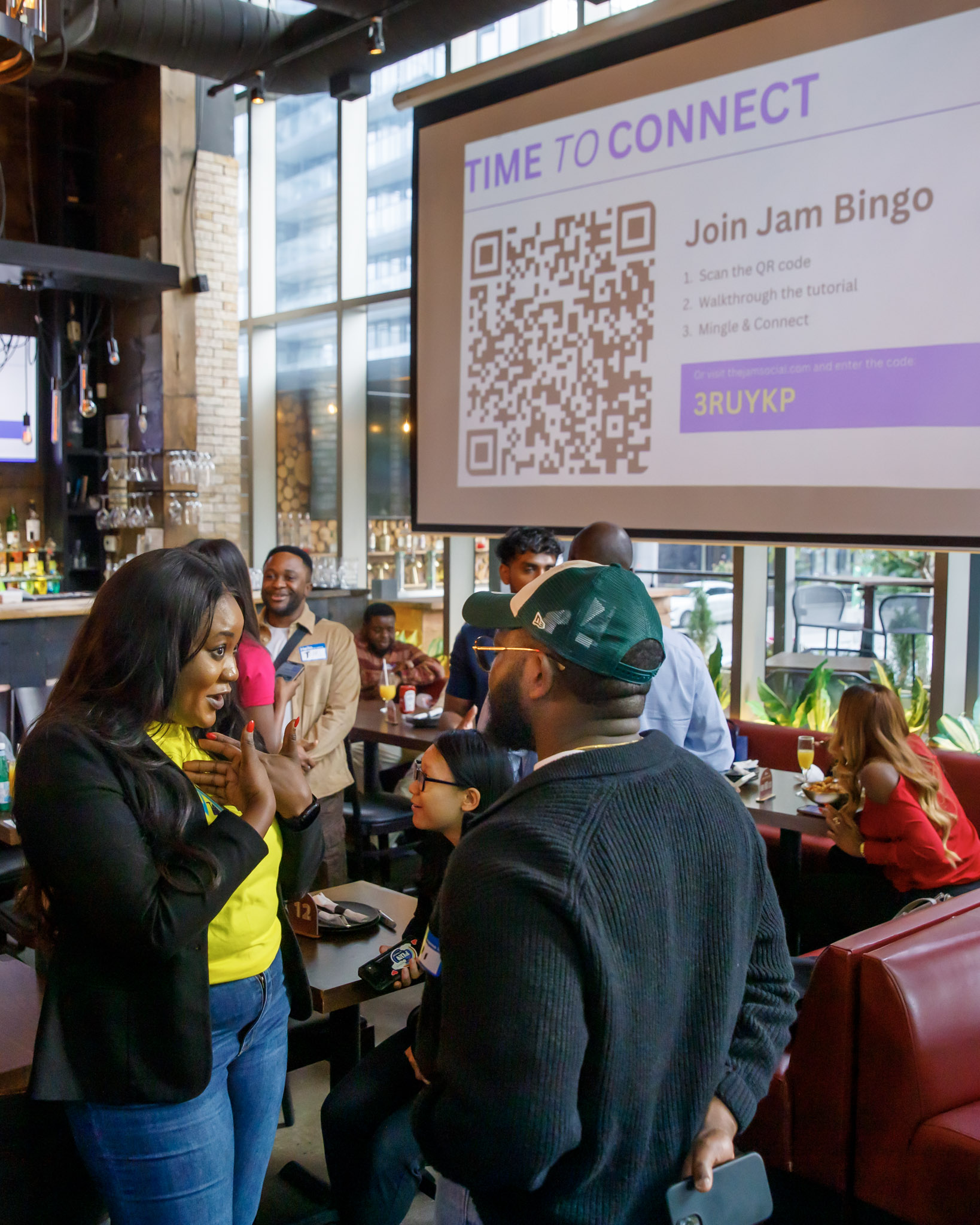
- Put the QR code on the screen, your slides or the name tags.
- Give a 30 second intro: 'Get a prompt, find someone, talk, scan. That's it.'
- Networking Begins!
- After the 30 minutes, shout out the top 3 (from the Jam Bingo leaderboard).
50+ Minute Networking Activities
Running an hour long reception? Most games run out of steam after 20-30 minutes.
Jam Bingo doesn't, because the game scales to fit your timeline.
How does Jam Bingo work? See how Jam Bingo works!
How to Run Jam Bingo for an Hour or More
- Add more prompts. The dashboard estimates how long your game will run.
- Turn on Continuous Play so players keep getting new prompts to meet people they haven't met yet.
- Leave it running in the background through cocktails, breaks and dinner.
- For multi-day events, keep the same game. Progress is saved, so people pick up where they left off.
Bonus: every connection is saved. After the event, people can look back at who they met and how to reach them.
Running a big crowd? Here are more networking games for large groups.
Networking Games for Colleagues From Different Departments
Here's the problem with most work events: people mingle, but only with the people they already sit next to.
Sales stays with sales. The Chicago office stays with the Chicago office.
If the goal is cross-team connections, you need a game that sends people across the room on purpose.
Use Jam Bingo Prompts That Cross Teams
Write prompts that only work if you talk to someone outside your team.
- Find someone from a different office and ask what their commute looks like.
- Find someone from another department and ask what a normal Tuesday looks like for them.
- Find someone who started the same year as you, but on a different team.
- Find someone whose team you've emailed but never met in person.
- Ask someone from a different department what their team is working on this quarter.
Each prompt is a built-in excuse to walk up to a stranger. Nobody has to come up with an opener.
Facilitation Tips for Cross-Department Networking
- Tell people the rule up front: 'Only scan people you didn't already know.'
- Ask team leads to play too. When managers jump in, everyone else follows.
- Shout out cross-team connections on the mic: 'Finance just met Engineering!'
- End with a quick show of hands: 'Who met someone from another office today?'


Quick Pick: Best Networking Game by Time
- 5 to 10 minutes: Wavelength, Kahoot or Slido.
- 15 to 20 minutes: Speed networking, rotating tables, presentation karaoke or the Slack photo share.
- 30 minutes: Jam Bingo with 10 to 15 prompts.
- 50+ minutes: Jam Bingo with more prompts and Continuous Play.
- Different departments or offices: Jam Bingo with cross-team prompts.
Want even more ideas? Here are 50 networking event games with real case studies.
Frequently Asked Questions
What are the best networking games for adults at a work event?
It depends on your time. For 5 to 10 minutes, use Wavelength, Kahoot or Slido. For 15 to 20 minutes, try speed networking, rotating tables, presentation karaoke or a photo share. For 30 minutes or more, or when you need people from different departments to meet, use Jam Bingo.
What is a quick networking game for a work party?
Wavelength is great for 5 to 10 minutes. Split the room into teams, show the spectrum on the big screen, and let teams argue over where the dial goes. It gets people laughing fast with zero prep.
How do you get colleagues from different departments to network?
Give them a reason to cross the room. Jam Bingo gives each person one prompt at a time, like 'Find someone from a different office who started the same year as you,' so they have to go talk to someone outside their usual circle.
What networking game works for a long event or a full day?
Jam Bingo. Add more prompts for a longer game, leave it running through a reception or across multiple days, and progress is saved, so people can pick up where they left off.
Do people need to download an app for Jam Bingo?
No. Jam Bingo runs in the phone's browser. Guests scan your QR code with their camera and they're in.