How Do You Use a QR Code to Prompt Conversation?
A QR Code Conversation Game for Events
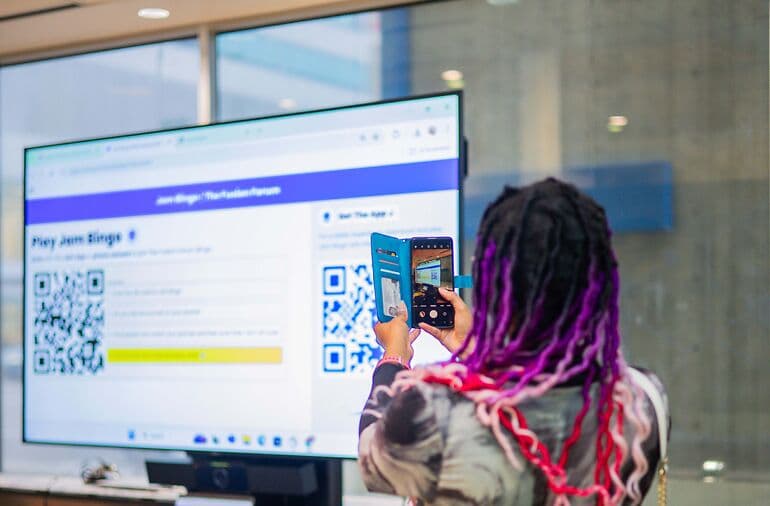
Jam Bingo is a QR code conversation game: every scan gives a guest a conversation prompt and someone to go find.

Why a QR Code Alone Doesn't Prompt Conversation
Most event QR codes open a menu, a survey or a list of questions.
Guests read it, then put the phone away and stay with their friends.
To prompt a conversation, the QR code has to send people to each other.
How a Conversation Prompt QR Code Works
What Hosts Need From a Conversation QR Code
The host's job is to get people who don't know each other talking, not to get scans.
And it has to work without printing, long rules or making introductions by hand.
What Guests Need From a Conversation QR Code
Guests want someone to talk to and something to say, without the awkward first move.
A conversation QR code gives them both: a person to find and a question to ask.
1. 10 conversation starters: to connect
Each guest receives 10 tailored conversation starters.
2. Talk with 10: different people
Talk with 10 new people to learn something new about them.
3. Remember conversations & names
Get a list of everyone you talked to, with their contact info and what you talked about.
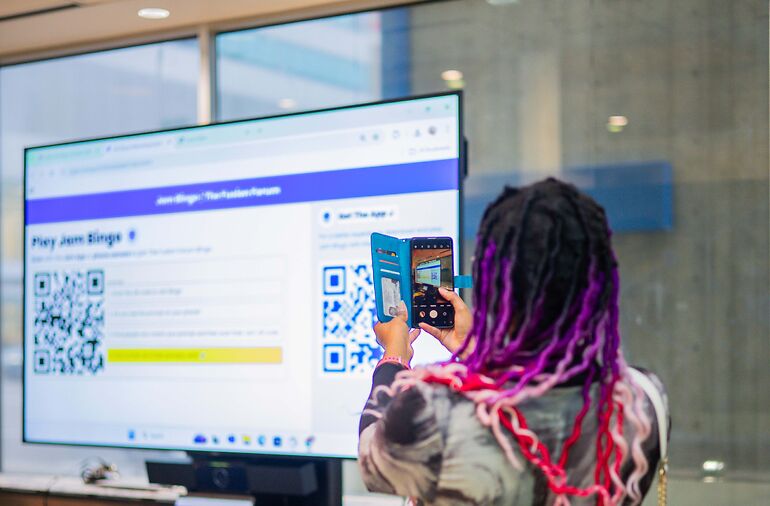
Step 1: Guests Scan the Conversation QR Code
The game opens in their browser. Adding contact info is optional and can be done after the event.
Step 2: A Conversation Prompt Appears
Something like 'Find someone who has a hobby nobody would guess and ask how they got into it.'
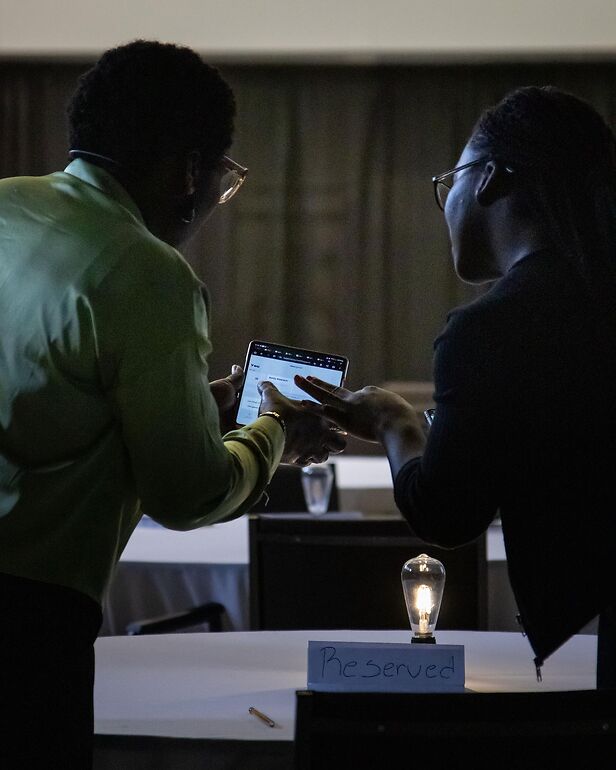
Step 3: Guests Find a Match and Talk
The prompt gives them the first line, so they don't have to think of one.
Step 4: Guests Scan Each Other's QR Code
Every guest has their own QR code in the game.
A scan saves the connection and unlocks a new prompt, which starts the next conversation.
Where to Put a QR Code That Prompts Conversation
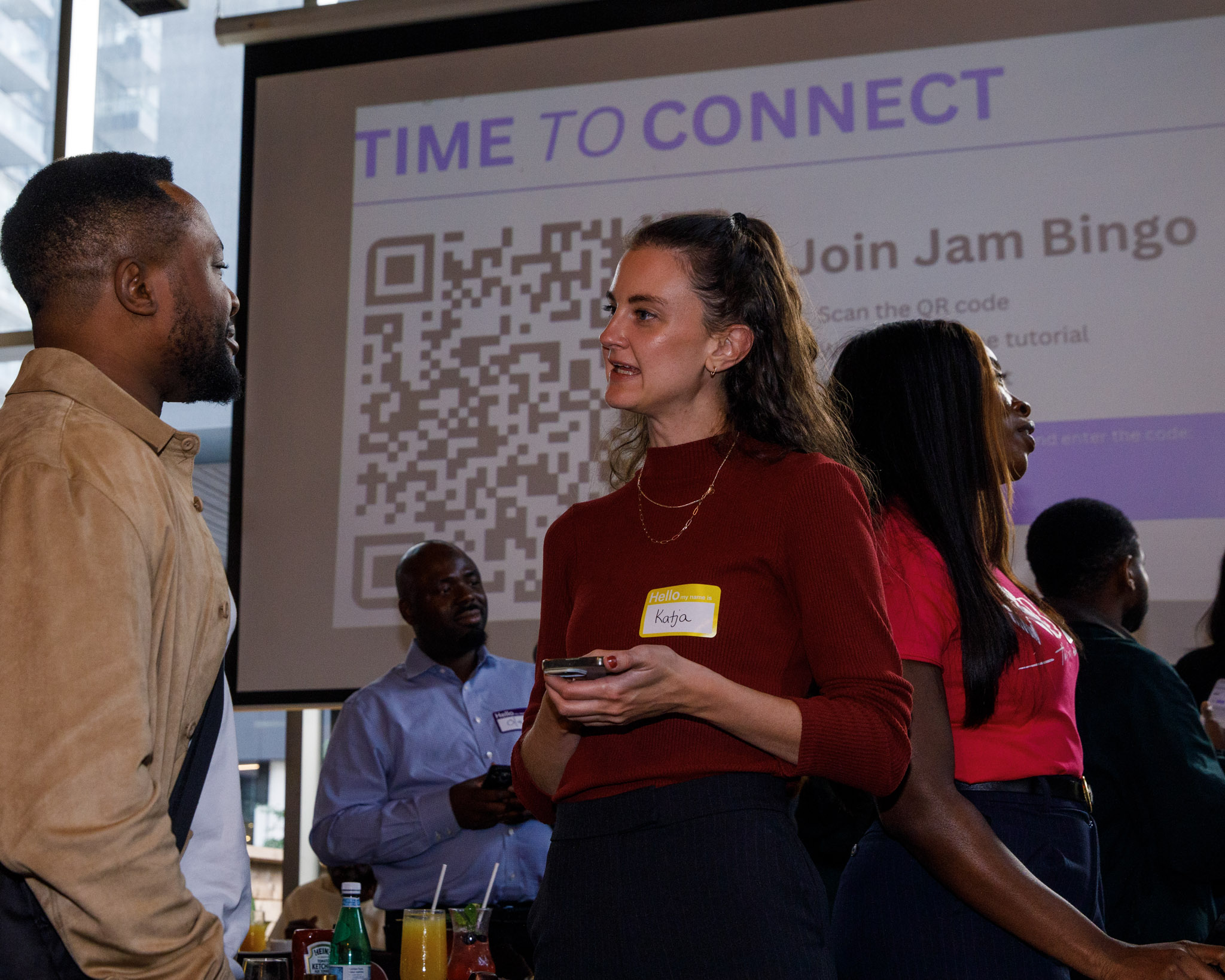
- The main screen during welcome remarks
- Table cards and cocktail tables
- Name badges or lanyards
- The bar, coffee station and food lines
- The registration desk
QR Code Conversation Templates
Make Your QR Code Prompt Conversation
Turn one scan into a room full of conversations. Create a QR code conversation game.
Frequently Asked Questions
How do you use a QR code to prompt conversation?
Point the QR code to a conversation game like Jam Bingo. Guests scan it, get a prompt such as 'Find someone who has lived abroad and ask what surprised them,' and go find that person.
Isn't a QR code to a list of questions enough?
Not really. A list of questions sits on a phone. A prompt that says who to find gives guests a reason to walk up to someone.
Where should I put the conversation QR code?
On screens, table cards, name badges, the bar and the registration desk.
Do guests need an app to scan the QR code?
No. The phone camera opens the game in the browser.