
Why Use a Career Fair Icebreaker App?
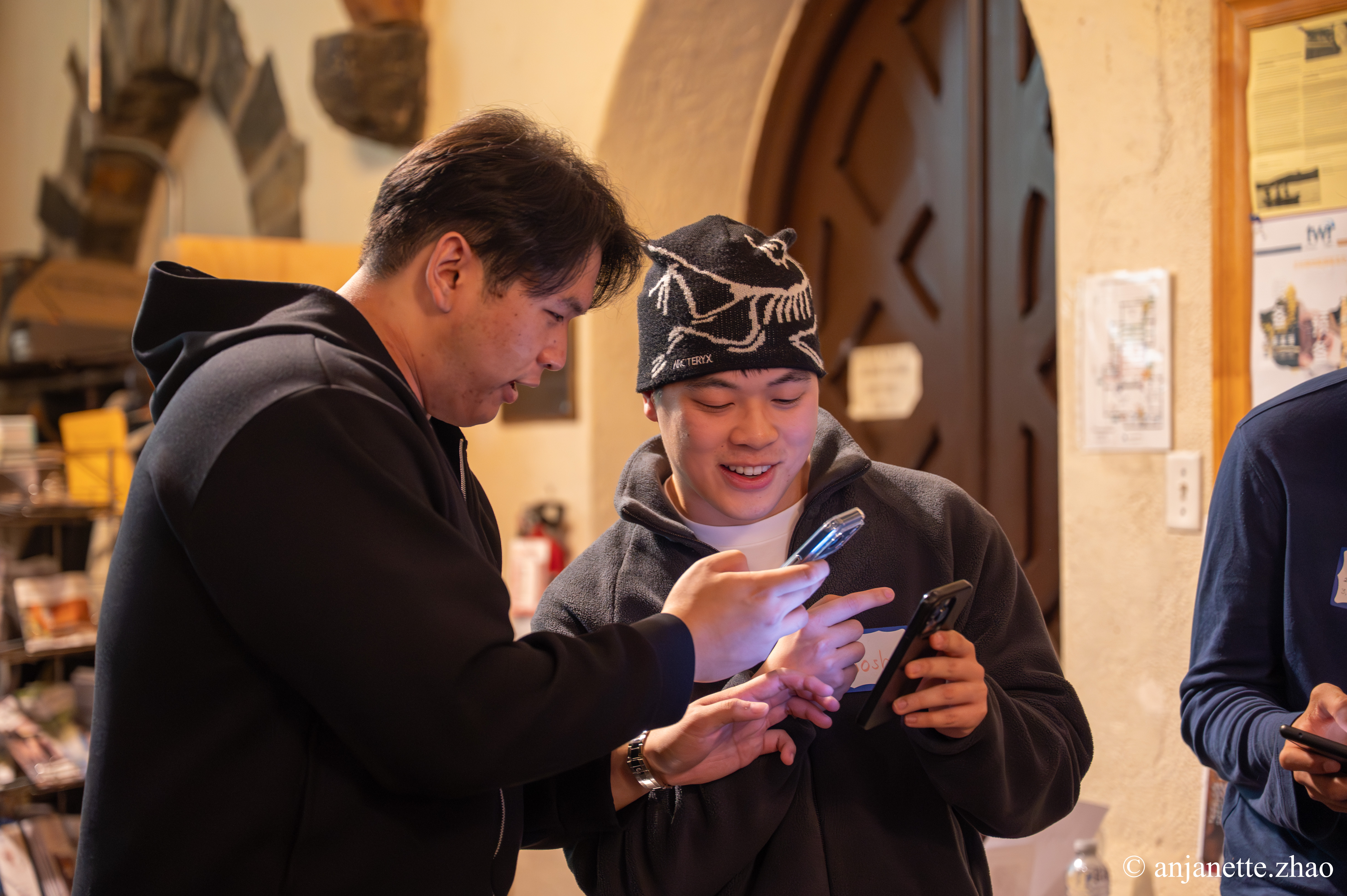
A career fair icebreaker app gives nervous students a reason and a script to approach employers. Instead of circling the room and grabbing free pens, students get a prompt like 'Ask a recruiter what they wish students knew before applying.' Employers get better conversations, students build confidence, and booths stay busy all day.
Jam Bingo sends each student one prompt at a time. They find an employer or student who matches, have the conversation, and scan each other's QR codes to unlock the next prompt. Every connection is saved with contact details, so students leave with a list of the recruiters they actually spoke with, not a stack of brochures.
How Does Career Fair Icebreaker App Work?
Career Fair Icebreaker App runs on Jam Bingo—the simple, interactive networking activity. It is not a card, it has no squares, and attendees do not fill anything out. Here’s what each attendee does:
- 1
Scan to join
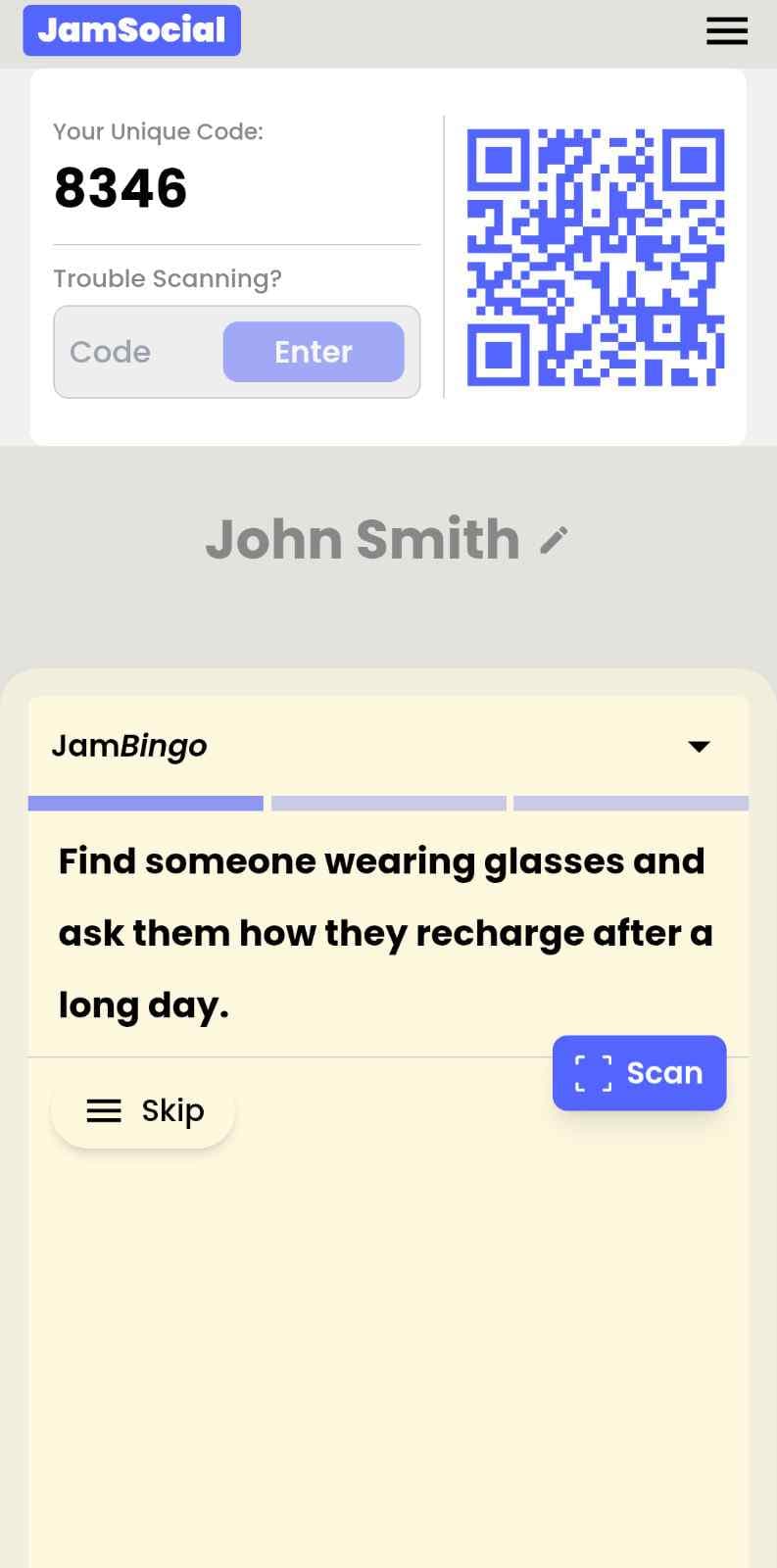
Attendees scan the event’s Jam Bingo QR code (or enter the game code). It runs in the phone’s browser—nothing to download.
- 2
Get a conversation prompt
Each person receives a conversation prompt on their phone, like a question to ask someone new.
- 3
Find someone and talk
They find someone who fits the prompt, have the conversation, then scan that person’s QR code (or enter their code) to unlock the next prompt.
- 4
Repeat and connect
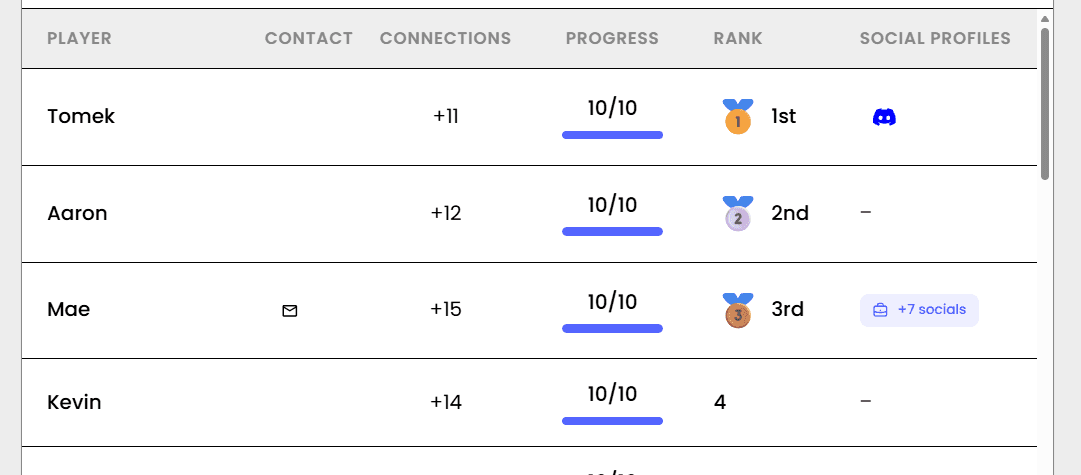
Every connection is saved, and the leaderboard shows who met the most new people—perfect for prizes.

Try the Jam Bingo Demo
See exactly what your attendees will experience. Scan the QR code with your phone, or use game code QW40PM.
How to Use the Career Fair Icebreaker App at Your Event
Follow these steps to set up and run the career fair icebreaker app for your own event.
- 01Step 1
Write Career Fair Prompts
Mix prompts that send students to employers ('Ask a recruiter what a first year looks like in their role') with a few that help students meet each other.
TipGive employers a heads up about the prompts so they're ready with great answers. - 02Step 2
Post the QR Code Around the Hall
Put the QR code at check-in, on the main screen, and at a few booths. Students scan with their phone camera and join with their name.
TipAsk employers to display the QR code at their booth too, so students can join anywhere. - 03Step 3
Recognize the Top Connectors
Let students play during the fair, then celebrate the ones who met the most employers.
TipA small prize for the top connector gets shy students moving early in the day.
Ready to Use the Career Fair Icebreaker App at Your Event?
Create a Jam Bingo, add your own prompts, and get a QR code for your event. You’ll be directed to the Create Account page first.
Have questions? Book a 15-minute demo.
Where to Use Career Fair Icebreaker App
University Career Fairs
Help students meet more employers and have better conversations at each booth.
- More booth visits
- Better conversations
- Saved connections for follow-up
High School Career Nights
Give high school students a question to ask every professional they meet.
- Easy first question
- Builds confidence
- Keeps students moving
Industry Hiring Events
Turn a hiring event into real conversations between candidates and hiring teams.
- Warmer introductions
- Candidates meet more teams
- Easy follow-up
Career Fair Icebreaker App vs. a Paper Booth Passport
| Feature | Paper Booth Passport | Career Fair Icebreaker App |
|---|---|---|
| What students do | Collect stamps | Have real conversations |
| Conversation starters | None | A specific prompt for every visit |
| Follow-up | Brochures and business cards | Every connection saved with contact details |
| Setup | Print passports and stamps | One QR code |
| Results for organizers | Hard to measure | Players, connections, and a leaderboard |
Example Prompts for Career Fair Icebreaker App
Taken from the Business Student Club Networking template. Use them as a starting point, then adapt them to your group.
Make people move
Start prompts with "Find someone who…" so each one sends players across the room to a new person, not back to their own table.
Mix easy and deeper prompts
Open with quick, observable prompts (something they're wearing, where they're from), then add a few that lead to a real story.
Keep them inclusive
Avoid prompts about money, looks, or anything someone could feel left out of. Everyone should be able to answer at least half of them.
Match the length of your event
Around 12–16 prompts fits a 30-minute game. More prompts than time just leaves people unfinished.
- 1
Find someone who has started their own business, and ask them what they're most excited about right now
- 2
Find a student who has completed an investment internship, and ask them how they'd spend a completely free day
- 3
Find someone who can name 3 business podcasts they listen to, and ask them what they're most excited about right now
- 4
Find a member who has attended a case competition, and ask them what they're looking forward to this week
- 5
Find someone who speaks more than 2 languages, and ask them what they're most proud of this year
See all 5 prompts in the Business Student Club Networking template · Browse all templates
Other Platforms Like Jam Bingo
Jam Bingo is designed to help people actually get to know each other, not just exchange names. Unlike icebreaker games that focus on quick interactions or surface-level fun, Jam Bingo is built around meaningful conversations that make it easier for people to open up, find common ground, and build real relationships.
| Features | Jam Bingo | Hoogo | SocialPoint.io | Booth Bingo | Eventgamification.com |
|---|---|---|---|---|---|
| Paperless (QR Code Digital) | ✅ | ✅ | ✅ | ✅ | ✅ |
| Custom Branding | ✅ | ✅ | ✅ | ❌ | ❌ |
| Conversation Prompt | ✅ | ❌ | ❌ | ❌ | ❌ |
| Meaningful & Intentional Connections | ✅ | ❌ | ❌ | ❌ | ❌ |
| Contact Sharing (Email, Instagram, Linkedin, etc) | ✅ | ❌ | ❌ | ❌ | ❌ |
| Each person gets a list of everyone they connected with, including contact information and conversations they had. | ✅ | ❌ | ❌ | ❌ | ❌ |
| Introduction Forum | ✅ | ❌ | ❌ | ❌ | ❌ |
| Auto Introductions ("Introduce Me") | ✅ | ❌ | ❌ | ❌ | ❌ |
Frequently Asked Questions
What is a career fair icebreaker app?
It's a phone-based game that gives students conversation prompts to use with employers and other students. With Jam Bingo, students scan a QR code, get a prompt, have the conversation, and scan the other person's code to unlock the next prompt.
How does it help shy students?
It gives them a specific question to ask, so walking up to a booth feels like completing a task instead of cold networking.
Do employers need to do anything?
Just be ready to chat. Employers can also scan students' QR codes to save the connection on their side.
Do students need to download an app?
No. It runs in the phone's browser. Students scan the QR code and join with their name.
Can students choose which employer to visit next?
Yes, if you turn on Allow Show All. Students can see every prompt and pick the one that matches the booth they want to visit.
The Simple Way to Get People Talking
Jam Bingo gets people having meaningful conversations and meeting as many new people as possible.
Ice Breakers for Student Hiring Fair
JamBingo is a networking activity that gives students structured conversation prompts turning hiring fairs into an interactive experience where students can comfortably engage hiring companies.
GuideHigh School Career Night Icebreaker for a Student and Professionals Mixer
Jam Bingo is an interactive icebreaker that gives high school students a specific question to ask every professional they meet, so career nights turn into real conversations.
GuideUniversity Orientation Icebreaker Ideas for New Students
Jam Bingo is an interactive tool that gives new students an incentive to chat, helping them break the ice and connect with each other (without it feeling weird or awkward).
Icebreaker games10 Unique Icebreaker Games for New Student Engagement
You’ve got hundreds of nervous freshmen coming together at your upcoming event. Here’s how to get them talking and interacting with each other.
Icebreaker games10 Easy & No-Prep Interactive Networking Games for Professionals
No supplies, no setup, no awkward silence. Just games that get a room full of strangers actually talking.
Icebreaker games10 Team Ice Breaker Activities for Your Company Picnic
Move beyond awkward small talk. These unique icebreakers turn any picnic into a genuine connection zone.