
Why Use a Workshop Icebreaker App?
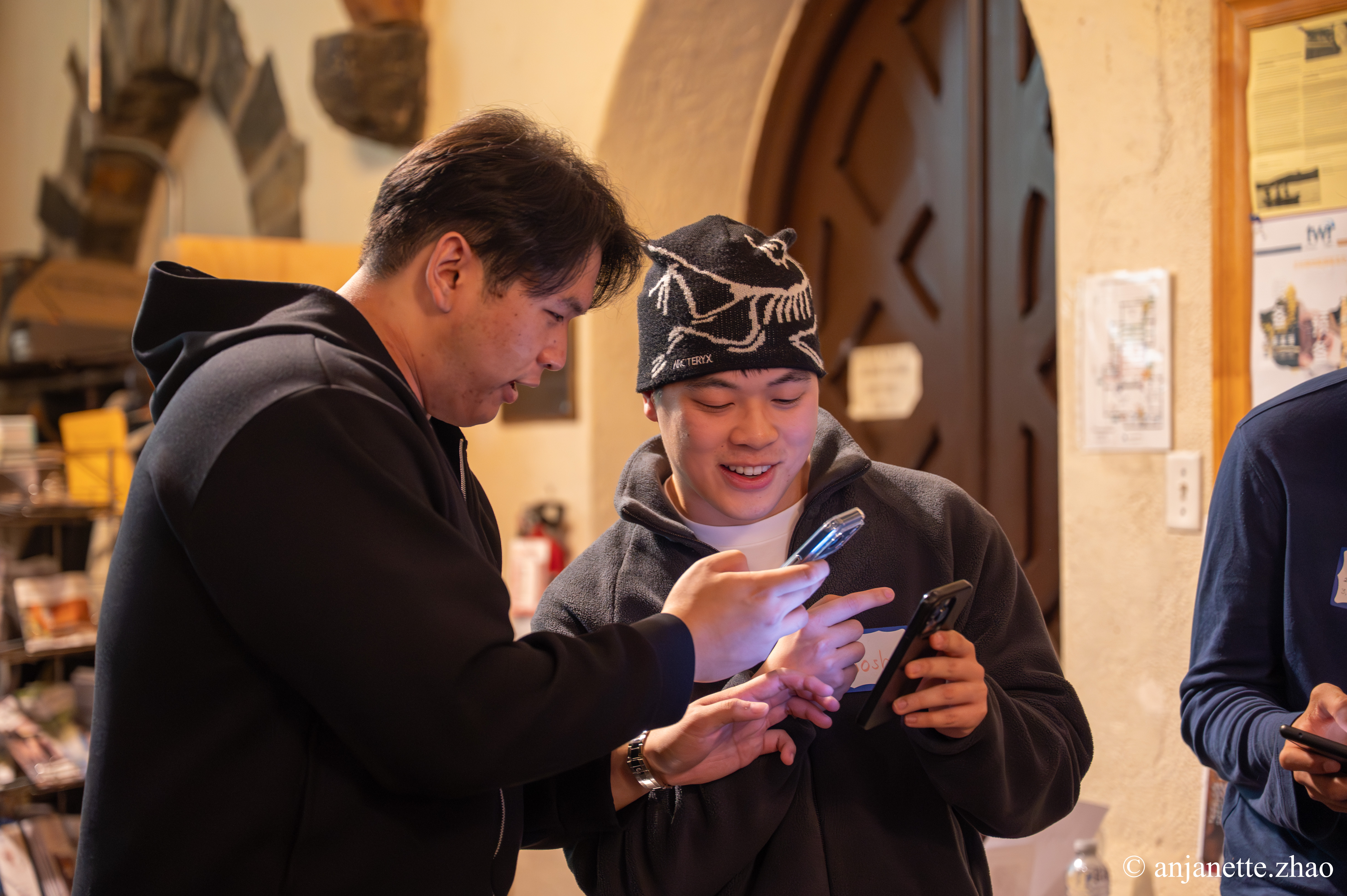
A workshop icebreaker app gets participants comfortable with each other fast, so group work flows and people actually speak up. Instead of the dreaded 'say your name and a fun fact' round, everyone plays at once, meets several people, and walks into the first exercise already talking.
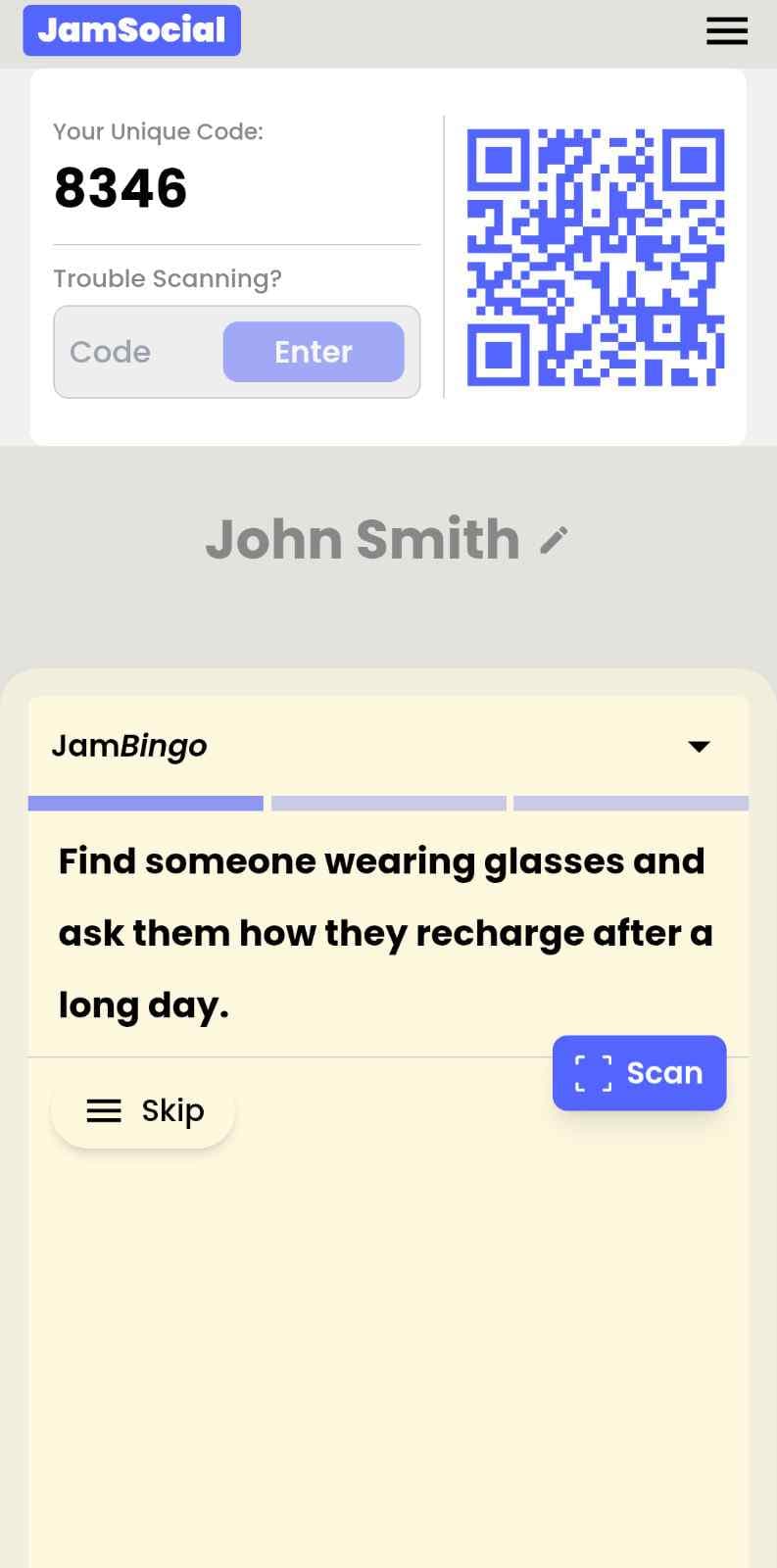
Jam Bingo sends each participant one prompt at a time, like 'Find someone who hopes to learn something different from you today and ask what it is.' After the chat, they scan each other's QR codes to unlock the next prompt. You can tie prompts to the workshop topic, so the icebreaker doubles as a warm-up for the content.
How Does Workshop Icebreaker App Work?
Workshop Icebreaker App runs on Jam Bingo—the simple, interactive networking activity. It is not a card, it has no squares, and attendees do not fill anything out. Here’s what each attendee does:
- 1
Scan to join
Attendees scan the event’s Jam Bingo QR code (or enter the game code). It runs in the phone’s browser—nothing to download.
- 2
Get a conversation prompt
Each person receives a conversation prompt on their phone, like a question to ask someone new.
- 3
Find someone and talk
They find someone who fits the prompt, have the conversation, then scan that person’s QR code (or enter their code) to unlock the next prompt.
- 4
Repeat and connect
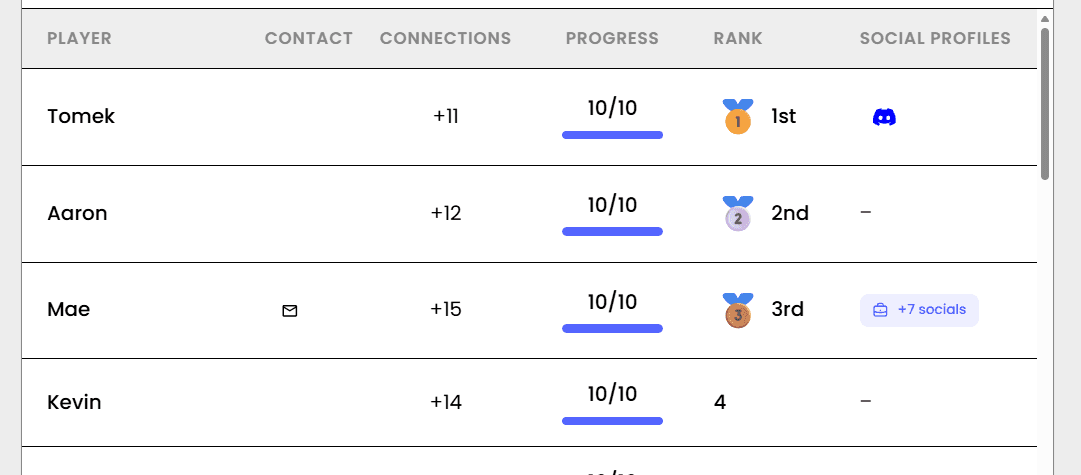
Every connection is saved, and the leaderboard shows who met the most new people—perfect for prizes.

Try the Jam Bingo Demo
See exactly what your attendees will experience. Scan the QR code with your phone, or use game code QW40PM.
How to Use the Workshop Icebreaker App at Your Event
Follow these steps to set up and run the workshop icebreaker app for your own event.
- 01Step 1
Write Topic-Linked Prompts
Write a few prompts about the workshop topic and a few about people's goals for the day.
TipAsk participants what they hope to get out of the day. It gives you useful input too. - 02Step 2
Open With the QR Code
Show the QR code on your first slide. Participants scan and start playing while people are still arriving.
TipStarting before the official start time keeps early arrivals busy and late arrivals catch up easily. - 03Step 3
Debrief and Dive In
After 10 to 20 minutes, ask a few people what they learned about someone else, then move into your first exercise.
TipForm breakout groups with people who haven't met yet.
Ready to Use the Workshop Icebreaker App at Your Event?
Create a Jam Bingo, add your own prompts, and get a QR code for your event. You’ll be directed to the Create Account page first.
Have questions? Book a 15-minute demo.
Where to Use Workshop Icebreaker App
Corporate Training Days
Get participants from different teams talking before the first session.
- Faster group work
- More participation
- Cross-team connections
Design and Strategy Workshops
Warm up the room before brainstorming so everyone feels comfortable sharing ideas.
- More ideas shared
- Less hesitation
- Topic-linked prompts
Community and Nonprofit Workshops
Help community members meet each other, not just the facilitator.
- Builds community
- Easy for volunteers
- No printing
Workshop Icebreaker App vs. Name and Fun Fact Round
| Feature | Name and Fun Fact Round | Workshop Icebreaker App |
|---|---|---|
| Time for 40 people | 20+ minutes of listening | 10 to 20 minutes of talking |
| Who talks | One person at a time | Everyone at once |
| Pressure | Put on the spot in front of the room | One-on-one conversations |
| Link to the content | None | Prompts tied to the workshop topic |
| Setup | None | One QR code |
Example Prompts for Workshop Icebreaker App
Taken from the Medical/Health Training template. Use them as a starting point, then adapt them to your group.
Make people move
Start prompts with "Find someone who…" so each one sends players across the room to a new person, not back to their own table.
Mix easy and deeper prompts
Open with quick, observable prompts (something they're wearing, where they're from), then add a few that lead to a real story.
Keep them inclusive
Avoid prompts about money, looks, or anything someone could feel left out of. Everyone should be able to answer at least half of them.
Match the length of your event
Around 12–16 prompts fits a 30-minute game. More prompts than time just leaves people unfinished.
- 1
Find someone wearing glasses and ask them how they recharge after a long day
- 2
Find someone who isn't talking to anyone and ask them what they're passionate about outside of work
- 3
Find someone with brown hair and ask them what their favorite fun fact is
- 4
Find someone who carpooled to get here and ask them where they are from
- 5
Find someone with blue eyes and ask them what they had for dinner last night
- 6
Find someone who has handled a venomous animal and introduce yourself
See all 6 prompts in the Medical/Health Training template · Browse all templates
Other Platforms Like Jam Bingo
Jam Bingo is designed to help people actually get to know each other, not just exchange names. Unlike icebreaker games that focus on quick interactions or surface-level fun, Jam Bingo is built around meaningful conversations that make it easier for people to open up, find common ground, and build real relationships.
| Features | Jam Bingo | Hoogo | SocialPoint.io | Booth Bingo | Eventgamification.com |
|---|---|---|---|---|---|
| Paperless (QR Code Digital) | ✅ | ✅ | ✅ | ✅ | ✅ |
| Custom Branding | ✅ | ✅ | ✅ | ❌ | ❌ |
| Conversation Prompt | ✅ | ❌ | ❌ | ❌ | ❌ |
| Meaningful & Intentional Connections | ✅ | ❌ | ❌ | ❌ | ❌ |
| Contact Sharing (Email, Instagram, Linkedin, etc) | ✅ | ❌ | ❌ | ❌ | ❌ |
| Each person gets a list of everyone they connected with, including contact information and conversations they had. | ✅ | ❌ | ❌ | ❌ | ❌ |
| Introduction Forum | ✅ | ❌ | ❌ | ❌ | ❌ |
| Auto Introductions ("Introduce Me") | ✅ | ❌ | ❌ | ❌ | ❌ |
Frequently Asked Questions
What is a workshop icebreaker app?
It's a phone-based warm-up that gives participants conversation prompts. With Jam Bingo, participants scan a QR code, get a prompt, chat with someone, and scan each other's codes to unlock the next prompt.
How long should a workshop icebreaker take?
About 10 to 20 minutes. That's enough for each person to meet three to five others without eating into your content.
Does it work for virtual or hybrid workshops?
It's built for in-person rooms, where people can walk up to each other and scan codes.
Can I use it for a full-day training?
Yes. Run it at the start of the day, then use the new connections to form breakout groups.
The Simple Way to Get People Talking
Jam Bingo gets people having meaningful conversations and meeting as many new people as possible.
100+ Person Icebreaker for IB/PE Incoming Analyst
Jam Bingo is a large group icebreaker activity that helps incoming analysts from different offices, cities, and product groups build real personal relationships during training — so they already have a network inside the firm before day one on the desk.
GuideInteractive Corporate Icebreaker Tools
The best interactive corporate icebreaker tools remove every barrier to joining, give each employee a clear reason to talk to someone new, and work the same for 20 people or 2,000 — so the tool fades into the background and the conversations take over.
GuideIcebreaker session for Birth Trauma Summit
JamBingo is an icebreaker activity that helps birth trauma summit attendees connect and start meaningful conversations with each other.
Icebreaker games25 Icebreakers for an Association AGM & Tradeshow Mixer
These icebreakers turn a formal AGM and tradeshow into meaningful conversations.
Icebreaker games10 Team Ice Breaker Activities for Your Company Picnic
Move beyond awkward small talk. These unique icebreakers turn any picnic into a genuine connection zone.
Icebreaker games10 Company Annual Gathering Interactive Ice breaker Activities
Your annual gathering should feel like a celebration, not a compliance event. These icebreakers help people actually connect around the year that was — and get excited for what's next.